Playback
Using the [Playback] menu
- 163 -
■
[MULTI]
Use the cursor buttons to select [MULTI], and then press
[MENU/SET]
Use the cursor buttons to select size, and then press
[MENU/SET]
Use the cursor buttons to select a still picture, and then press
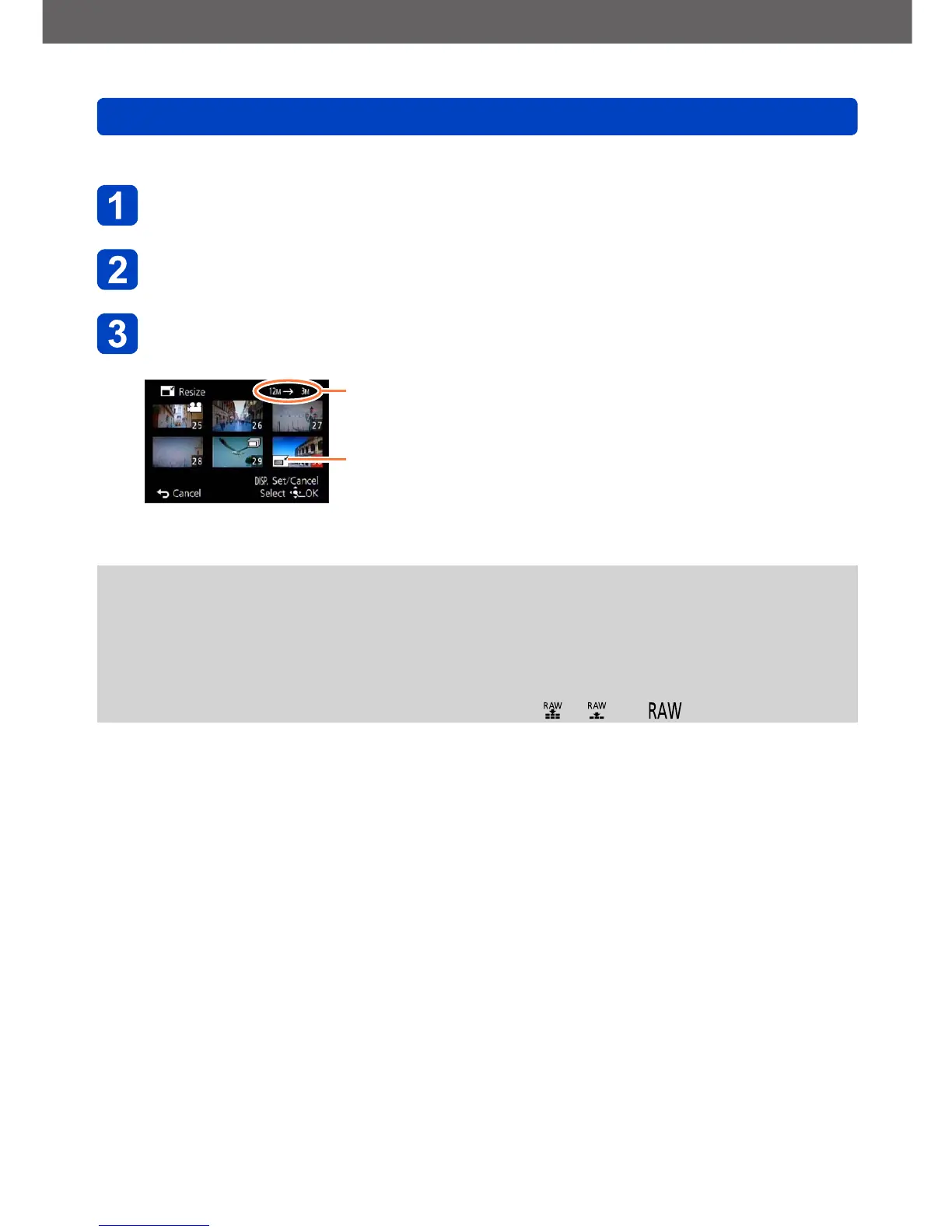
the [DISP] button (up to 100 pictures)
Resolution before/after resizing
Resize setting
• To cancel:
Press the [DISP] button again
• To execute:
Press [MENU/SET]
• A confirmation screen is displayed. If you select [Yes], the operation is executed.
●
The picture quality is reduced after resizing.
●
The following pictures cannot be resized.
• Motion pictures
• 3D still pictures
• Panorama pictures
• Still pictures on which date or other texts had already been stamped
• Still pictures recorded with the [Quality] setting [ ], [ ] or [ ]



 To Next Page