Taking pictures
Using the [Rec] menu
- 137 -
• For the setting procedures of the menu. (→52)
[Motion Deblur]
■
Recording mode:
For details (→32).
[iHandheld Nite Shot]
■
Recording mode:
For details (→32).
[iHDR]
■
Recording mode:
For details (→33).
[Stabilizer]
■
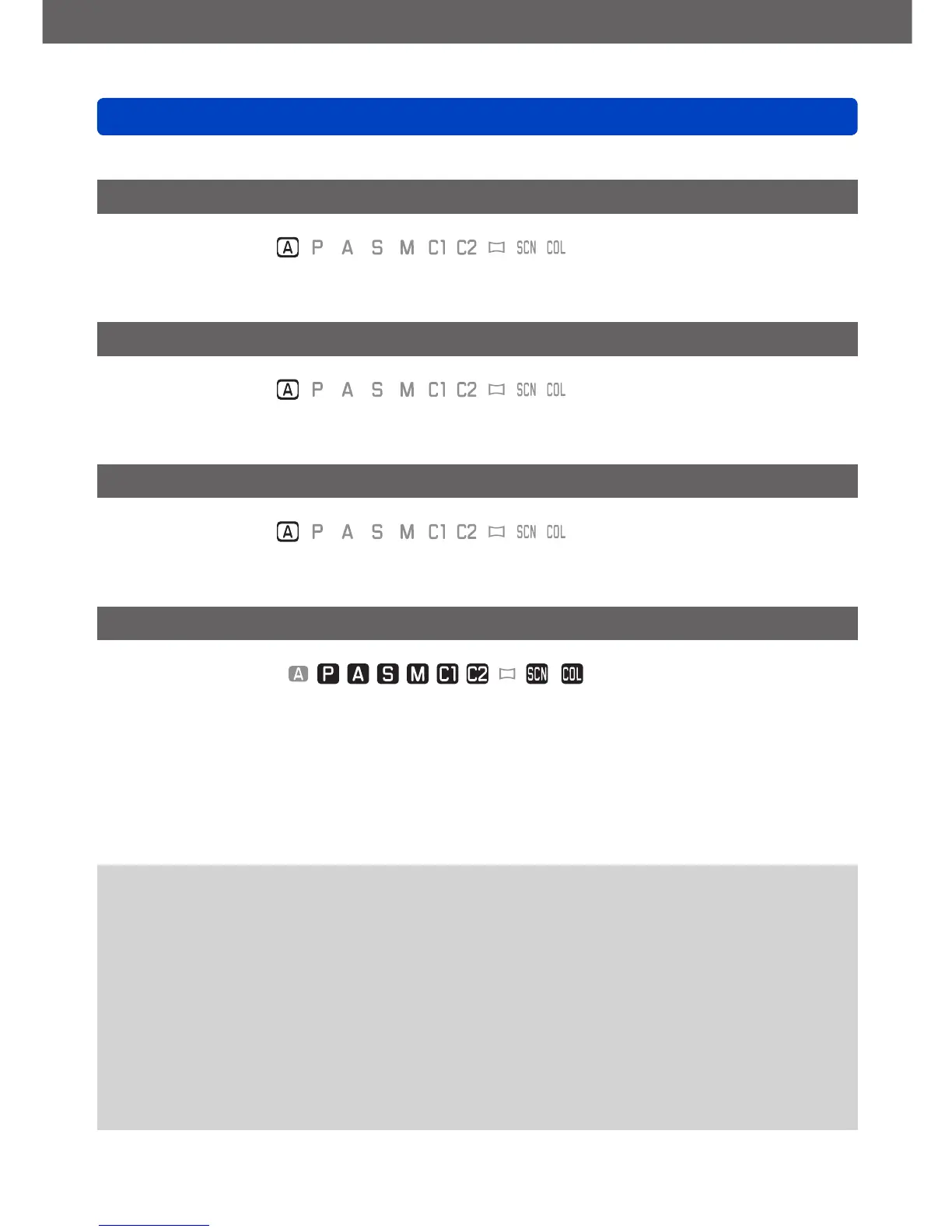
Recording modes:
*
*
[Handheld Night Shot] is fixed to [ON].
The following modes are fixed to [OFF]: [Starry Sky] [3D Photo Mode]
This mode automatically detects and reduces the effects of camera shake. When
recording motion pictures, [Active Mode] (stabilizer for motion pictures) will automatically
function. This decreases image blurring when recording motion pictures while walking,
etc.
■
Settings: [ON] / [OFF]
●
Cases where the stabilizer function may be ineffective:
• When the camera is moved violently
• When the lens’ focal length setting is long, i. e. it is zoomed towards its utmost T
position (also in the Digital Zoom range)
• When taking pictures while following a moving subject
• When the shutter speed becomes slower while taking pictures indoors or in dark
places
●
In [Active Mode], a stronger effect of the correction can be achieved with shorter focal
lengths.
●
In the following case, [Active Mode] will not function even when recording motion
pictures.
• When [Rec Quality] is set to [VGA] in [MP4]



 To Next Page