Taking pictures
Close-up pictures
- 80 -
[Macro Zoom]
■
Recording modes:
*
*
This mode cannot be set in the following modes: [Toy Effect], [Miniature Effect]
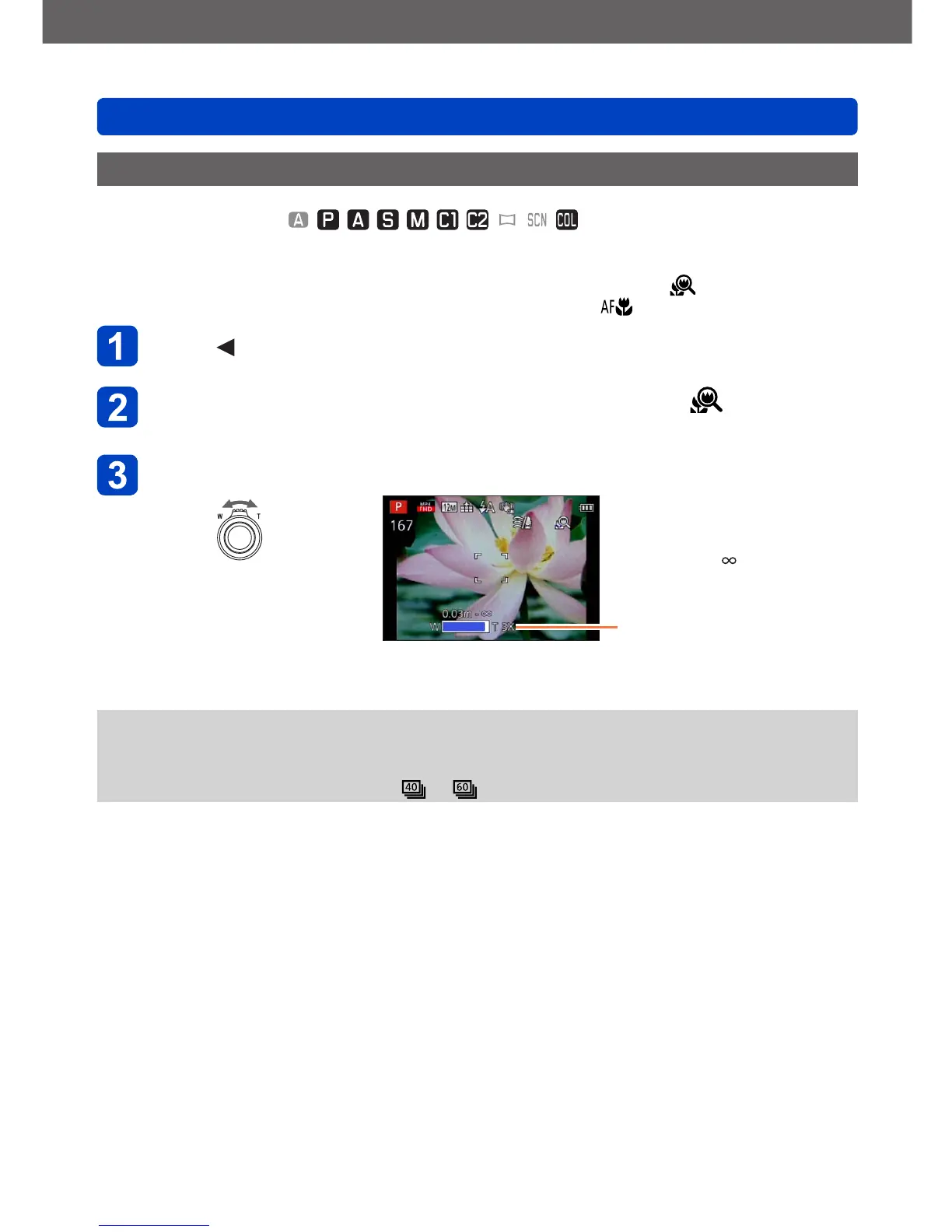
To take even larger images of the subject, setting to [Macro Zoom] ( ) enables the
subject to appear even larger than when using [AF Macro] ( ).
Press
Use the cursor buttons to select [Macro Zoom] ( ), and then
press [MENU/SET]
Adjust the magnification with the zoom lever
Reduce Enlarge
The zoom position is fixed at
the Wide end.
Focus range is
3cm (1
3
/
16
″) - .
Magnification (1x to 3x)
●
In [Macro Zoom], higher magnification results in lower picture quality.
●
When [Macro Zoom] is set, Extended optical zoom or [i.ZOOM] does not work.
●
When [AF Tracking] is set, zoom macro is canceled.
●
When the [Burst] setting is set to or , the [Macro Zoom] cannot be set.



 To Next Page