Basics
Snapshot mode
- 35 -
[Snapshot Plus Mode]
When [Snapshot Plus Mode] is selected, you can easily adjust the brightness and
coloring, in addition to the depth of field, without compromising the user-friendly operation
of [Snapshot Mode].
■
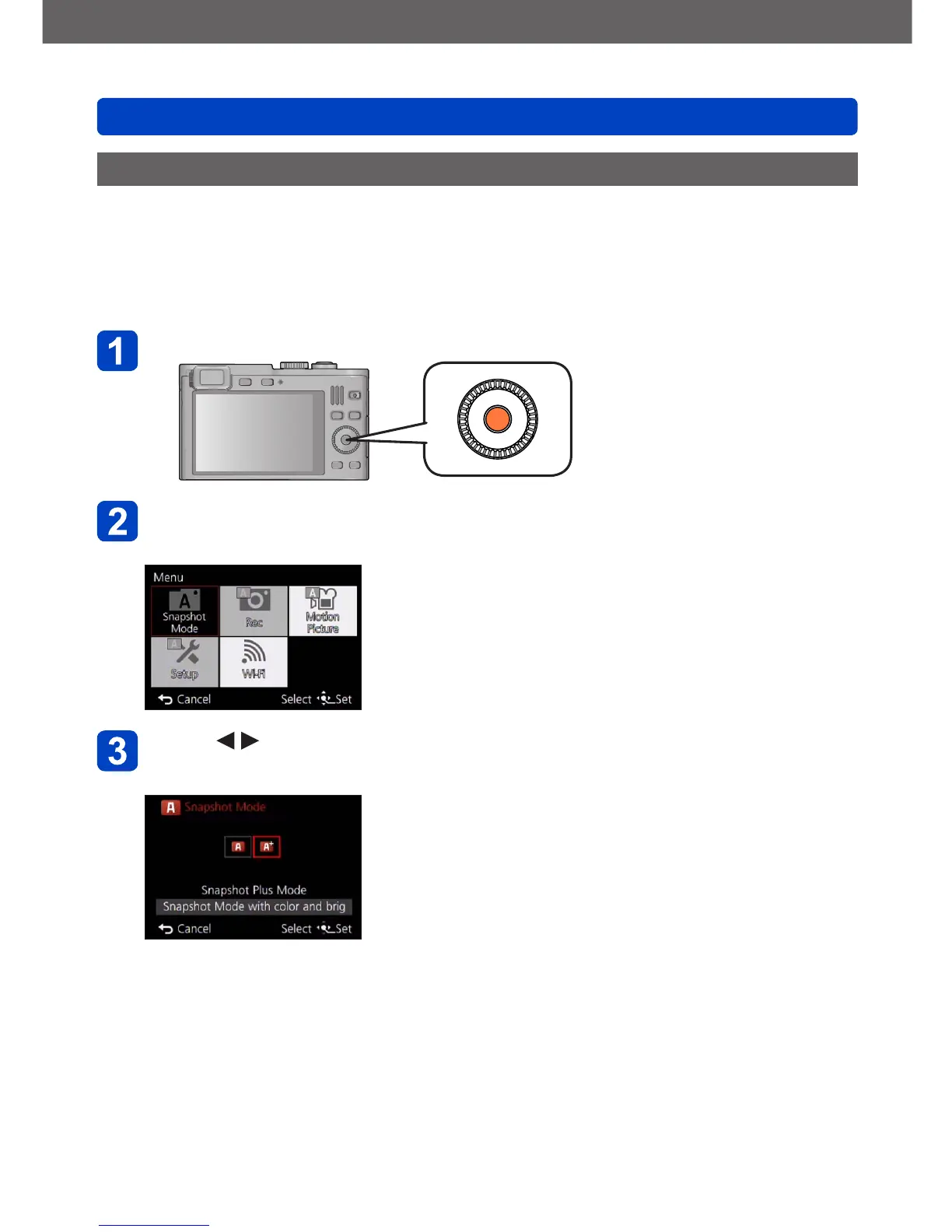
Switching to [Snapshot Plus Mode]
Use the [Snapshot Mode] menu to switch the mode.
Press [MENU/SET]
Use the cursor button/s to select [Snapshot Mode] menu, and
then press [MENU/SET]
Press to select [Snapshot Plus Mode], and then
[MENU/SET]



 To Next Page