Taking pictures
Exposure series function
- 119 -
■
Recording modes:
*
1
*
2
*
1
Not available in the following modes: [Handheld Night Shot] [HDR] [Starry Sky] [3D Photo Mode]
*
2
Not available in the following modes: [Toy Effect] [Miniature Effect] [Soft Focus] [Star Filter]
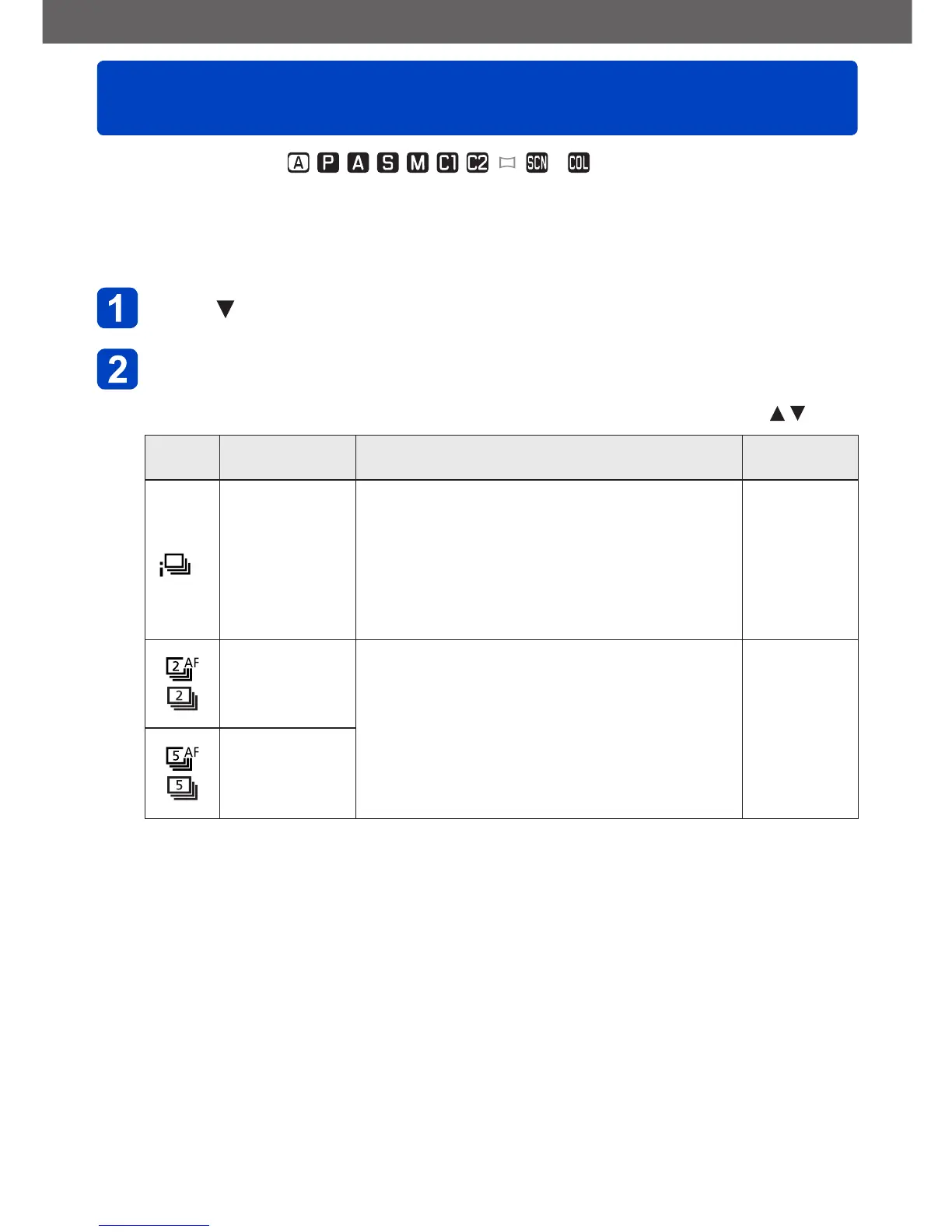
A series pictures is recorded when the shutter button is pressed fully. This allows you to
capture moving subjects in sequences and/or to select the most favorable picture.
Press
Use the cursor buttons to select [Burst], and then press
[MENU/SET]
• To change the setting: Press the [DISP] button and select a setting with
Setting Speed Description
No. of
pictures
*
4
*
3
Approx. 2 - 10
pictures/sec.
• The frame rate is adjusted automatically in
accordance with the movements of people,
animals or other subjects. ([Intelligent Burst
mode])
• When a fast-moving subject is recorded, the
frame rate becomes faster and the number
of pictures that can be recorded in a series is
restricted to about 10.
100
Approx. 2
pictures/sec.
• The subject is brought into focus as far as this
is allowed by the frame rate (excluding [MF]).
However, when the function is operating during
motion picture recording, the focus is fixed to
the first picture.
• The pictures are taken with the exposure and
White Balance continually being adjusted.
• The frame rate may be reduced under certain
recording conditions.
100
Approx. 5
pictures/sec.
*
3
[Snapshot Mode] only
*
4
The number of pictures is limited by the picture-taking conditions and the type and/or status
of the memory card used.
(Continued on the next page)



 To Next Page