Taking pictures
Using Auto focus
- 81 -
■
Recording modes:
When Auto Focus is enabled, you only have to press the shutter button halfway to focus.
The focusing methods differ depending on the [Rec] mode and the [AF Mode] setting.
Press
Use the cursor buttons to select [AF], and then press
[MENU/SET]
■
Switching [AF Mode]
Select [AF Mode] from the [Rec] menu
• For the setting procedures of the menu. (→52)
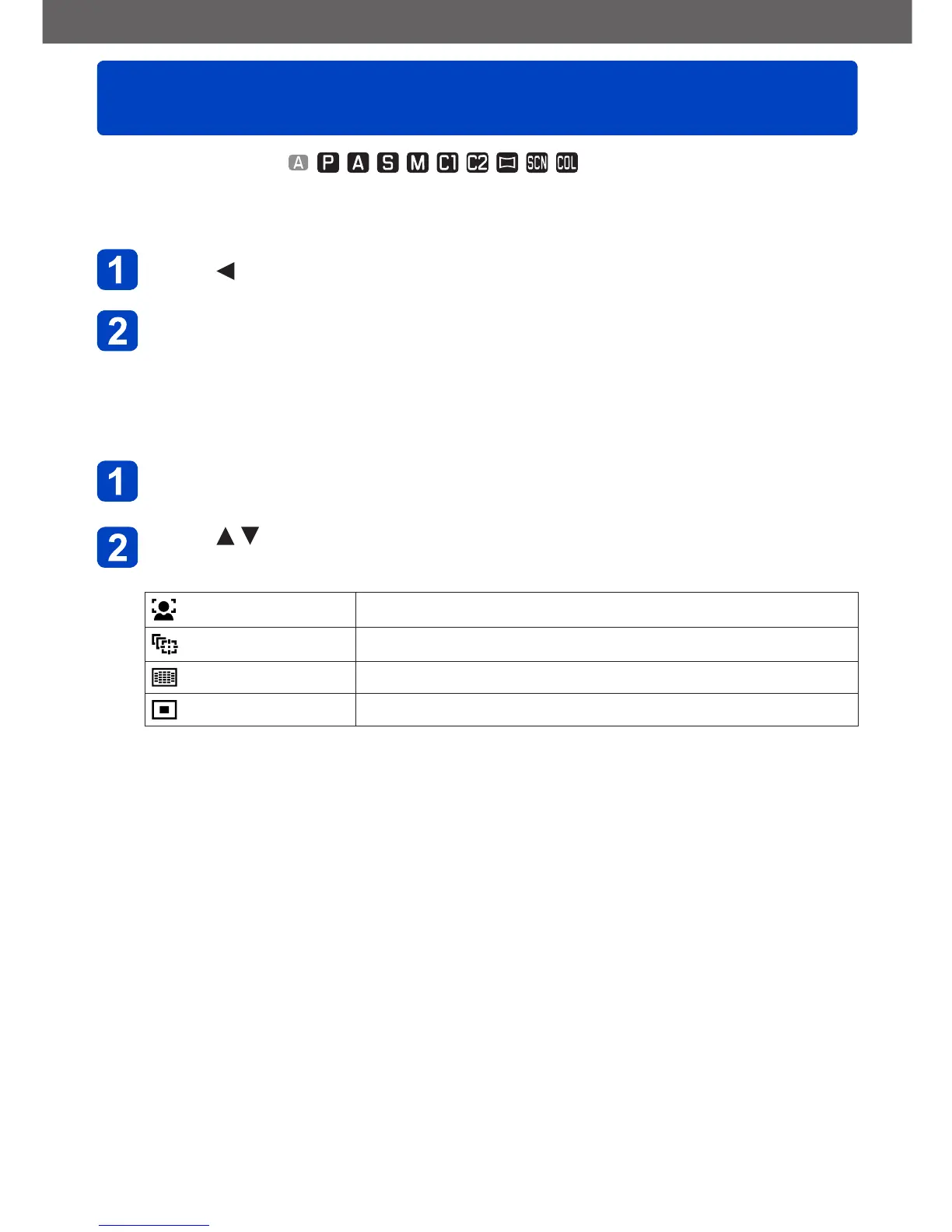
Press to select Auto Focus mode items, and then
[MENU/SET]
(Face Detection) For taking front-on pictures of people (→82)
(AF Tracking) Automatically locks the focus on a moving subject (→83)
(23-area-focusing) For subjects positioned off-center (→84)
(1-area-focusing) For precise focusing on small subjects (→84)



 To Next Page