Basics
Snapshot mode
- 29 -
■
Recording mode:
This mode is recommended for those who want to point and shoot or beginners as the
camera optimizes settings to match the subject and recording environment.
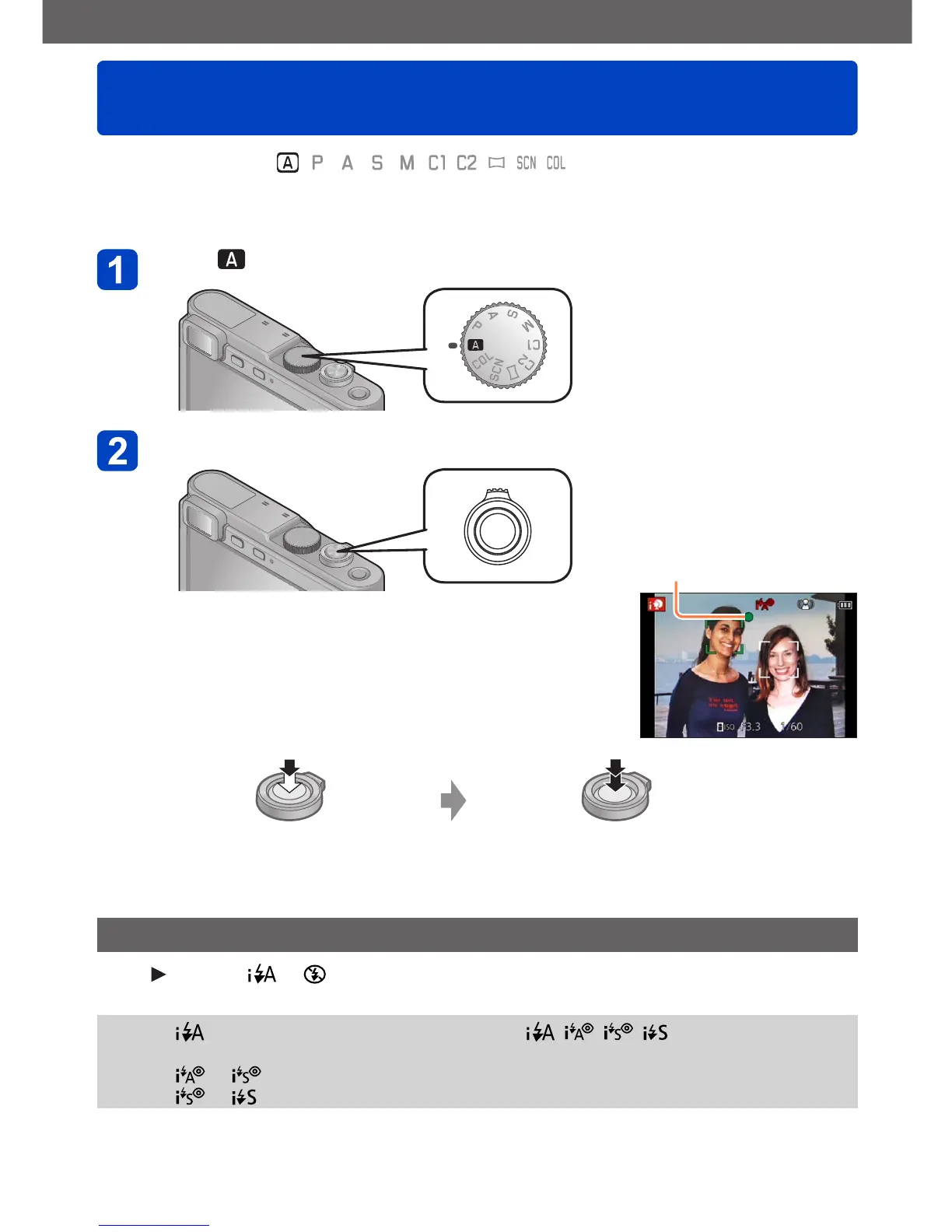
Set to ([Snapshot Mode])
Take a picture
Focus display
( When the focus setting is
correct: illuminated
When the focus setting is
not correct or impossible:
flashes)
Press halfway to focus Press fully to take the picture
Using the flash
Press
to select or .
●
When is selected, the optimum flash mode ( , , , ) is selected
automatically depending on conditions.
●
When or is selected, the red-eye reduction function is activated.
●
When or is selected, slower shutter speeds may be used.



 To Next Page