Taking pictures
Registering preferred functions to the [FN]
button
- 117 -
■
Recording modes:
For registering frequently used functions from the [Rec], [Setup] or other menus to the
[FN] button for faster operation.
• [Composition Guide] is the function set at the time of purchase.
■
How to register
Select [Fn Button Set] from the [Setup] menu, and then press
[MENU/SET] (→52)
Use the cursor buttons to select the function to register, and
then press [MENU/SET]
●
Functions that can be registered
[Focus Area Set] (→85) [Quality] (→129)
[Composition Guide] (→68) [Histogram] (→57)
[AF/AE Lock] (→86) [1 Shot AF] (→87)
[Metering Mode] (→134) [AF Mode] (→81)
■
Using registered functions
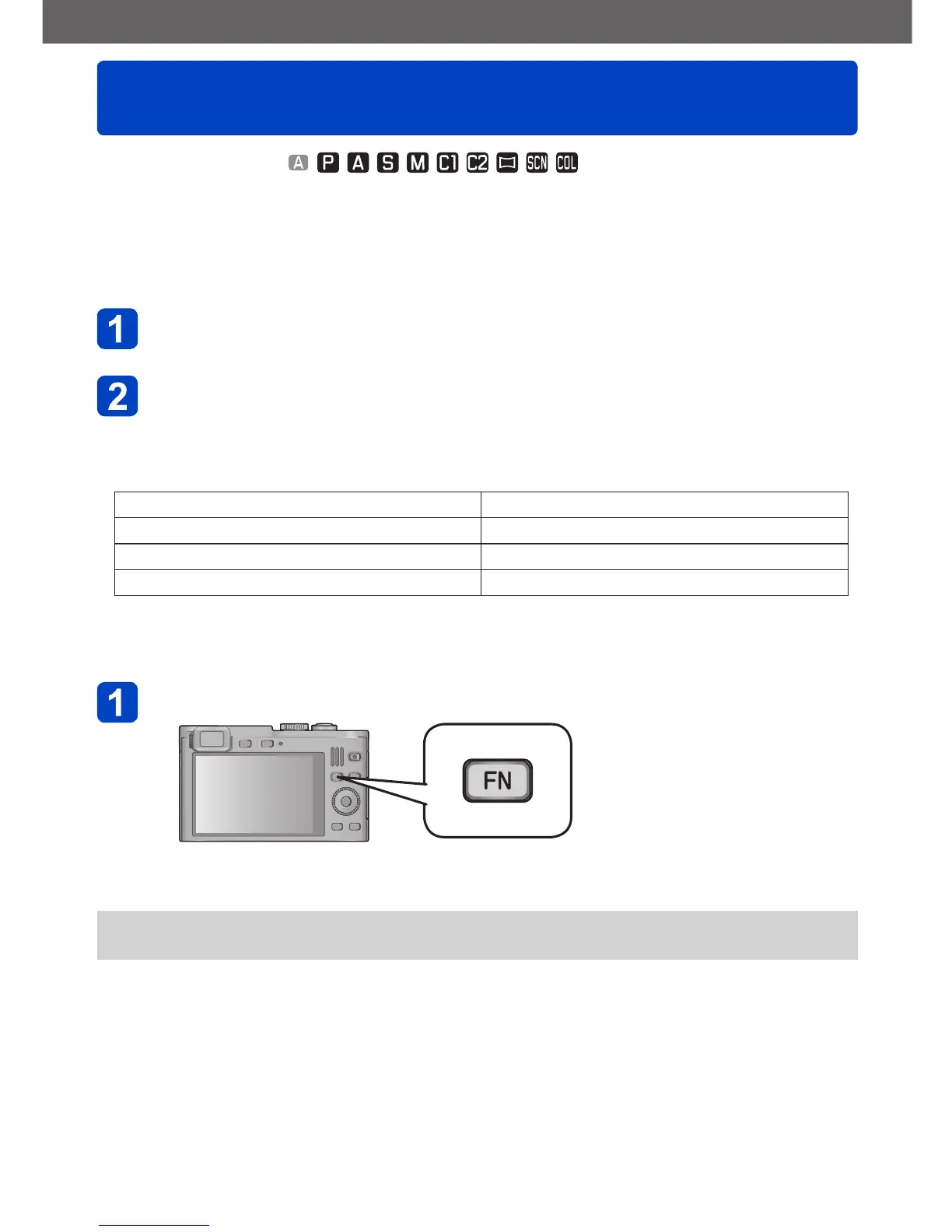
Press the [FN] button
• The registered function is called up.
●
The [Fn Button Set] does not function in the following cases.
• [Creative Control] mode ([Miniature Effect], [One Point Color])



 To Next Page