Playback
Using the [Playback] menu
- 158 -
• For the setting procedures of the menu. (→52)
[Title Edit]
This mode allows you to give titles, etc. to your favorite still pictures.
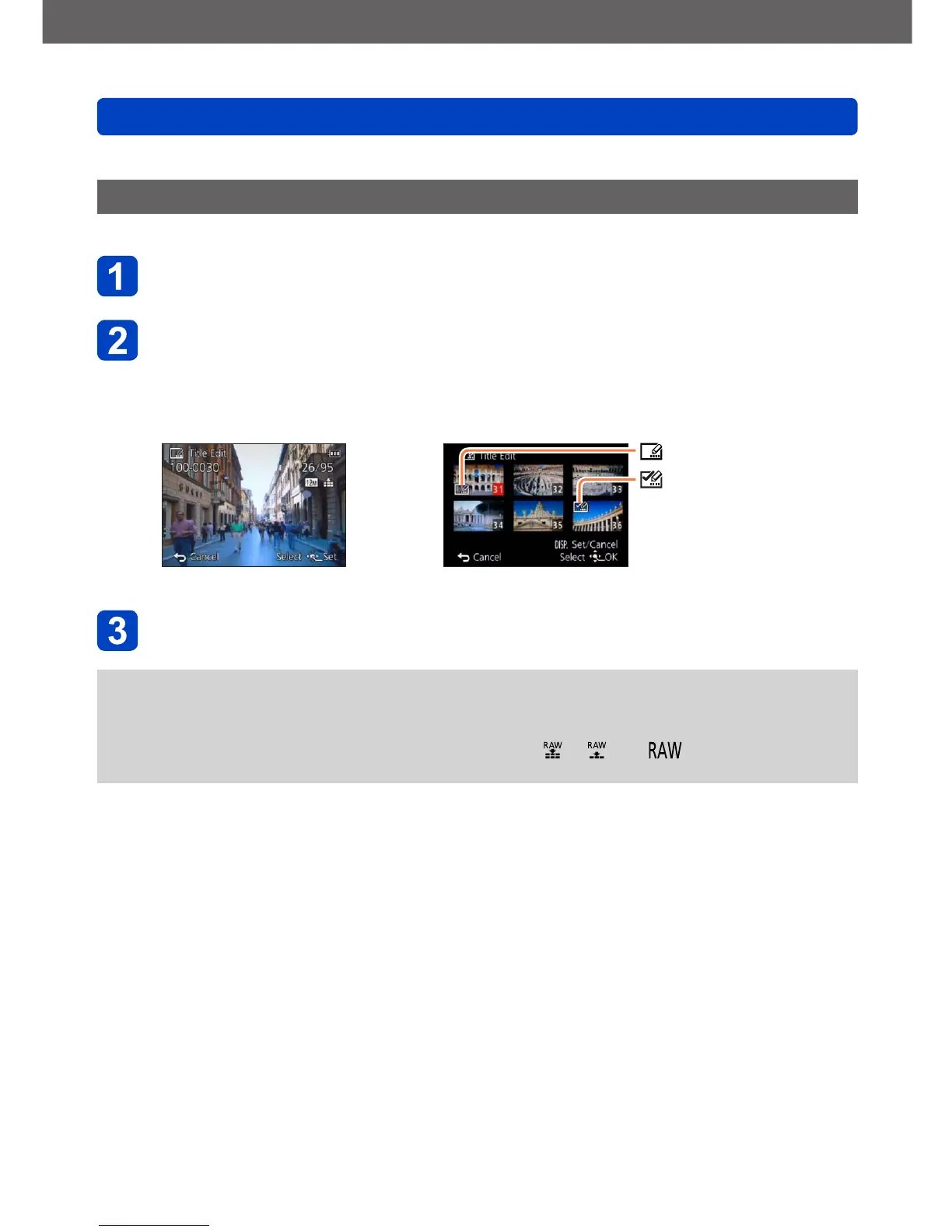
Use the cursor buttons to select [SINGLE] or [MULTI], and
then press [MENU/SET]
Select a still picture
●
[SINGLE]
Use the cursor buttons to
select a still picture, and then
press [MENU/SET]
●
[MULTI]
(up to 100 pictures with the same text)
Use the cursor buttons to select a still picture,
and then press the [DISP] button
[Title Edit] setting
[Title Edit] already set
• To cancel:
Press the [DISP] button
again
• To execute:
Press [MENU/SET]
Enter characters (Entering text (→65))
• To delete a title: Delete all the characters in the character input screen
●
This mode is not available in the following cases:
• Motion pictures
• 3D still pictures
• Still pictures recorded with the [Quality] setting [ ], [ ] or [ ]
●
To print the entered text, use [Text Stamp].



 To Next Page