Basics
Deleting pictures
- 50 -
Pictures will be deleted from the memory card if one is inserted, or from the built-in
memory if not. (Deleted pictures cannot be recovered.)
However, pictures will not be deleted in the following cases.
• Protected pictures
• Card switch is in “LOCK” position.
• Pictures not of DCF standard (→44)
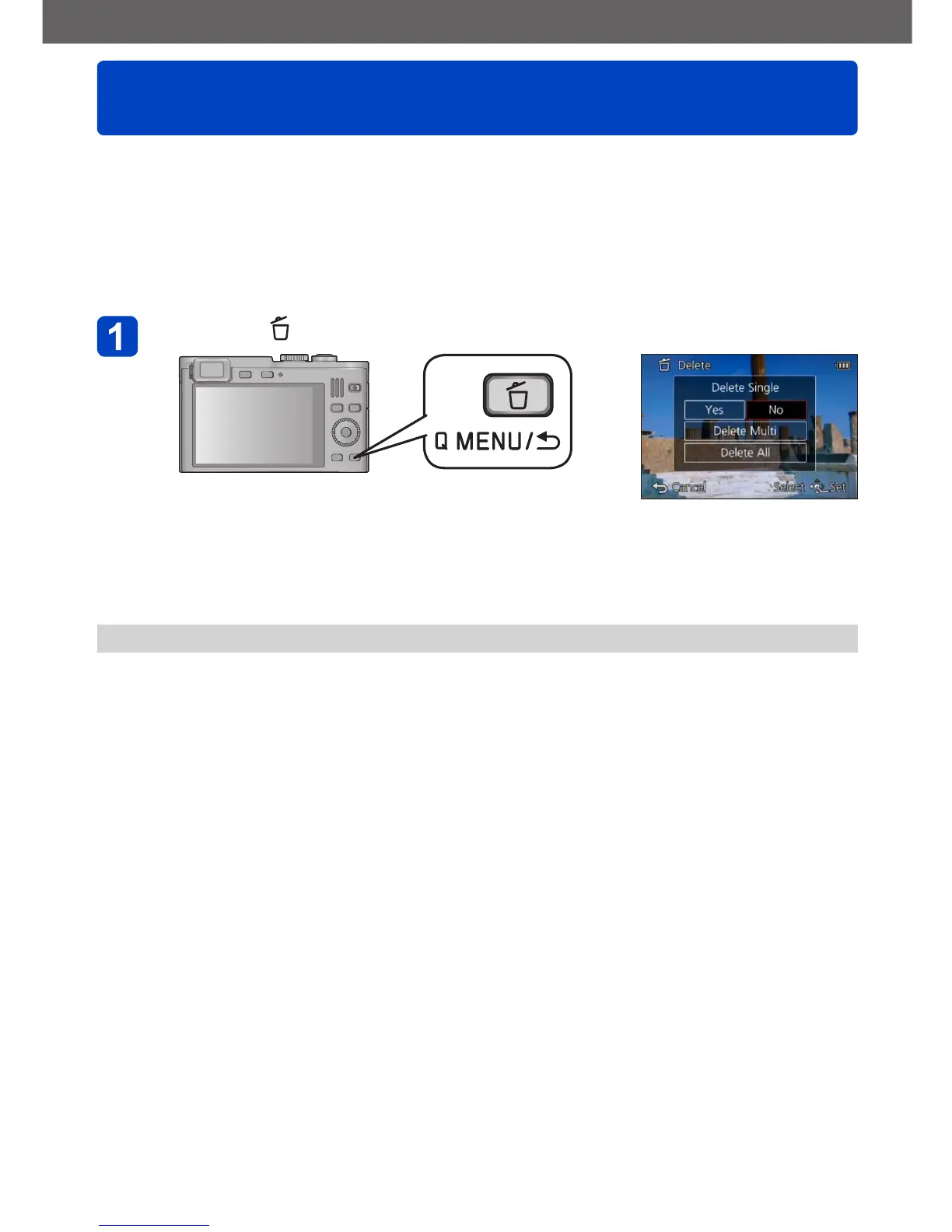
Press the [ ] button to delete the displayed picture
• A confirmation screen is displayed. Select [Yes] with the cursor buttons and then
press [MENU/SET].
●
Do not turn off the camera during deletion.



 To Next Page