Taking pictures
Using the [Rec] menu
- 128 -
You can perform settings such as color rendition, Sensitivity, Aspect Ratio, and resolution.
• For the setting procedures of the menu. (→52)
[Aspect Ratio]
■
Recording modes:
*
1
*
1
Not available when using [3D Photo Mode].
For setting the aspect ratio of pictures.
■
Settings: / / /
●
Picture edges may be cut off when printing – be sure to check in advance.
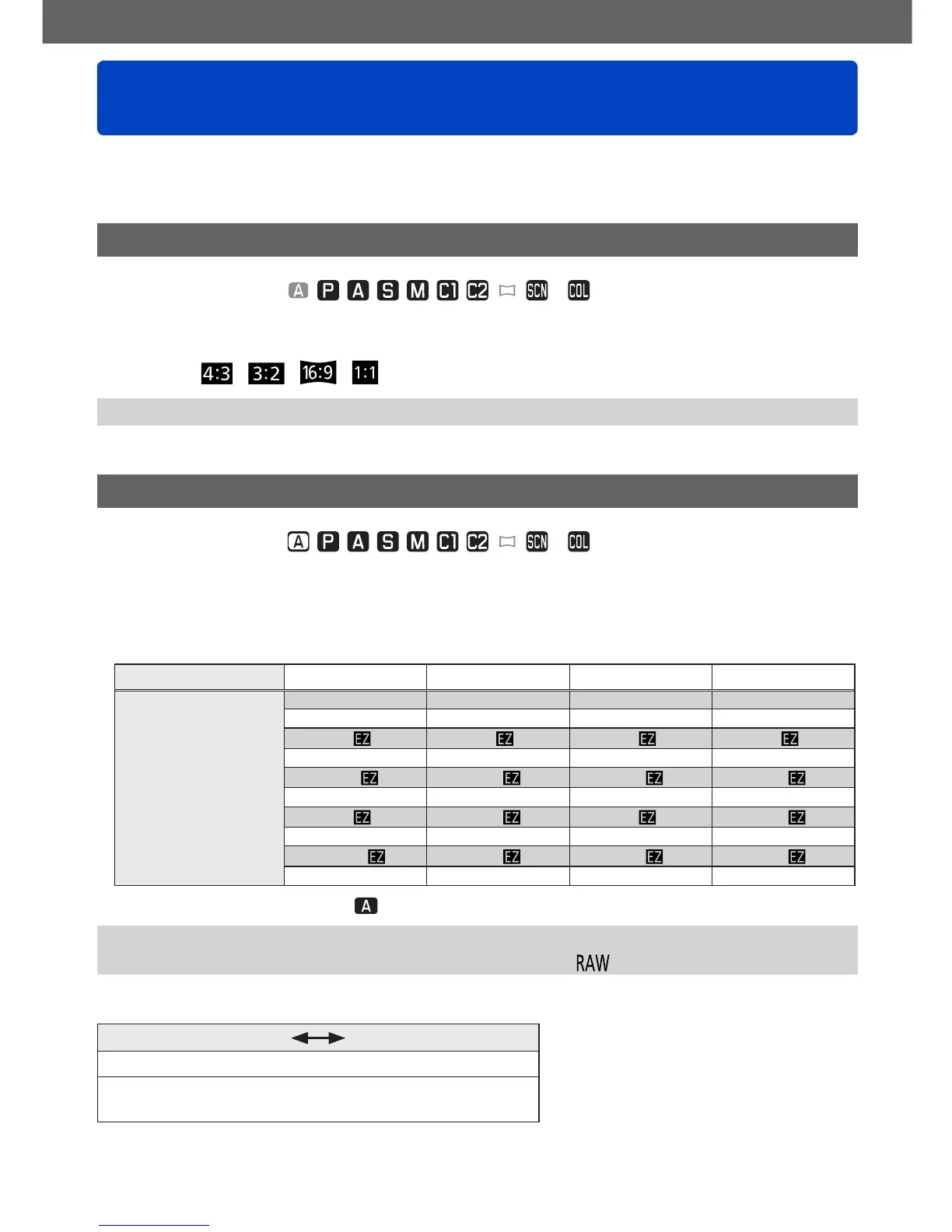
[Picture Size]
■
Recording modes:
*
2
*
2
Not available when using [3D Photo Mode].
Set the resolution (number of pixels) of pictures. The number of pictures which can be
recorded depends on this setting and on [Quality].
■
Settings
[Aspect Ratio] 4:3 3:2 16:9 1:1
Resolution
12M 10.5M 9M 9M
4000×3000 4000×2672 4000×2248 2992×2992
8M
*
3
7M
*
3
6M
*
3
6M
*
3
3264×2448 3264×2176 3264×1840 2448×2448
5M
4.5M
*
3
3.5M
*
3
3.5M
*
3
2560×1920 2560×1712 2560×1440 1920×1920
3M
*
3
2.5M
*
3
2M
*
3
2.5M
*
3
2048×1536 2048×1360 1920×1080 1536×1536
0.3M
0.3M
*
3
0.2M
*
3
0.2M
*
3
640×480 640×424 640×360 480×480
*
3
This setting is not available in ([Snapshot Mode]).
●
A mosaic effect may appear depending on subject and recording conditions.
●
[Picture Size] is not available when [Quality] is set to [ ].
Setting guide
Higher resolution Lower resolution
Sharper Less detailed
Lower recording
capacity
Higher recording
capacity



 To Next Page