Taking pictures
[Creative Control] mode
- 104 -
For the [Creative Control] menu setting procedures. (→96)
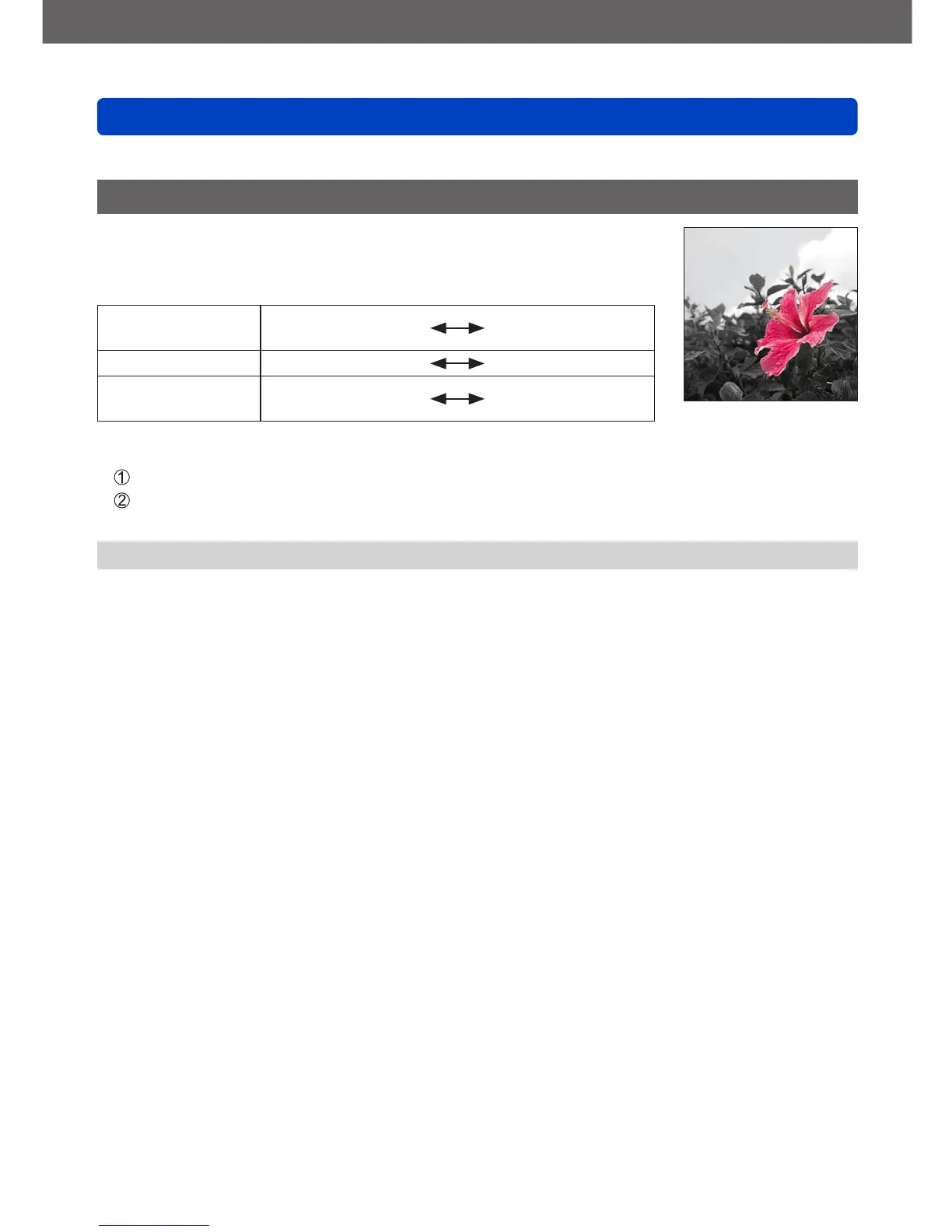
[One Point Color]
This picture effect creates a monochromatic picture by retaining
the color you selected only, and adds memorable emphasis to it.
■
Items that can be set (→97)
Brightness
Underexposure
(darker)
Overexposure
(brighter)
Depth of field Less
More
Area of retained
color
Smaller
Larger
■
Selecting color
Press the [FN] button
Select the color to be retained using the frame in the center
of the screen and press [MENU/SET]
●
The selected color may not be retained for some subjects.



 To Next Page