Playback
Using the [Playback] menu
- 164 -
• For the setting procedures of the menu. (→52)
[Cropping]
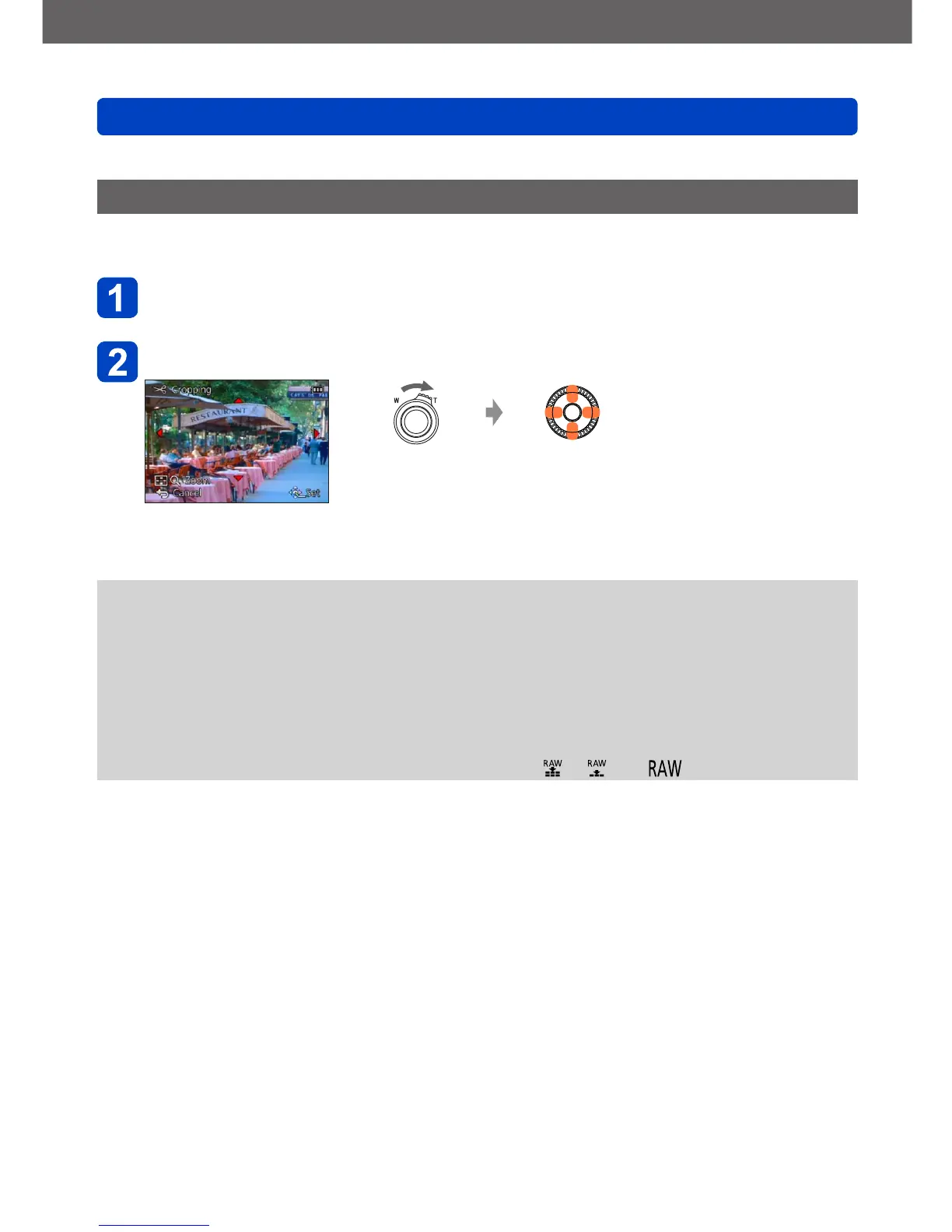
This mode allows you to enlarge the decisive parts of still pictures (cropping), i.e. by
“cutting off” unwanted areas.
Use the cursor buttons to select a still picture, and then press
[MENU/SET]
Select the area to crop, and then press [MENU/SET]
Enlarges the
selected section
Changes the
position of the
section
• A confirmation screen is displayed. If you select [Yes], the operation is executed.
• You can also enlarge the selected section with the control dial.
●
Original Face Recognition information will not be copied when still pictures are
cropped.
●
The picture quality is reduced after cropping.
●
The following pictures cannot be cropped.
• Motion pictures
• 3D still pictures
• Panorama pictures
• Still pictures on which date or other texts had already been stamped
• Still pictures recorded with the [Quality] setting [ ], [ ] or [ ]



 To Next Page