Taking pictures
Shutter priority mode
- 93 -
■
Recording modes:
When you want to take a sharp picture of a fast moving subject, set with a faster shutter
speed. When you want to create a trailing effect, set to a slower shutter speed.
Set the mode dial to
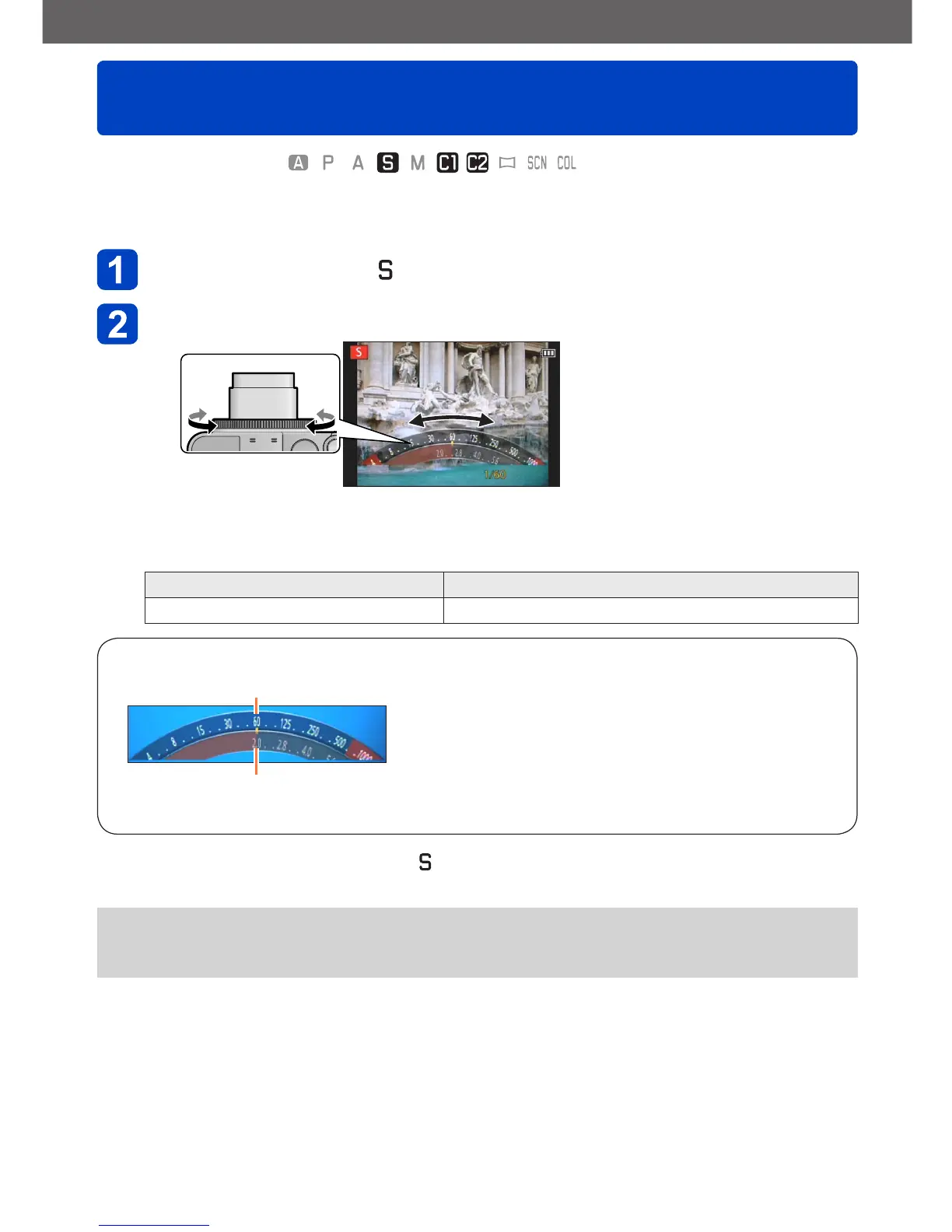
Turn the control ring to select the shutter speed
• You can also make settings with the control dial.
• At faster shutter speeds, moving subjects are rendered sharper. At slower shutter
speeds, moving subjects are rendered less sharp.
Shutter speeds that can be set Automatically controlled aperture value range
8 - 1/4000s F2.0 - F8.0
About the exposure meter
Set shutter speed
Aperture value (Automatically controlled)
• A proper exposure is not possible in the range indicated in red.
■
Recording motion pictures in
• Aperture and shutter speed are automatically set.
●
When the resulting picture would be too bright or too dark, i.e. incorrectly exposed,
the numbers for the aperture value and shutter speed are shown in red.
●
The monitor or the viewfinder brightness may differ from the recorded picture.



 To Next Page