Preparations
Setting language, time, and date
- 23 -
The clock is not set when the camera is shipped.
• Disconnect the camera from the charger/AC adapter.
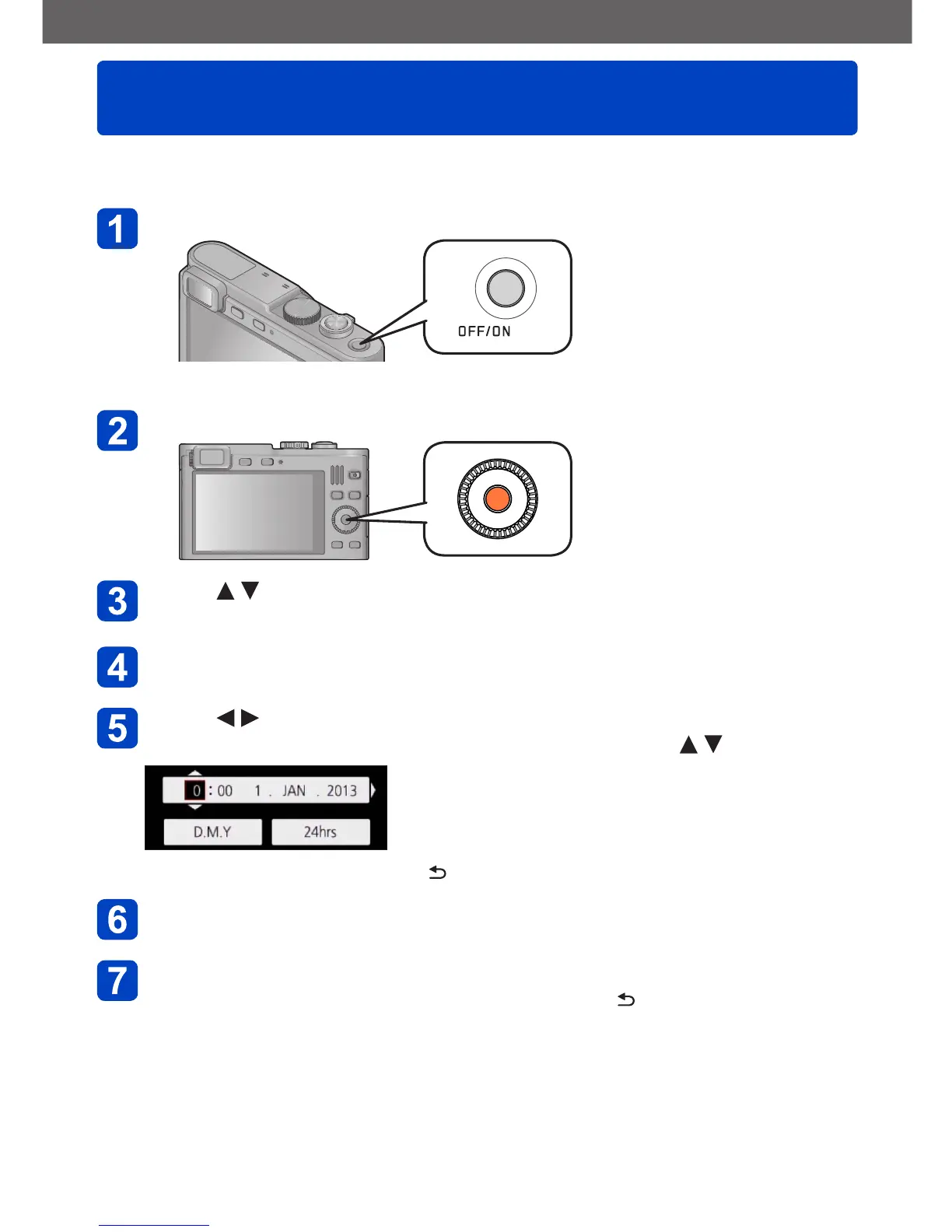
Press the [OFF/ON] button
The camera is turned on.
Press [MENU/SET] while the message is displayed
Press to select the language, and then [MENU/SET]
• The [Please set the clock] message appears.
Press [MENU/SET]
Press to select the items (year, month, day, hour, minute,
display order or time display format), and then to set
• To cancel: Press the [Q MENU/ ] button
Press [MENU/SET] to set
Press [MENU/SET]
• To return to the previous screen: Press the [Q MENU/ ] button



 To Next Page