Basics
Snapshot mode
- 37 -
About [Snapshot Mode] setting items
Only the menu items which are displayed in [Snapshot Mode] can be set.
The settings selected in the [Program AE] or other modes will reflect on the menu items in
the [Setup] menu that are not displayed.
●
The settings for the following items are different from other recording modes:
• [Picture Size] and [Color Mode] on the [Rec] menu
• [Beep] on the [Setup] menu ([Beep Level] and [Shutter Vol.] only)
●
The settings for the following functions are fixed:
[Setup] menu
• [Fn Button Set]: [Composition Guide]
• [Auto Power Off]: [5MIN.]
• [Control Ring Set]: [Step Zoom]
• [Auto Review]: [2SEC]
[Rec] menu
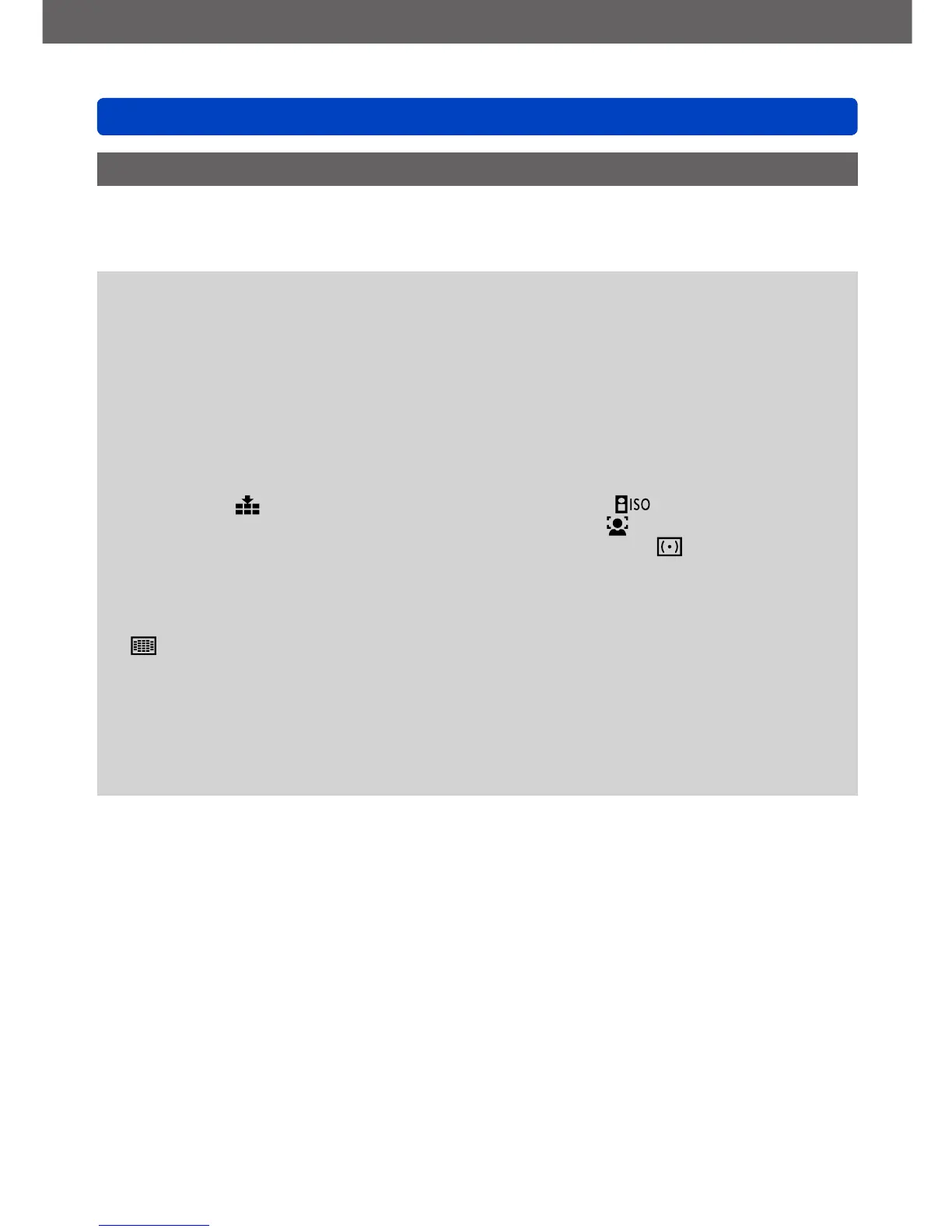
• [Quality]:
[Fine]
• [White Balance]: [AWB]
• [Quick AF]: [ON]
• [i.Exposure]: [ON]
• [AF Assist Lamp]: [ON]
• [Stabilizer]: [ON]
• [Sensitivity]:
• [AF Mode]: [Face Detection]
*
• [Metering Mode]: [Multi Metering]
• [i.Resolution]: [i.ZOOM]
• [Red-Eye Removal]: [ON]
*
(23-area-focusing) when a face cannot be recognized
[Motion Picture] menu
• [Continuous AF]: [ON] • [Wind Cut]: [AUTO]
●
The following functions cannot be used:
[Histogram], [Video Rec Area], [Exposure Comp.], [Auto Bracket], [WB Adjust.],
[Min. Shtr Speed], [Digital Zoom]



 To Next Page