Basics
Snapshot mode
- 36 -
■
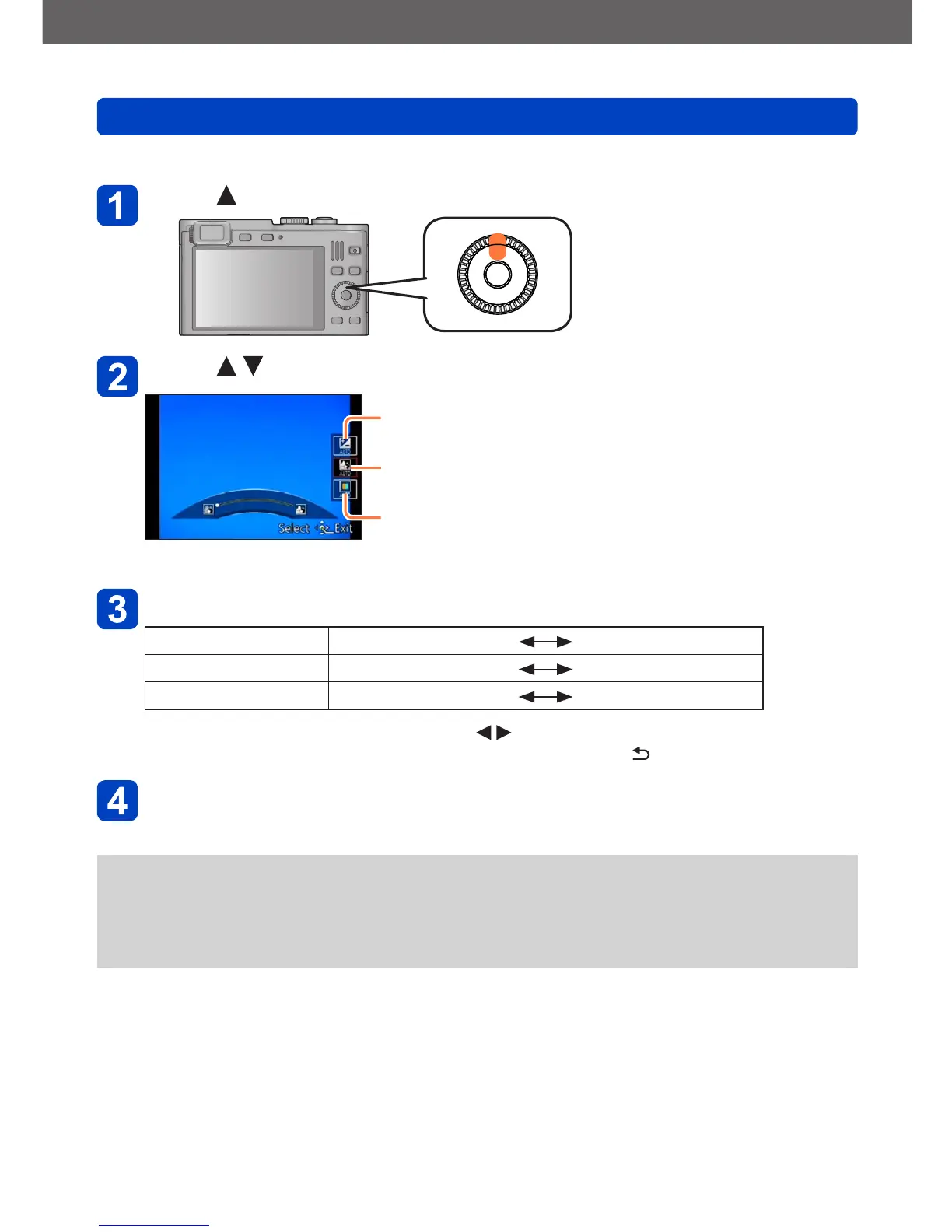
Adjusting brightness, coloring, and depth of field
Press
Press to select an item to set
Adjusts brightness.
Adjusts depth of field.
Adjusts coloring.
• [AUTO] is displayed in the icon during automatic adjustment.
Use the control ring to make adjustments
Brightness Underexposure (dark) Overexposure (bright)
Depth of field less
more
Coloring Warm colors
Cool colors
• You can also make adjustments with and the control dial.
• To return to automatic adjustment: Press the [Q MENU/ ] button
Press [MENU/SET]
●
When you record motion pictures, the camera controls the aperture within the
appropriate exposure range, and the depth of field may not change for some subject
brightness levels.
●
If the camera is turned off or the recording mode is changed, all settings return to
[AUTO].



 To Next Page