Wi-Fi/NFC
Operating the camera using a smartphone
- 176 -
■
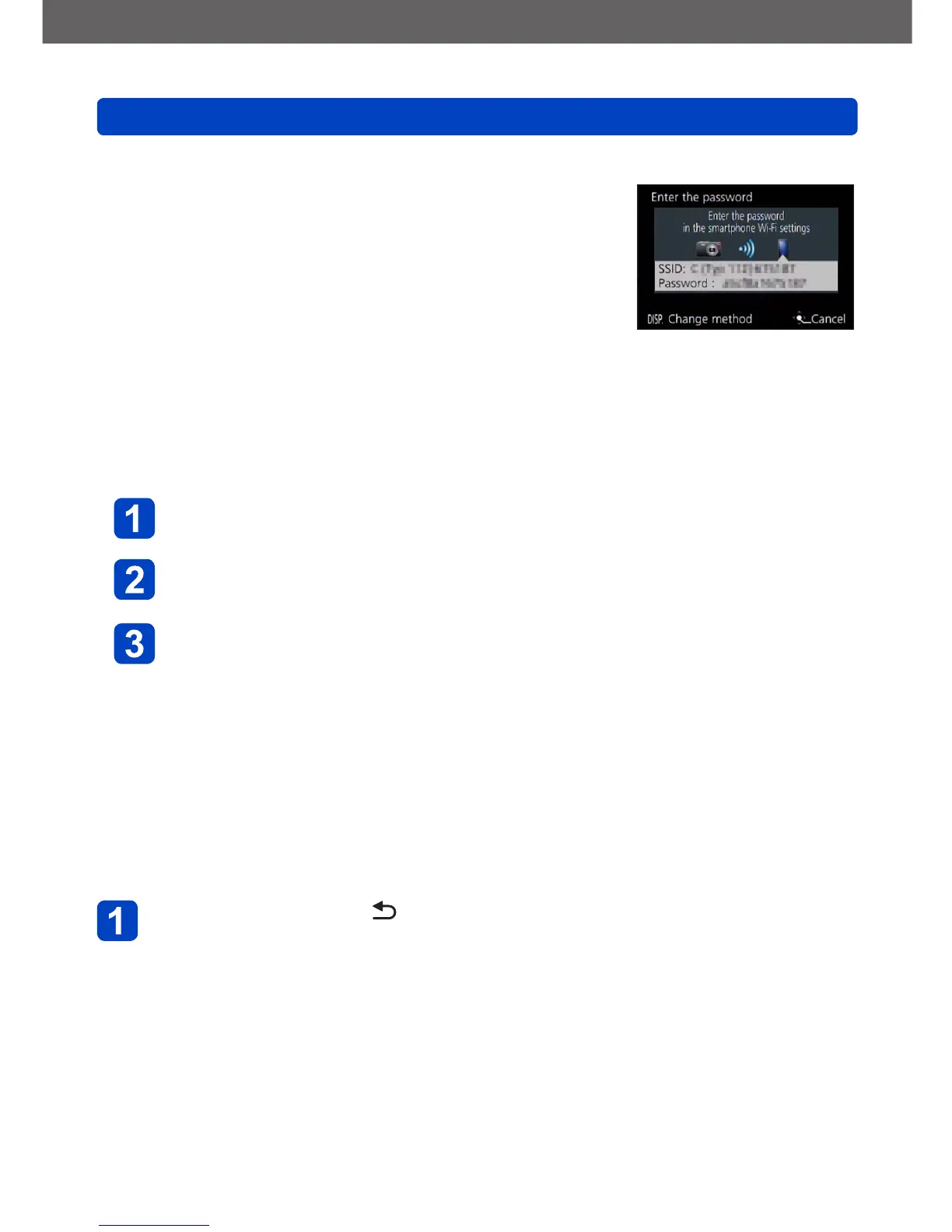
Changing the connection method
To change the connection method:
Press the [DISP] button, and select the connection method
(On the camera)
Select [Via Network] or [Direct] to connect (→191)
(On your smartphone)
●
When connecting with [Via Network]
Set the Wi-Fi function to “ON”
Select the wireless access point you want to connect to, and
then set
Start “Leica C Image Shuttle” (→174)
●
When connecting with [Wi-Fi Direct] or [WPS Connection] in [Direct]
Start “Leica C Image Shuttle” (→174)
■
Closing the connection ([Remote Shooting & View])
After use, close the connection with the smartphone. When the connection is canceled,
you will be able to record and play back pictures on the camera as normal.
Press the [Q MENU/ ] button
• A confirmation screen is displayed. Select [Yes] with the cursor buttons, and then
press [MENU/SET]



 To Next Page