Taking pictures
Using Auto focus
- 85 -
■
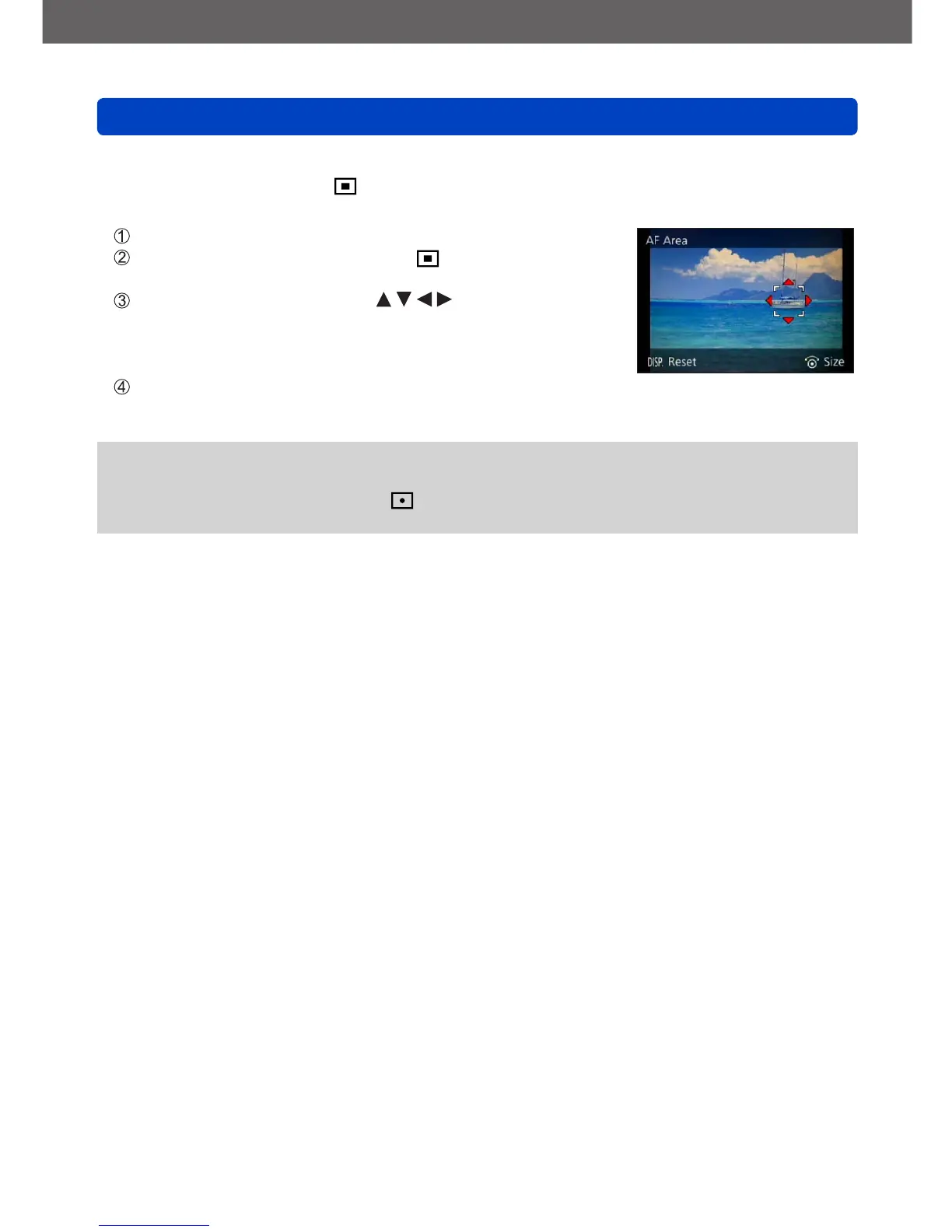
Changing the position and size of the AF area
When [AF Mode] is set to (1-area-focusing), you can move the position or change
the size of the AF area.
Select [AF Mode] from the [Rec] menu
Use the cursor buttons to select [ ] from the [AF Mode]
items and press the [DISP] button
To move the AF area: Press
To change the size of the AF area: Turn the control dial
• To restore the AF area to its initial state (position and
size): Press the [DISP] button
Press [MENU/SET]
●
This is not possible during motion picture recording.
●
When the AF area is small, it may be difficult to focus.
●
When [Metering Mode] is set to (spot-focusing), the new position of the AF area
will be measured.



 To Next Page