Wi-Fi/NFC
Operating the camera using a smartphone
- 182 -
On the camera, play back the picture you wish to transfer to a
smartphone
Start “Leica C Image Shuttle” on the smartphone you are
transferring the picture to
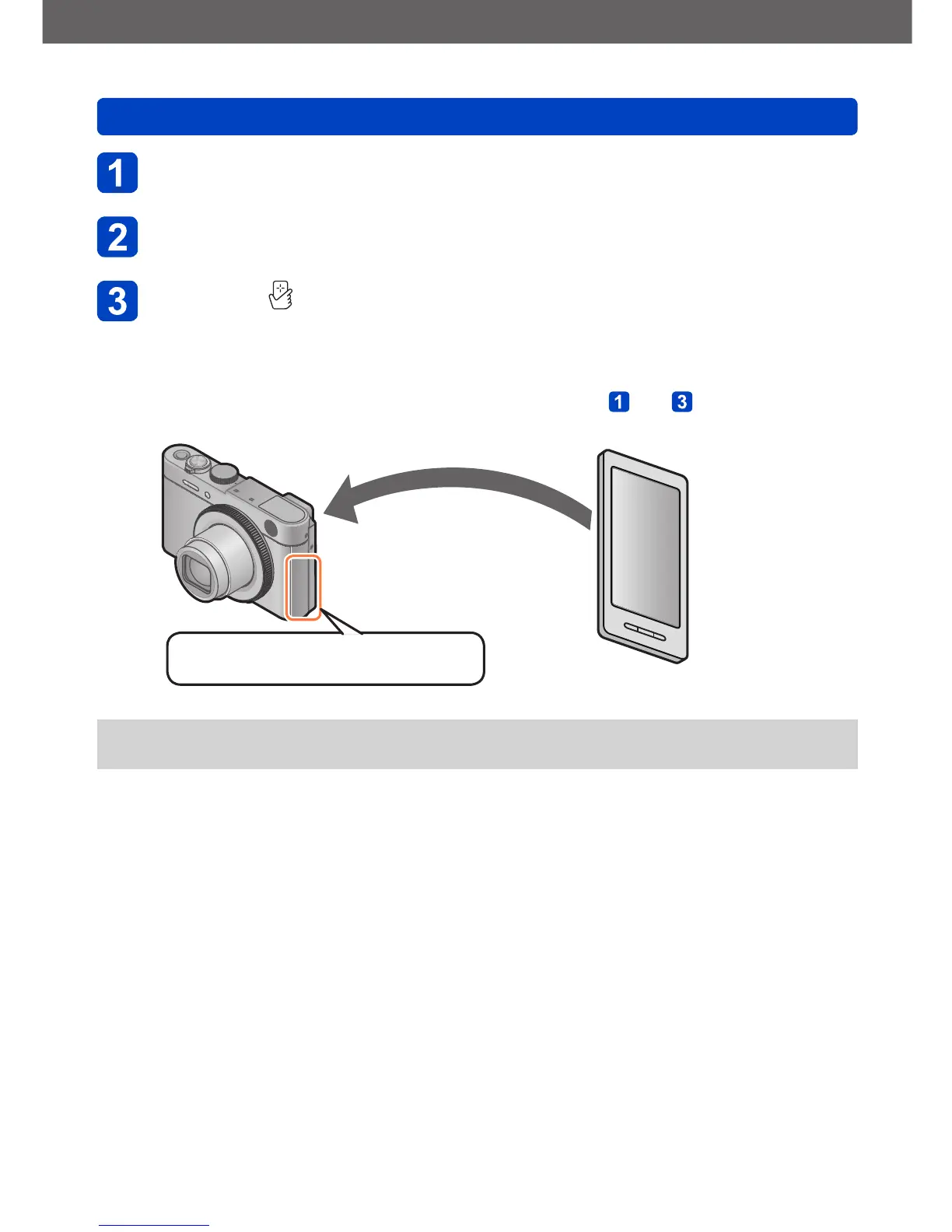
While the [ ] is displayed on the connection screen of the
“Leica C Image Shuttle”, hold the smartphone close to the
camera
• It may take some time to complete connecting.
• If you are transferring multiple pictures, repeat steps and . (Multiple pictures
cannot be transferred in one batch.)
Hold the smartphone close to this area
(within 5mm/
3
/
16
″)
●
It may take several minutes to complete the picture transfer depending on the
prevailing conditions.



 To Next Page