Wi-Fi/NFC
About connections
- 192 -
■
If you are not sure about the WPS compatibility
(connecting by [Manual Connection])
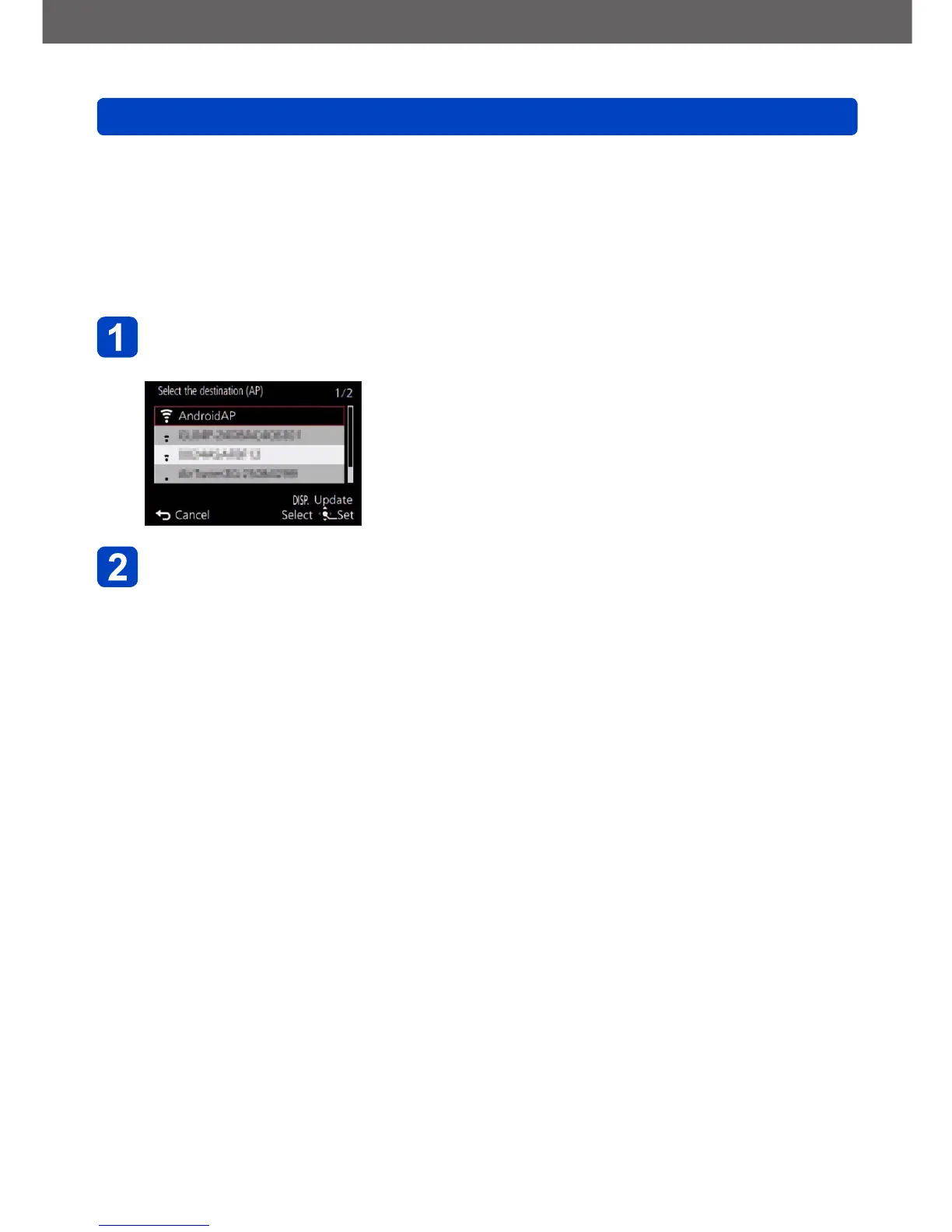
Search for available wireless access points.
• Confirm the encryption key of the selected wireless access point if the network
authentication is encrypted.
• When connecting by [Manual Input], confirm SSID, encryption type, encryption key of
the wireless access point you are using.
Use the cursor buttons to select the wireless access point you
are connecting to, and then press [MENU/SET]
• Pressing the [DISP] button will search for a wireless
access point again.
• If no wireless access point is found, refer to “When
connecting with [Manual Input]” (→193).
(If network authentication is encrypted)
Enter the encryption key
• For details on how to enter characters, refer to “Entering Text” (→65).



 To Next Page