EasyManua.ls Logo

Leica C - Page 24

Leica C
292 pages
Print Icon
To Next Page IconTo Next Page
To Previous Page IconTo Previous Page
Loading...
Using
reference
lines
to
assist
composition
You
can
utilize the viewfinder
or
the monitor for
still pictures to carefully and
precisely position your subject (the composition) within the frame.
Press the [FN] button
(@)
[Fn Button
Set]
is set to [Composition
Guide] at the time
of
purchase.
If
another
function has been set,
select
[Composition
Guide] from the
[Setup]
menu.
Press
T
to
select
the guideline to display, and then
[MENU/SET]
To
turn off guideline display, select [No Guide].
If
the guideline
allows
horizontal flipping, use
<111111
..,._to
flip.
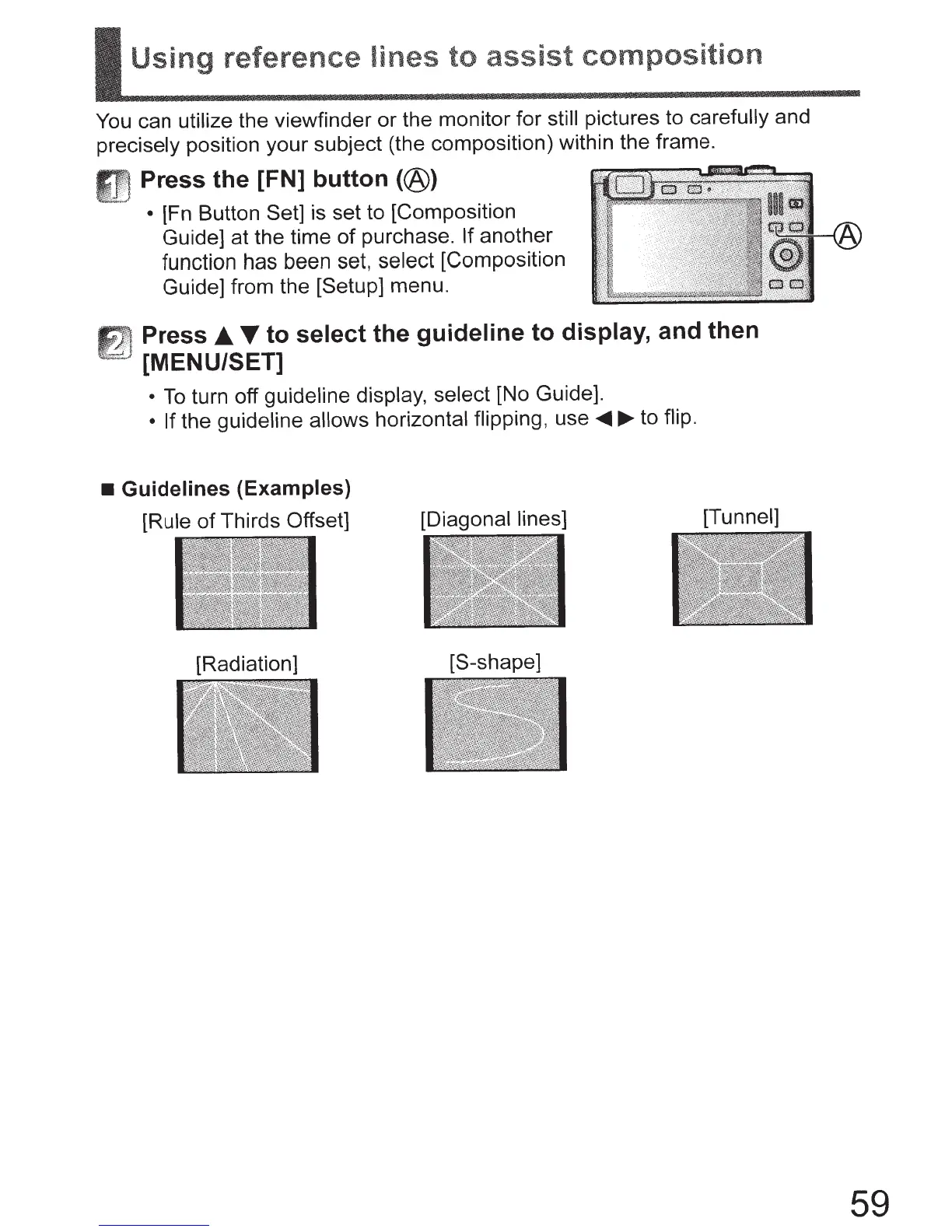
Guidelines (Examples)
[Rule
of
Thirds
Offset]
[Radiation]
[Diagonal lines]
[S-shape]
[Tunnel]
59

Table of Contents

Other manuals for Leica C

Related product manuals