Viewing motion pictures
ll)
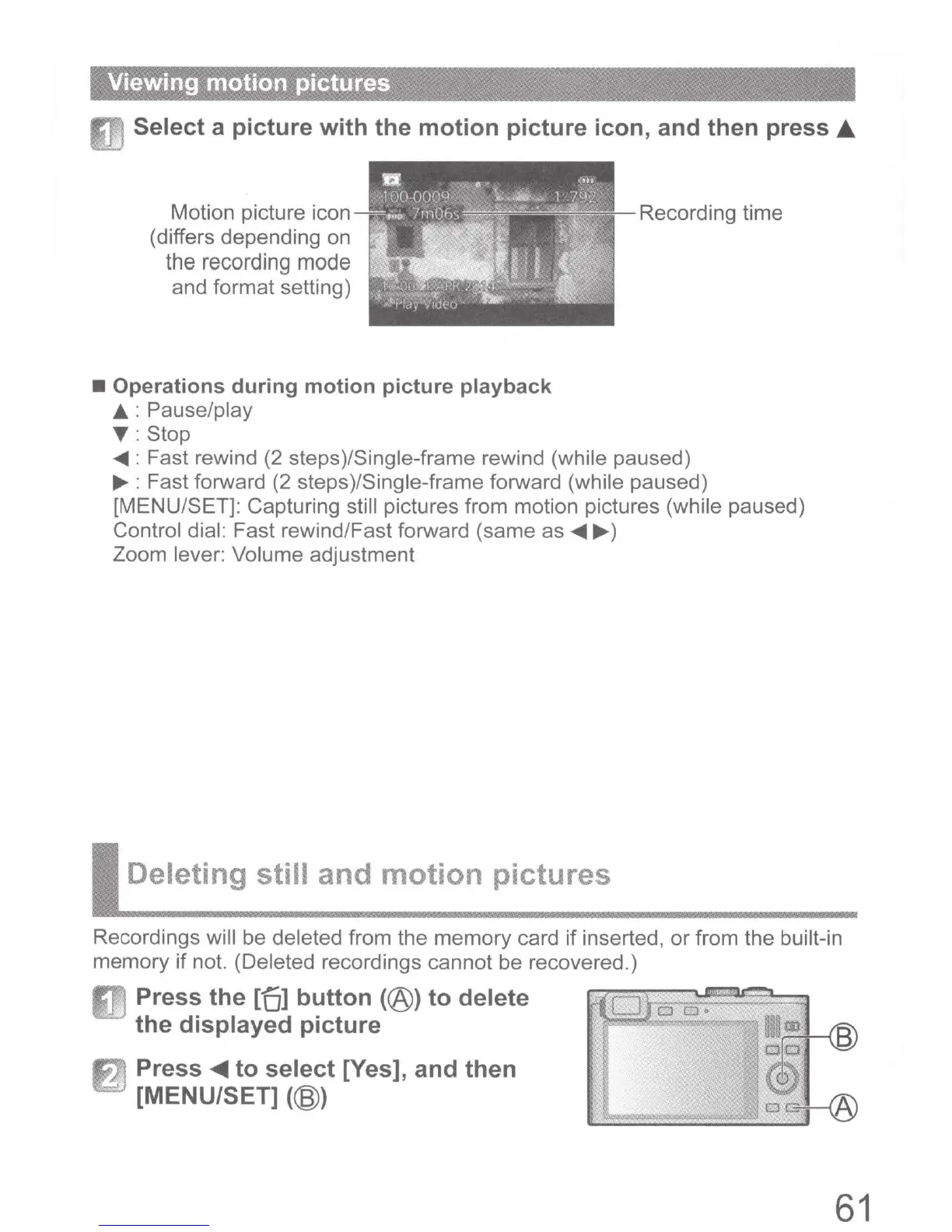
Select a picture with the motion picture icon, and then press •
Motion picture icon
(differs depending on
the
recording
mode
and format setting)
• Operations during motion picture playback
A : Pause/play
T:
Stop
Recording time
.,...
: Fast rewind (2 steps)/Single-frame rewind (while paused)
....,.
: Fast forward (2 steps)/Single-frame forward (while paused)
[MENU/SET]: Capturing still pictures from motion pictures (while paused)
Control dial: Fast rewind/Fast forward (same as
.,...
....,.
)
Zoom lever: Volume adjustment
Deleting still and motion pictures
Recordings will be deleted from the memory card if inserted, or from the built-in
memory
if
not. (Deleted recordings cannot be recovered.)
ll1
Press the [ol button (@) to delete
the displayed picture
f1j
Press
~to
select [Yes], and then
[MENU/SET] (@)
61



 To Next Page