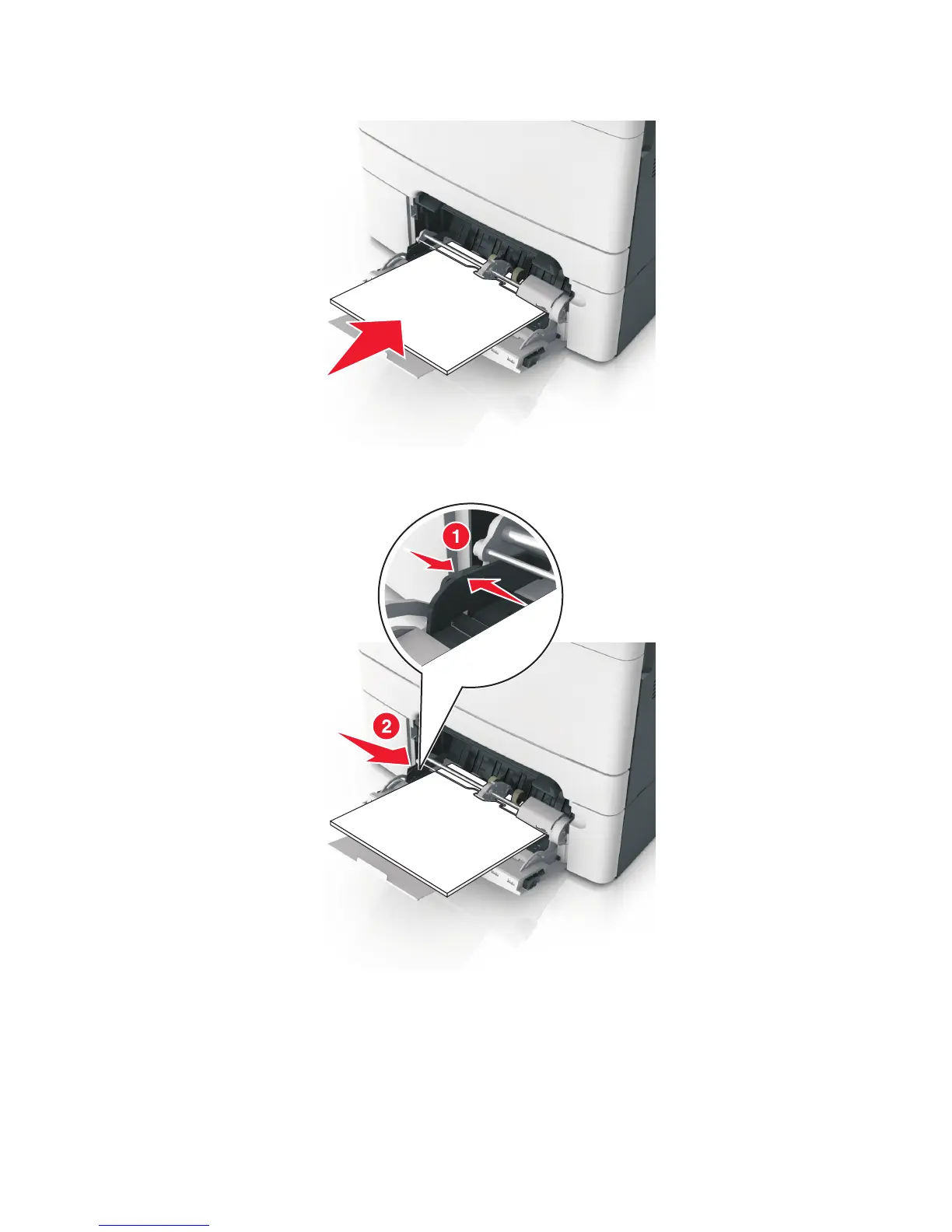
3 Reload the paper into the multipurpose feeder.
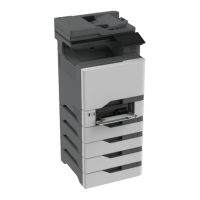
4 Slide the paper guide until it rests lightly against the edge of the paper stack.
5 From the control panel, touch the check mark to clear the message and continue printing. For non‑touch‑screen
printer models, select Next>OK>Clear the jam, press OK>OK.
7527
Diagnostic information
62



 To Next Page