Doc #: L-2600-1023 Page 46 Rev. 02
At the bottom right of the screen is a graphical angle display that shows where the Limit Switch channel
will “fire”. For “Normal” mode channels the blue arcs in this display show the actual angles where the
channel will be “On”. For “Timed Off” channels the start of the blue area shows where the channel will
turn “On” for the programmed time.
3.4.3 Limit Switch Counted Output Settings Screen
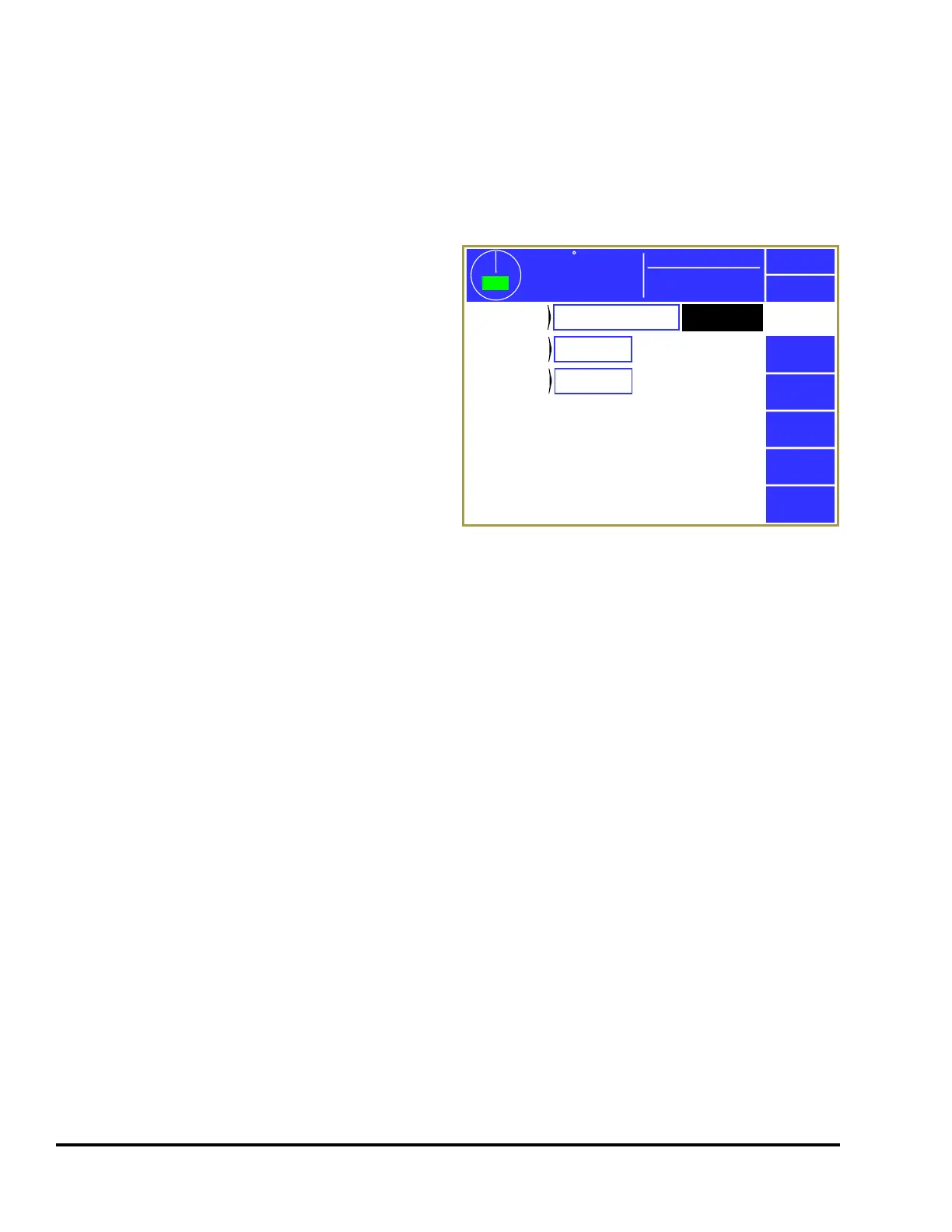
When the channel is in “Normal”, “Timed Off”, or
“Toggle” mode, it can be made a “Counted
Output”. This allows the channel to be set to “fire”
every so many strokes. Press inside the blue
bordered counted outputs area (see “a” in Figure
33) and the counted outputs setting screen of Figure
34 will be shown.
A counted output is used when the process does not
need something to happen on every stroke. For
instance, a scrap chopper may be used to chop up
the strip exiting the die for easier handling.
Activating the chopper every single stroke would
cause unnecessary wear. Instead, a counted output
could be used to fire the chopper every 10 strokes
(or whatever number still resulted in manageable lengths of scrap).
3.4.3.1 Counted Output Type
The “Counted Output Type” can either be “Not Used” or “By Stroke”. If set to “Not Used”, then the
“Counted Out. Count” and “Counted Out. Limit” will not be shown. “By Stroke” causes the “Counted
Output Count” to increment each stroke.
3.4.3.2 Counted Output Limit
The “Counted Output Limit” sets the number of strokes before the limit switch output will “fire”. For
example, if set to 10, the limit switch output would fire one stroke out of every 10.
3.4.3.3 Counted Output Count
The “Counted Output Count” increments each time the press makes a stroke. When the count reaches
the limit, the output will fire and the count is reset to 0. The count can be changed, if needed, to set the
output to fire in a particular number of strokes or to synchronize the output will another channel that was
also a counted output.
359
TOP
Stroke Speed
0
SPM
ACC
Espanol
Exit
Limit
Switch
Counted
Output Type
PLS Channel 2
Counted
Output Count
0
By Stroke
Counted
Output Limit
10
Mode:
Production
Figure 34: Limit Switch Counted Output Screen



 To Next Page