Doc #: L-2600-1023 Page 61 Rev. 02
4.6 Editing the Die Protection Name List
For each die protection channel, a description can
be assigned for a particular job. For instance, Job 1
might use die protection channel 2 as a stock buckle
detector while Job 2 uses it as a feed complete
sensor.
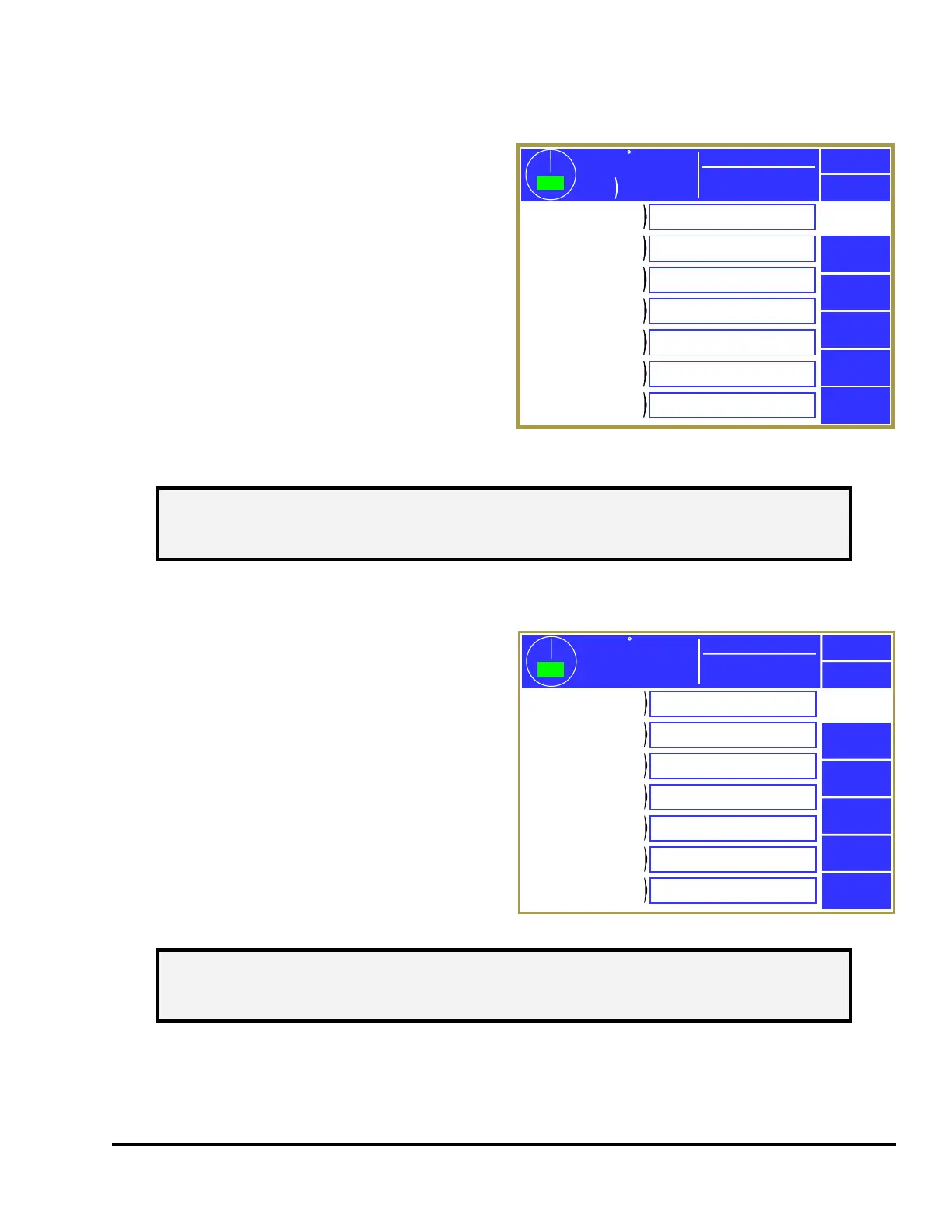
Press the Edit Die Protection Names softkey in the
main configuration screen as shown in Figure 43 to
display the screens shown in Figure 50. Use the
Previous Page and Next Page softkeys to page
through the entire list of 200 names. Touch inside
the blue border of a name to change it.
This list of names is displayed for selection when a
die protection channel description is changed.
4.7 Editing the Limit Switch Name List
For each limit switch channel, a description can be
assigned for a particular job. For instance, Job 1
might use limit switch channel 2 as a stock oiler
output while Job 2 uses it as an air blow off.
Press the Edit Limit Switch Names softkey in the
main configuration screen as shown in Figure 43 to
display the screens shown in Figure 51. Use the
Previous Page and Next Page softkeys to page
through the entire list of 200 names. Touch inside
the blue border of a name to change it.
This list of names is displayed for selection when a
limit switch channel description is changed.
359
TOP
Stroke
Mode
Continuous
Stroke Speed
0
SPM
ACC
Espanol
Exit
359
TOP
Stroke
Mode
Continuous
Stroke Speed
0
SPM
ACC
Espanol
Exit
Die
Protection
Next Page
Die Protection
Name 1
Die Protection
Name 1
Die Protection
Name 2
Die Protection
Name 2
Die Protection
Name 3
Die Protection
Name 3
Die Protection
Name 4
Die Protection
Name 4
Die Protection
Name 5
Die Protection
Name 5
Die Protection
Name 6
Die Protection
Name 6
Die Protection
Name 7
Die Protection
Name 7
Stock Buckle
End of Stock
Feed Complete
Part Detector
Die Prot. Name 5
Die Prot. Name 6
Die Prot. Name 7
Figure 50: Edit Die Protection Names Screen
NOTE: If a particular die protection name is changed in this screen, then all jobs with
die protection channels set to that description will show the new description in
its place.
359
TOP
Stroke Speed
0
SPM
ACC
Espanol
Exit
Limit
Switch
Next Page
Limit Switch
Name 1
Limit Switch
Name 2
Limit Switch
Name 3
Limit Switch
Name 4
Limit Switch
Name 5
Limit Switch
Name 6
Limit Switch
Name 7
Stock Oiler
Pilot Release
Air Blow Off
Feed Initiate
PLS Name 5
PLS Name 6
PLS Name 7
Mode: Production
Figure 51: Edit Limit Switch Names Screen
NOTE: If a particular limit switch name is changed in this screen, then all jobs with
limit switch channels set to that description will show the new description in
its place.



 To Next Page