Doc #: L-2600-1023 Page 62 Rev. 02
4.8 Restricting and Unrestricting Die Protection Channels
Die protection channels that stay the same
regardless of the job being run can be restricted.
When a channel is restricted, it can be viewed but
not changed by the operator, and it will not be
affected by job recalls.
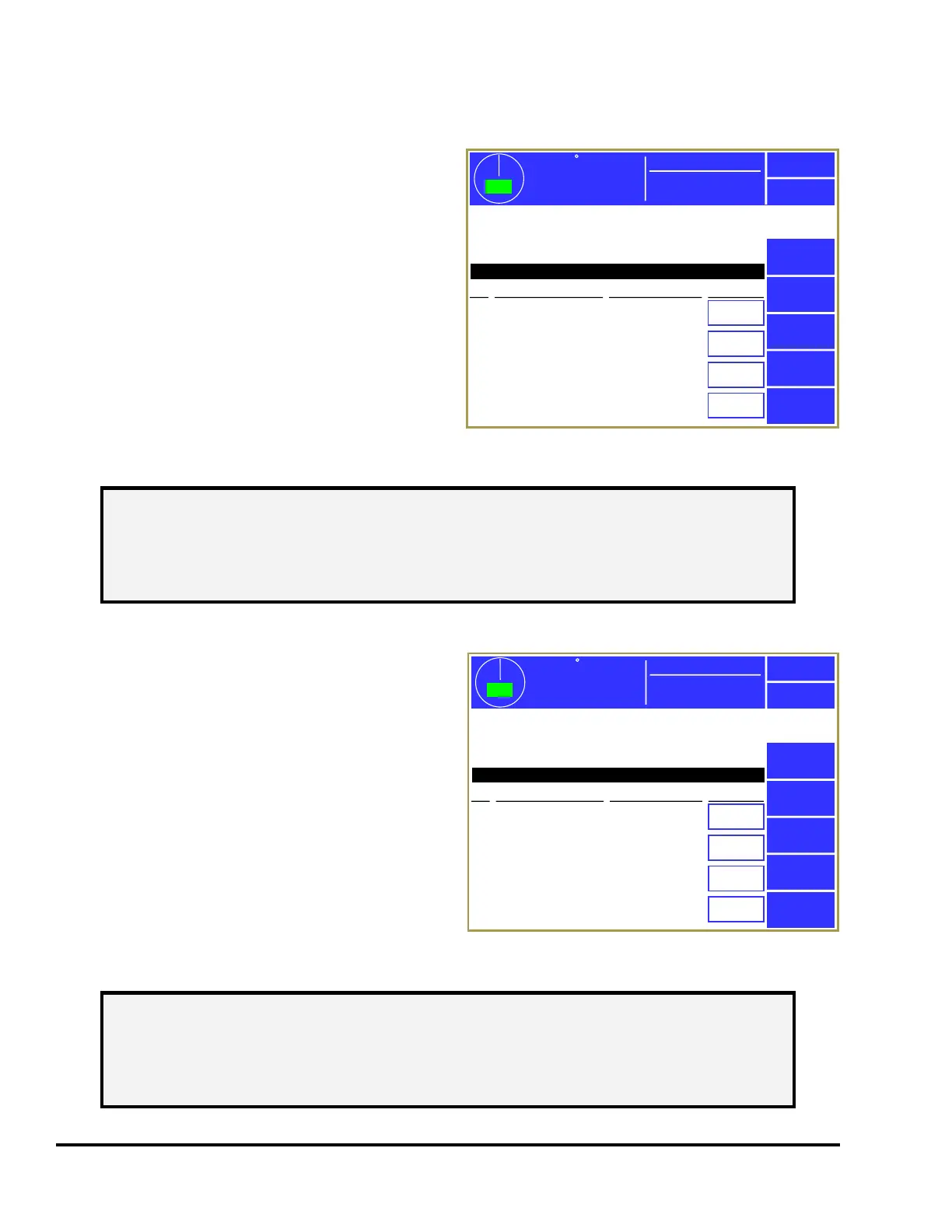
Press the Restrict / Unrestrict Die Protection softkey
in the main configuration screen as shown in Figure
43 to display the screens shown in Figure 52. Use
the Previous Page and Next Page softkeys, if
displayed, to page through the channels.
Each individual channel can be restricted by
changing the “Restricted” setting for that channel to
“Yes”.
4.9 Restricting and Unrestricting Limit Switch Channels
Limit switch channels that stay the same regardless
of the job being run can be restricted. When a
channel is restricted, it can be viewed but not
changed by the operator, and it will not be affected
by job recalls.
Press the Restrict / Unrestrict Limit Switch softkey in
the main configuration screen as shown in Figure 43
to display the screens shown in Figure 53. Use the
Previous Page and Next Page softkeys, if displayed,
to page through the channels.
Each individual channel can be restricted by
changing the “Restricted” setting for that channel to
“Yes”.
359
TOP
Stroke Speed
0
SPM
ACC
Espanol
Exit
Die
Protection
Channels that never change regardless of the job being
run may be restricted. These channels can not be
changed in settings screens and are not affected by job
recalls.
Module: 2600 DP/PLS
Ch
No
No
No
No
Channel Type Description Restricted
1
2
3
4
Static
Static
In Position
1 Part Detector Edge
Stock Buckle
End of Stock
Feed Complete
Part Detector
Mode: Production
Next Page
Figure 52: Restrict/Unrestrict Die Protection
NOTE: The channel settings cannot be changed while restricted. If a job is recalled
the restricted channel settings will not change, even if the restricted channel’s
settings are different in the recalled job. In order to make changes to a
restricted channel the restriction must be removed, the change entered, and
then the channel set again to restricted.
359
TOP
Stroke Speed
0
SPM
ACC
Espanol
Exit
Limit
Switch
Channels that never change regardless of the job being
run may be restricted. These channels can not be
changed in settings screens and are not affected by job
recalls.
PLS
Ch
No
No
No
No
Channel Type Description Restricted
1
2
3
4
Normal
Normal
Timed Off
Timed Off
Feed Initiate
Pilot Release
Air Blow Off
Stock Oiler
Next Page
Mode: Production
Figure 53: Restrict/Unrestrict Limit Switch Screen
NOTE: The channel settings cannot be changed while restricted. If a job is recalled
the restricted channel settings will not change, even if the restricted channel’s
settings are different in the recalled job. In order to make changes to a
restricted channel the restriction must be removed, the change entered, and
then the channel set again to restricted.



 To Next Page