Doc #: L-2600-1023 Page 54 Rev. 02
information technology personnel to verify proper operation on the company network. In particular, the
IP Address is often necessary to know to make connections to the operator terminal from things such as
Modbus masters and from LinkNet data collectors.
3.6.2 SD Card Diagnostics
Pressing the SD Card Diagnostics softkey in the screen of Figure 40 will bring up a screen that shows
information about any SD Card that is inserted in the SD Card connector, if any. For the most part the
information displayed here is useful for Link personnel to use when troubleshooting over the telephone.
The exception to this is the Backup / Restore softkey. See Section 6 on page 73 for information on
backing up and restoring the terminal.
3.6.3 OIT Info Screen
Pressing the OIT Info softkey in the screen of Figure 40 will bring up a screen that shows information
about the operator terminal hardware, and its software version.
3.6.4 Event Log
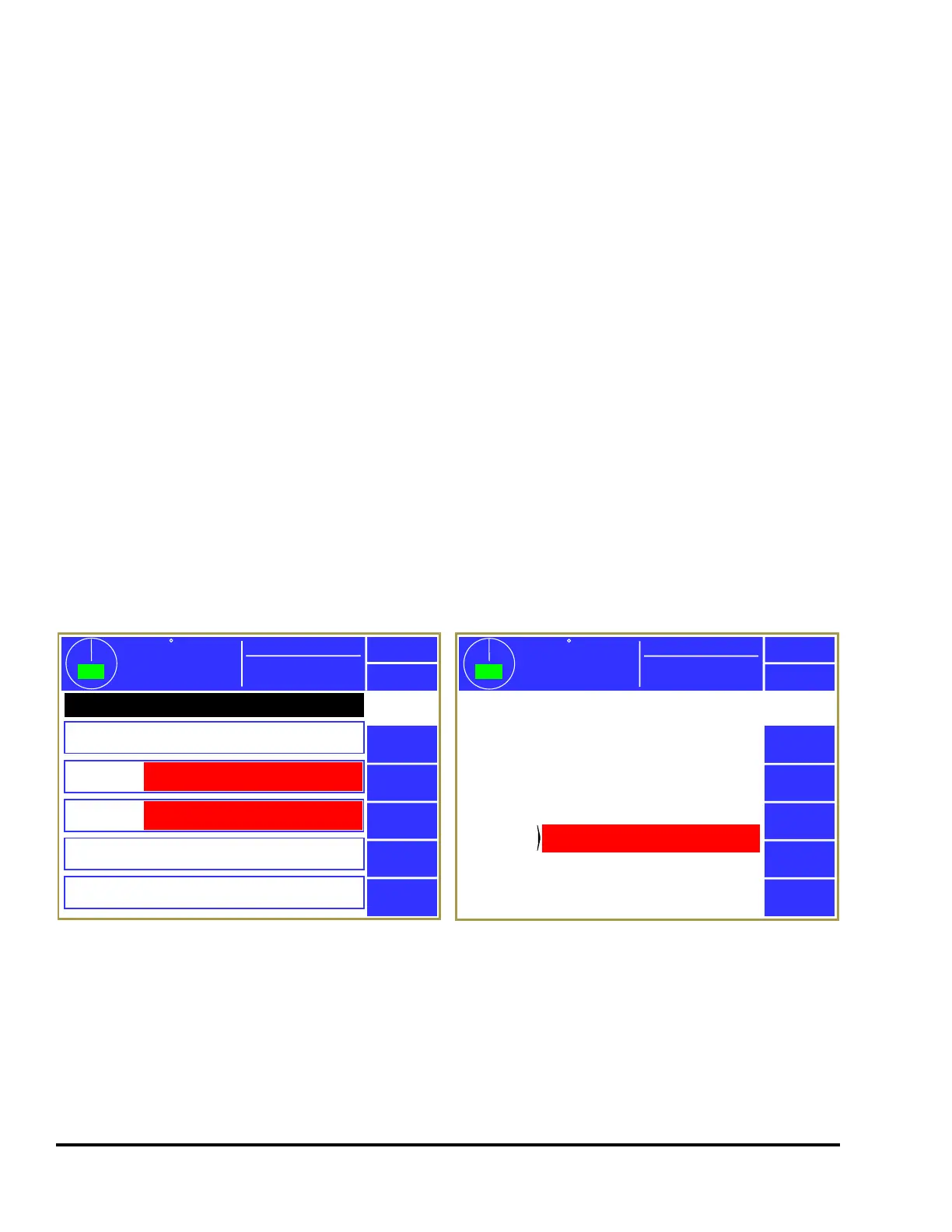
The System 2600 retains an event log which can be displayed by pressing the Event Log softkey in the
screen of Figure 40. This log records the reason for the last 256 stops. All reasons for last stop that are
generated by the System 2600 are recorded. Each entry in the event log contains the time, date, and the
type of stop. The event log is illustrated in Figure 41. Stops are displayed in chronological order with
the most recent stop displayed first. The Next Page and Previous Page softkeys can be used to scroll
through the event log.
Exit
Event
Log
Select an event below for further details.
6/10/2009 at
6:09:53 AM
Die Protection Stop
Next Page
6/10/2009 at
6:20:35 AM
6/10/2009 at
6:05:34 AM
6/10/2009 at
6:01:57 AM
6/10/2009 at
6:00:23 AM
Die Protection Stop
Run/Program Switch
Power Up
359
TOP
Stroke Speed
0
SPM
ACC
Espanol
Power Up
Previous
Page
Mode: Production
Figure 41: Event Log Screen
359
TOP
Stroke Speed
0
SPM
ACC
Espanol
Exit
Event
Log
Time:
Job:
Subsystem:
Module:
Speed at Stop Initiation:
Position at Stop Initiation:
Stop Type:
6/10/2009 at 6:09:53 AM
14
Die Protection
2600
71.4
140
Immediate Stop
Ch 1 Not in position at end of window.
Reason
for Stop
Mode: Production
Figure 42: Event Log Detail Information Screen
Pressing a specific stop message will display more detailed information about the conditions that existed
when the stop occurred as shown in Figure 42.



 To Next Page