Doc #: L-2600-1023 Page 67 Rev. 02
4.11.4.2 Access Timeout and Access Strokes
When users gain access by using a password, they remain logged in until they manually log out or are
automatically logged out. See section 3.1.8.2 on page 16. Automatic log out can be either time based or
stroke based.
The timed log out is based upon the time between keyboard activity. If the user does not press any key
on the operator terminal within the time programmed, the control will automatically log out the user.
The “Access Timeout” parameter sets this time. A time of 0 seconds turns off the timed log out and the
system will not automatically log out a user based on time (but manually logging out or stroke based
automatic logout will still function).
The “Access Strokes” parameter sets the number of press strokes between keyboard activity that the
system will allow before automatically logging out the user. A value of 0 strokes turns off the stroke
based automatic log out (but manually logging out or timed based automatic logout will still function).
4.11.4.3 Store Job Code
The “Store Job Code” is an optional access code that can be required before an operator is allowed to
store a job and is used ONLY when “Access Mode” is “Key Only”. This allows only trusted operators
to overwrite a job setup while still allowing other operators to recall job setups and perform other
operations. Since the purpose of this code is primarily the protection of known good job setups, it also
applies to job erase operations. A setting of “0” will disable this function, and anyone with the
RUN/PROG key will be able to store and erase job setups.
4.11.4.4 Edit User
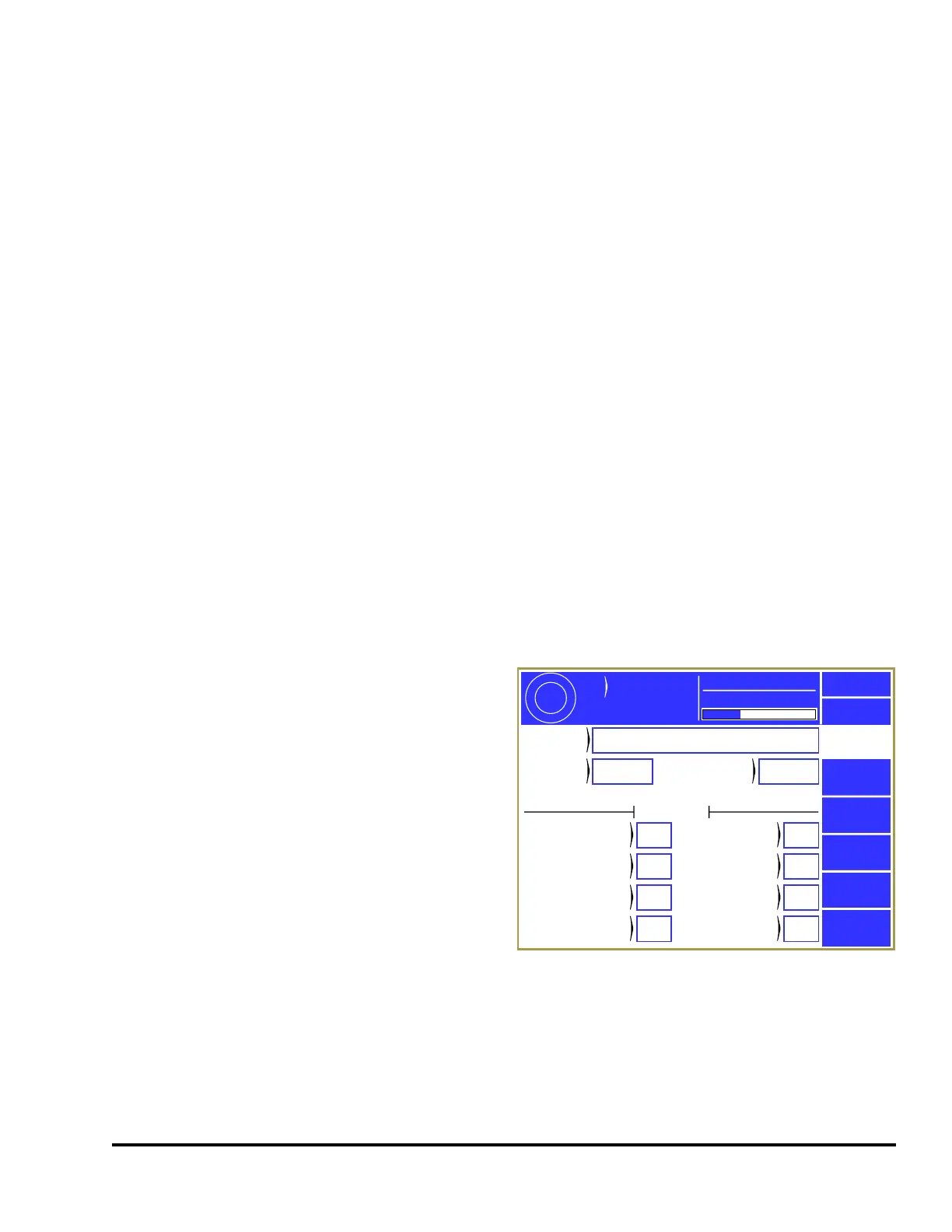
The control allows for up to sixteen users to have
the ability to gain access control. Each user is
assigned a name, a password, and various
permissions. Touch the Edit softkey to the right of
a user in the Access Configuration screen (shown in
Figure 58) to display the User Configuration screen
shown in Figure 59.
This display provides the following information:
• User name/description
• User’s current password
• Whether or not the User is “Used”
• A listing of permissions for this user.
The user can be enabled or disabled. When a user
is enabled (“Used” set to “Yes”), the user’s name will appear on a list of possible users that may obtain
access control. When a user is disabled (“Used” set to “No”), the user’s name will not appear on a list
of possible users that may obtain access control.
Exit
User 1
Access
Config
User
Description
User
Code
1 Used Yes
Permissions
Items in RED are unrestricted
Feed
Settings
Yes
Counter
Config
No
Counter
Reset
Yes
Counter
Change
Yes
0.0
Cycle
Rate
Part Count
ACC
Espanol
CPM
3600
Mode:
Production
Counter
Settings
Yes
Erase
Jobs
No
Recall
Jobs
Yes
Store
Jobs
Yes
Figure 59: User Access Configuration Screen



 To Next Page