Doc #: L-2600-1023 Page 58 Rev. 02
“Motion Threshold” setting for a period of time greater than the “Loss of Motion Time”. The Loss of
Motion Time setting is used to compensate for erratic motion on some geared presses where the gears
cog back and forth as the press strokes, resulting in temporary dips below the Minimum Press Speed
SPM setting.
4.4.1 Engagement Time Limit
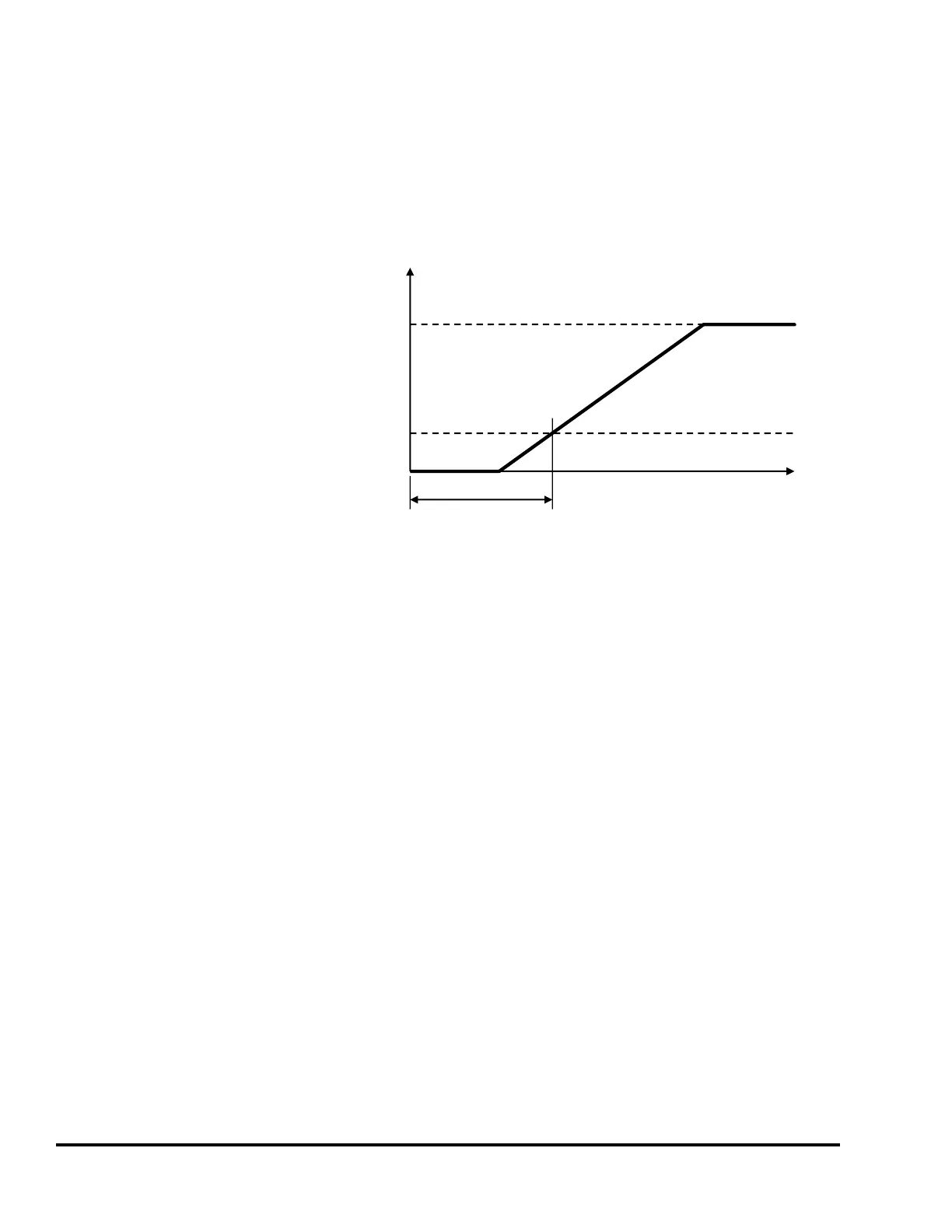
When the press control sends an electrical
signal to the clutch/brake valve(s) to start
stroking the press, there is a time delay
before the air flow (or hydraulic system on
some presses) can push the clutch plates
together and ramp up crank speed. Then
the clutch plates slip until the equivalent
flywheel SPM is reached. This is
illustrated in Figure 47.
Every time a stroke is initiated in the
forward direction, the press must establish
a stroking speed greater than the “Motion
Threshold” within the time set by the
“Engagement Time Limit”. Failure to do so will result in an immediate stop and the reason for last stop
will display Motion Did NOT Start. This parameter can be set from 0 to 999 milliseconds.
In addition to detecting faults, the “Engagement Time Limit” provides useful diagnostic information
relating to clutch wear. As clutch plates wear, the volume of air that must flow into and be stored in the
clutch increases, which also increases the engagement time. The increased volume of air stored in the
clutch also takes longer to flow out when the air valve dumps pressure to stop stroking, resulting in
longer stopping times for the press. Most presses provide for adjustment or shimming to compensate for
clutch wear. Exceeding the clutch “Engagement Time Limit” may indicate that clutch adjustment or
shimming should be performed. When possible, it is preferable to adjust the clutch clearance to the
press manufacturers recommended setting to determine the clutch engagement time with optimum
clearance.
To determine the value to enter as the “Engagement Time Limit”, first set the value to 999. This will
prevent stops while the correct time is being determined. Then put the press in Single Stroke Mode and
stroke the press several times. The “Last Actual” engagement time is displayed on this screen just to the
right of the “Engagement Time Limit”. Some margin for wear must be accommodated so that
adjustment on a frequent basis is not necessary. A typical wear margin of 20% is usually sufficient. To
determine the number to enter for the “Engagement Time Limit” with a 20% wear margin, take the
longest time actual engagement time observed and multiply it by 1.2. For example, if the longest actual
engagement time is 100 milliseconds, enter a value of 120 milliseconds (100 X 1.2 = 120) for the
“Engagement Time Limit”.
Clutch Eng. Time
Press SPM
Time
Flywheel Equivalent SPM
Motion Threshold
Figure 47: Clutch Engagement Time



 To Next Page