Doc #: L-2600-1023 Page 60 Rev. 02
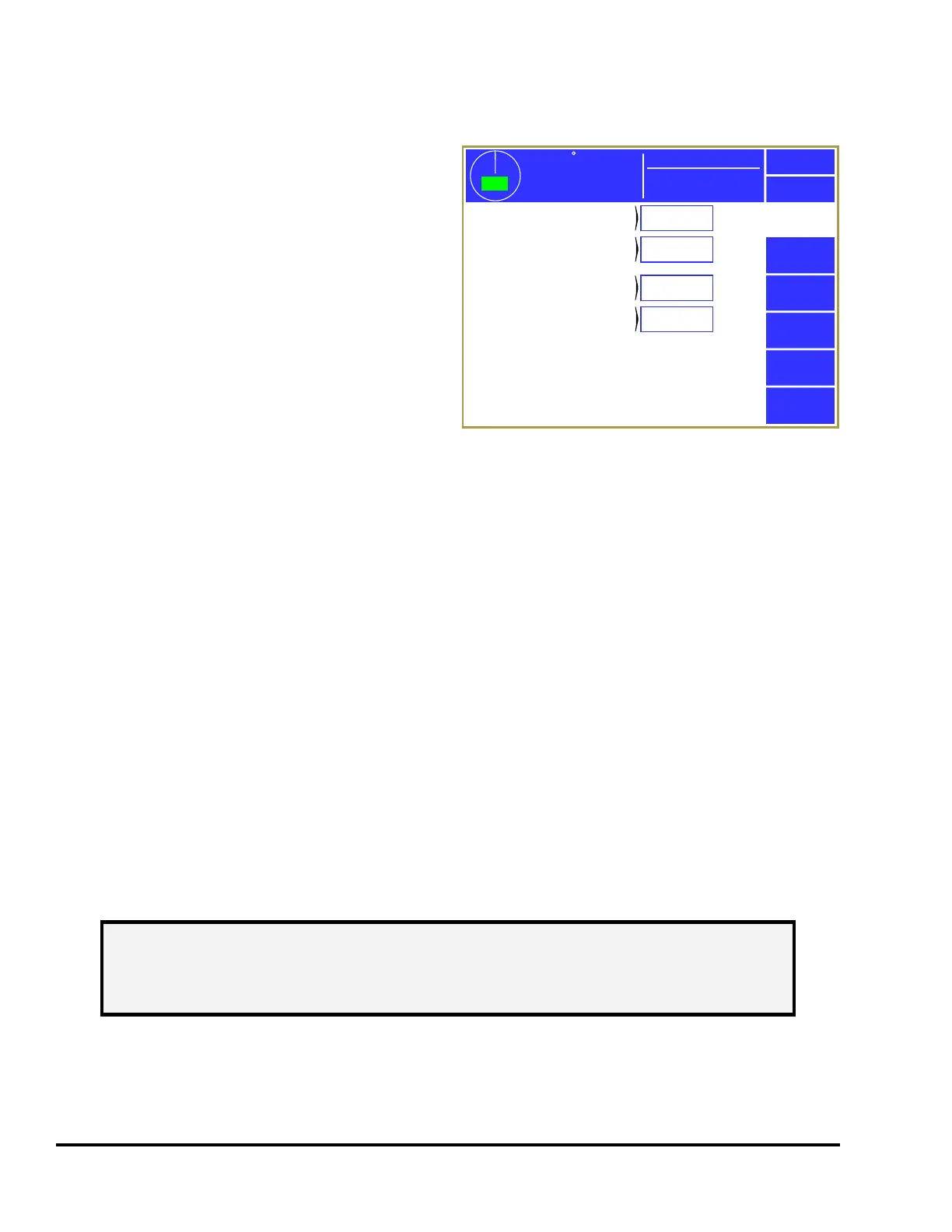
4.5 Bypass Settings Configuration Screen
Press the Bypass Settings softkey in the main
configuration screen as shown in Figure 43 to
display the screens shown in Figure 49.
4.5.1 Limited Bypass Maximum Strokes and
Maximum Time
Stroke limited bypass is an option that, when
selected, allows a user to bypass the monitoring
functions of the die protection system for a limited
number of strokes and for a limited time. The
system will remove the bypass after either limit is
reached. If limited bypass is not required, the
“Limited Bypass Maximum Strokes” parameter
should be set to zero and the Limited Bypass softkey
will not appear in the die protection bypass screen. If limited bypass is used but the timeout is not
required, the “Limited Bypass Maximum Time” should be set to zero. See Section 3.3.6.2 on page 41
for details on how limited bypass operates. “Limited Bypass Strokes” is stored by job but will not be
allowed to exceed “Limited Bypass Maximum Strokes” and likewise for “Limited Bypass Time” and
“Limited Bypass Maximum Time”.
4.5.2 System Bypass Allowed
If the “System Bypass Allowed” parameter is set to “Yes”, the System Bypass softkey will appear on the
die protection bypass screen. Any user who has been granted access to this system bypass can bypass
the entire die protection system by selecting this softkey. See Section 3.3.6 on page 40 for more
information concerning bypassing. If this parameter is set to “No”, the System Bypass softkey will not
appear on the die protection bypass screen and the only means of bypassing the die protection system
will be automatic bypass in setup mode and stroke limited bypass, if enabled.
4.5.3 Auto Unbypass When Switching to Production Mode
If the “Auto Unbypass When Switch to Production Mode” parameter is set to “Yes”, the die protection
system will automatically remove any system bypass or limited bypass when the press operating mode is
changed from setup mode to production mode. This is intended to prevent the system from being
inadvertently left in bypass when changing from setup mode to production mode.
359
TOP
Stroke Speed
0
SPM
ACC
Espanol
Exit
Die
Protection
Limited Bypass
Maximum Strokes
15
Limited Bypass
Maximum Time
10 min
System Bypass
Allowed
Yes
Auto Unbypass When
Switching to Production Mode
Yes
Mode: Production
Figure 49: Bypass Settings Configuration Screen
NOTE: The automatic unbypass feature only removes the bypass when the press
mode changes from setup mode to production mode. Once in a production
mode, any user who has been granted access to do so can again select a
bypass.



 To Next Page