Doc #: L-2600-1023 Page 68 Rev. 02
Each user can be granted permission to access certain restricted items. A list of these items is shown in
Section 3.1.9 on page 19. If a restricted item is configured with a “Yes”, the user can obtain access to
that item. If the restricted item is configured with a “No”, the user cannot obtain access to that item.
4.11.4.5 Restrict/Un-Restrict Access
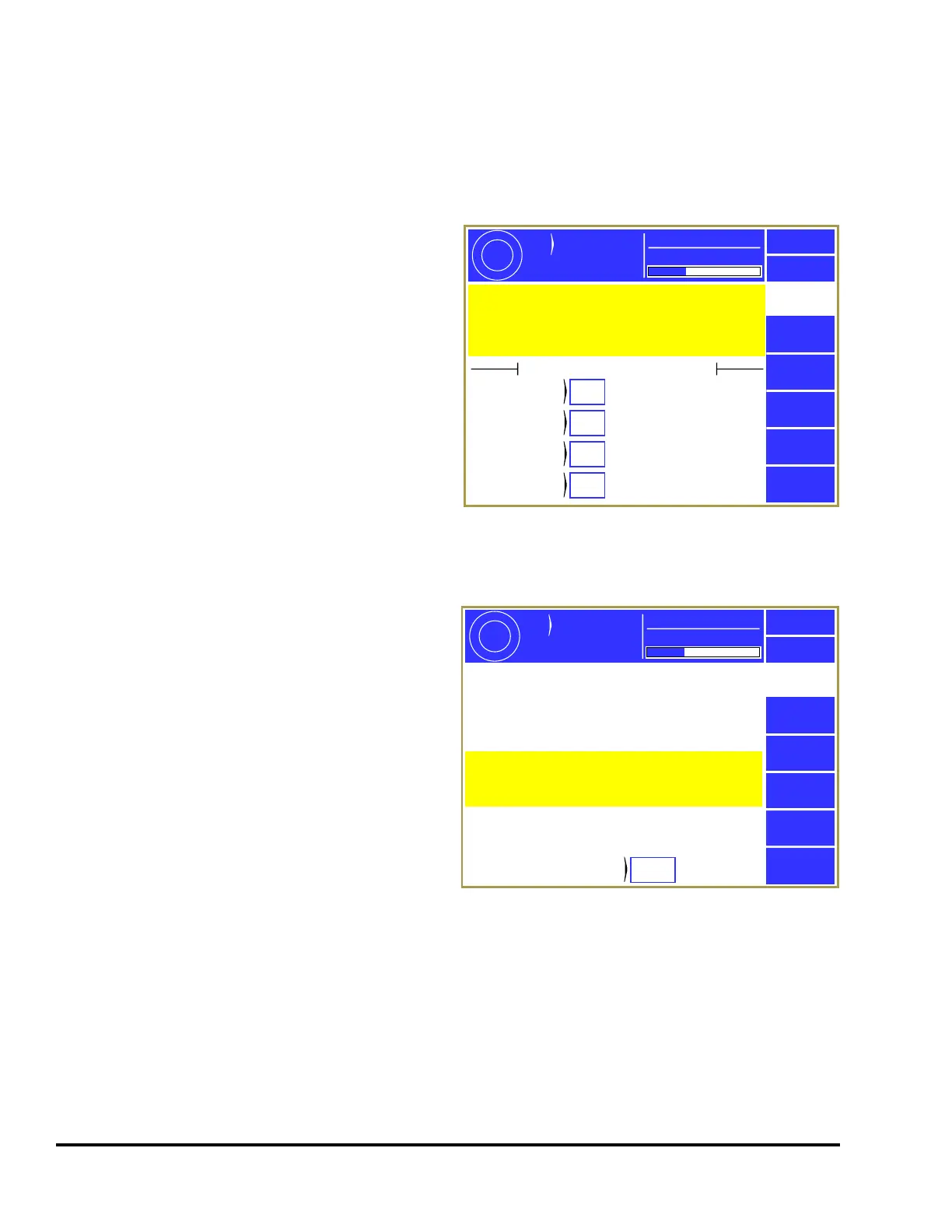
In addition to the user access system, certain items
can be made available to any operator as shown in
Figure 60. An example of this would be to allow
any operator to reset the production counters. Any
item marked as “Yes” can be changed by an
operator without the RUN/PROG key or an access
code. Note that this is true even if the “Access
Mode” is in one of the modes that require a code
and the user permission for the same setting is
marked to deny access. These settings will override
any other restriction.
4.11.4.6 Setting the Configuration Code
Selecting the Set Config Code softkey in the Access
Configuration screen, will display the
Configuration Code screen shown in Figure 61.
This screen allows the Configuration Code to be
changed. This is the configuration code that
protects Top Stop Calibration, Machine Parameters,
Lubrication Systems Configuration, Operator
Terminal Configuration, Restricted Programmable
Limit Switch Setting, Names and Messages,
Counter Configuration, Tonnage Monitor
Configuration, Die Protection Configuration, and
Auto Setups Configuration. It is imperative that
this code be given only to authorized personnel
who are familiar with the control and with the
consequences of incorrect parameter settings.
The configuration code is set at the factory. It is suggested that this code not be changed unless the
security of the configuration code has been jeopardized. If a configuration code has been obtained by
personnel who do not require access to the configuration parameters, it must be changed. When this
code is changed, the previous code will no longer be valid. The value of the new code should be
documented and stored in a secure place.
If a current code value is lost, the factory must be consulted for a recovery procedure.
Exit
These permissions can be set to allow anyone access to
the actions listed at any time. If “Yes” appears after the
listed action then NO PROGRAM KEY OR CODE WILL BE
REQUIRED to perform the action! User permissions will
Be overridden by these settings.
Access
Config
Actions That Require No Key or Code
Counter
Reset
Yes
Counter
Change
No
Counter
Settings
Yes
Counter
Config
No
0.0
Cycle
Rate
Part Count
ACC
Espanol
CPM
3600
Mode:
Production
Figure 60: Restrict/Unrestrict Screen
Exit
Access
Config
This code is used to gain access to the user
configuration screens for both standard and optional
features of the control. This code should ONLY be
known to persons who have the technical knowledge and
the authorization of the employer to configure the
control.
Configuration
Code
999
CAUTION! Some settings affect safety considerations.
Others can affect whether production systems are
properly controlled or monitored.
Make sure you record and keep this code in a secure
place. If it lost, you will have to contact Link Systems
to restore access to the configuration screens.
0.0
Cycle
Rate
Part Count
ACC
Espanol
CPM
3600
Mode:
Production
Figure 61: Set Config Code Screen



 To Next Page