6-21
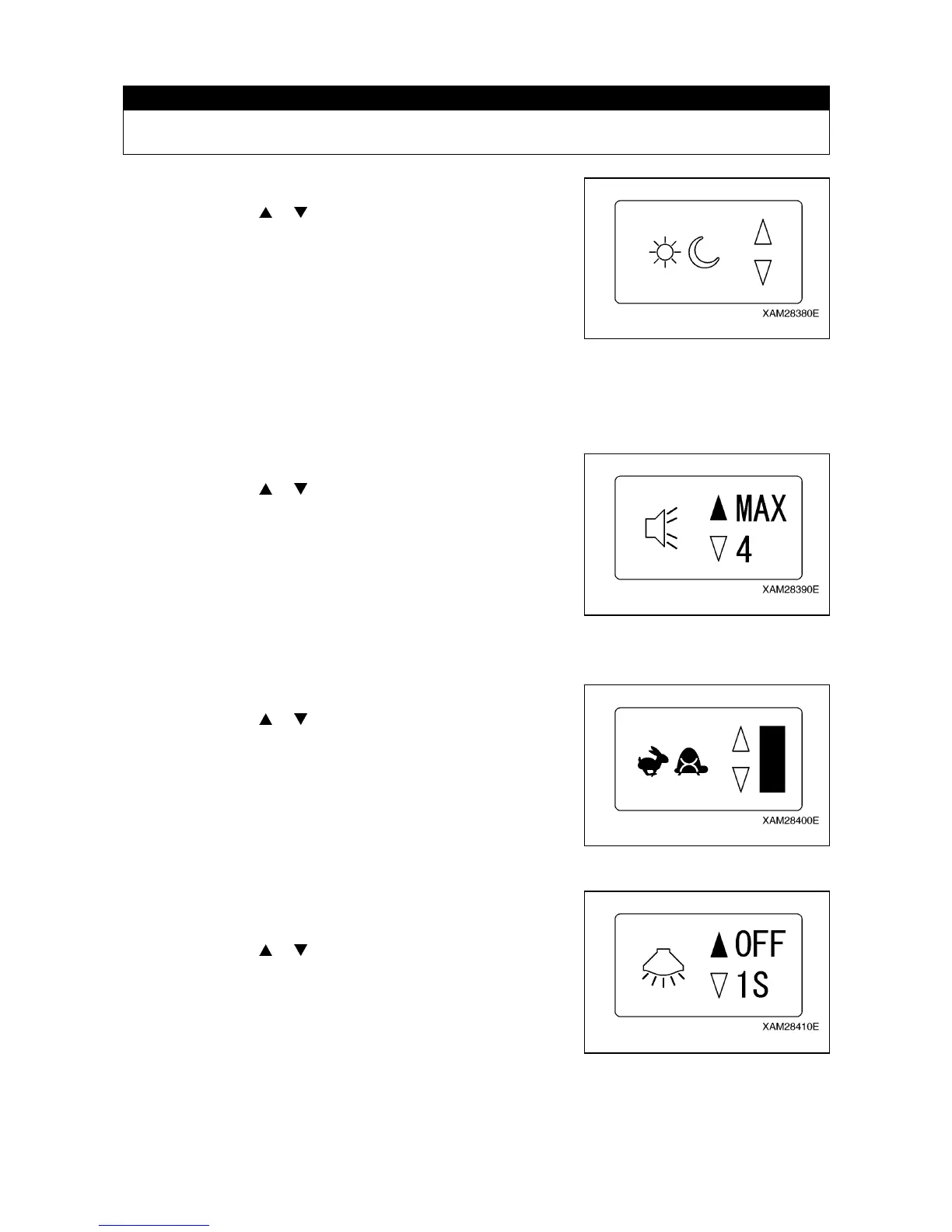
[1] LCD SCREEN CONTRAST RATIO
CAUTION
The LCD screen may be illegible when it is set too light or too dark, which may prevent correct
operations. Adjust its contrast adequately for comfortable read.
Adjust the contrast ratio of the LCD screen:
1. Shift the cursor ( or ) using the Hook raising and lowering
lever.
• To darken: Push the upper end of the Hook raising and
lowering lever.
• To lighten: Push the lower end of the Hook raising and
lowering lever.
2. When the desired contract is obtained, push the Hook
stow/Setting button. The condition obtained in above 1. will be
fixed and the display returns to the A MODE screen.
[2] LOUDNESS CONTROL (available only for units with optional voice message)
Adjust the volume of voice messages:
1. Shift the cursor (
or ) using the Hook raising and lowering
lever and select the appropriate rate.
The volume adjust is by 6 steps, OFF, 1, 2, 3, 4, or ON.
The factory setting for this function is “MAX”.
2. When the desired volume is obtained, push the Hook
stow/Setting button. The condition obtained in above 1. will be
fixed and the display returns to the A MODE screen.
[3] ACCELERATION
Adjust the engine speed limit, controllable by the Accelerator lever:
1. Shift the cursor (
or ) using the Hook raising and lowering
lever. When all the bars lights, the speed limit is in maximum,
otherwise, when the all are OFF, it is in minimum.
2. When the suitable rev limit is obtained, push the Hook
stow/Setting button. The value obtained in above 1. will be fixed
and the display returns to the A MODE screen.
[4] LCD BACKLIGHT
Adjust the time to the auto-cut of the LCD backlight, after your
finger is released from each of the lever.
1. Shift the cursor ( or ) using the Hook raising and lowering
lever and select the preferred time.
The elapse time adjust is by 4 steps, OFF, 1 sec., 3 sec., or 4
sec.
The factory setting for this function is “1 second”.
2. When the desired time is obtained, push the Hook stow/Setting
button. The elapse time in above 1. will be fixed and the display
returns to the A MODE screen.



 To Next Page