6-23
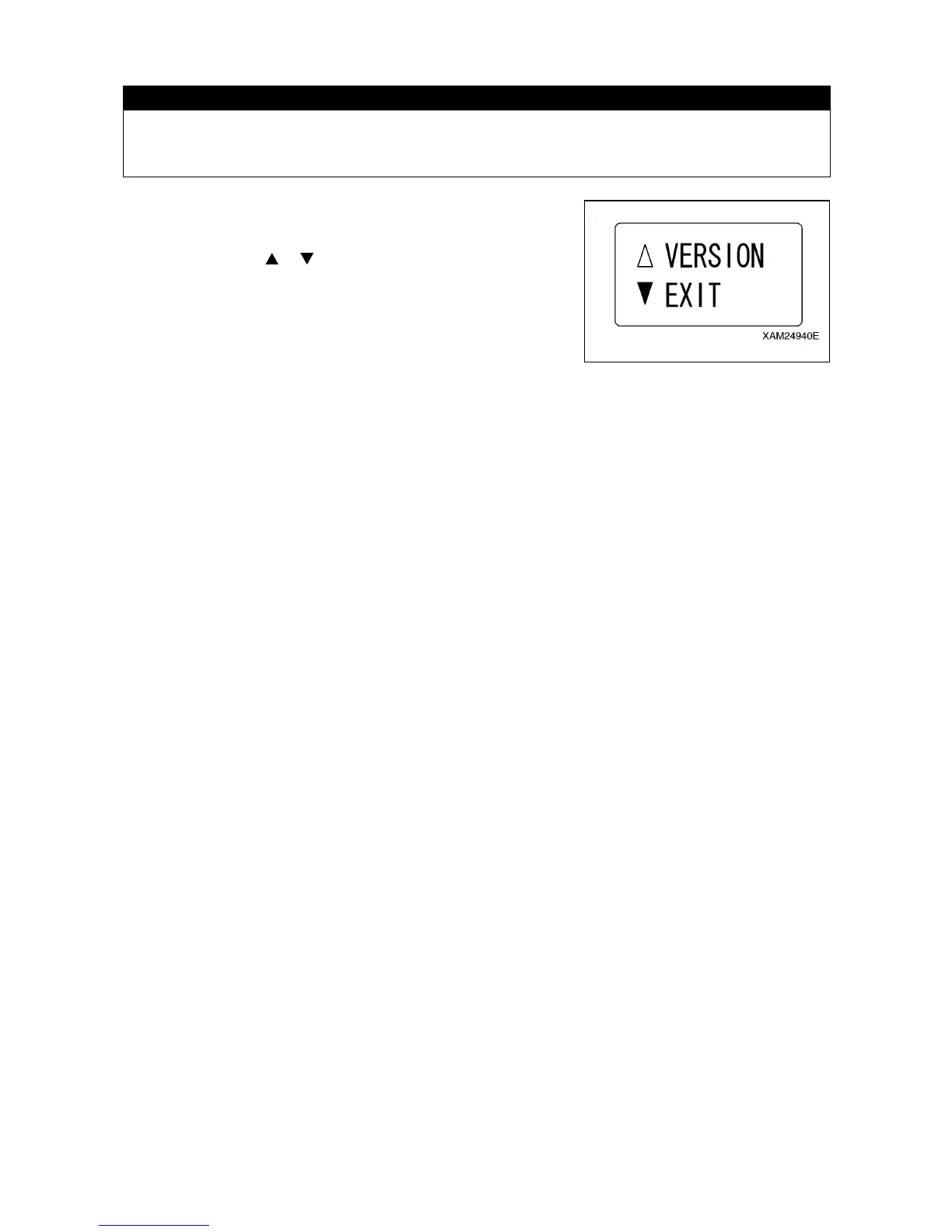
[9] EXIT
CAUTION
Once setting-up the desired function items of all is completed, do not forget to practice the
termination procedure, below. Otherwise, when this process is not correctly terminated, the
latest setting will not become valid.
1. Once setting-up the desired function items of all is completed,
ensure that the display has returned to the A MODE screen.
2. Shift the cursor (
or ) using the Hook raising and lowering
lever and select “EXIT”.
3. Push the Hook stow/Setting button, which will terminate the “A
MODE” and turn the mode to “the “CRANE MODE”.



 To Next Page