McHale Fusion 2 electronic control system section
11- 37
McHale Fusion 2 round baler wrapper technical service manual
Issue 1: 0208
11.9: Uploading Expert Software
New control box programs are easily uploaded to the Expert control box using a
computer and a special serial cable (CEL00254).
Computer requirements.
Windows computer with pre installed uploading software and a free 9 pin COM
port. USB computers will require a 'USB to COM' port adaptor. The uploading
software can be downloaded from the dealer area on www.mchale.net
The program for the control box can be sent via email or the latest version can
also be downloaded from the McHale website.
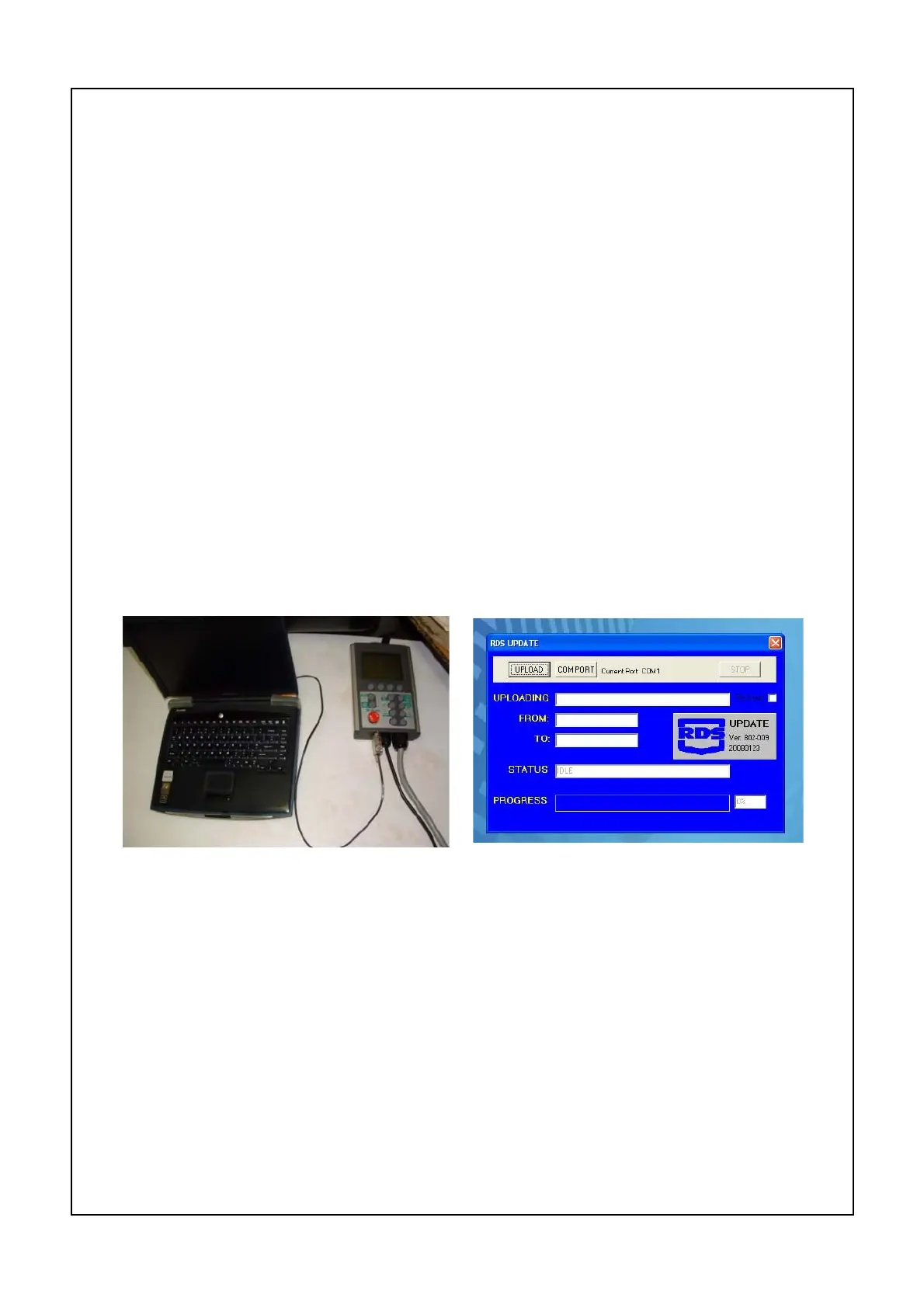
Connect "McHale-Expert" serial cable to a spare serial port, Com1 or Com2 on
the computer. Connect other end of cable to Expert control box.
NOTE:- This cable is a non standard cable and must not be used on any other
instrument. Connect a 12 Volt power supply to the Expert control box.
The connections to the battery or power supply must be secure, a power failure
during uploading will corrupt the program making the unit unable to accept any
further software, a new chip will have to be fitted.
DO NOT USE a battery charger as a power source, the voltage may be too high.
Switch off the control unit by pushing the red stop button.
Launch the upload programme by double clicking the "RDS UPDATE" icon.
Select the Com port that the serial cable is connected to.
Click on "UPLOAD" to open the "file select" window. Select the desired program
and click OK.
The computer will try to connect. Switch on the control box by turning the red stop
button to release. Data will be transferred to the control unit, the current and the
upgrade software versions will be displayed and a progress indicator will indicate
programme transfer.
"Transfer complete" will be displayed when programme is uploaded.
Click "Stop" to clear the connection.
Click "Quit" to exit or "Upload" if another unit is to be uploaded.
Switch control unit off and then on, as the unit powers up it should display the
new software version number, it is now ready for use.



 To Next Page