McHale Fusion 2 field operation and adjustments section
9- 3
McHale Fusion 2 round baler wrapper technical service manual
Issue 1: 0208
9.5 Unblocking system
Warning! Never attempt to go near the pick up reel with the reel still rotating
and the tractor on. In the rare case that the reel cannot be unblocked from using
the procedure below, then the pickup reel will require manual unblocking, by
removing the excess blocked material. To do this safely ensure PTO is
disengaged, tractor turned off, key removed and that all parts have stopped rotating.
Also ensure machinery can’t roll by having machinery on level ground and the
brakes applied. Remove excess material carefully. Always wear protective clothing
and gloves, beware of sharp edges!
The McHale
Fusion 2
is equipped with an unblock system. In case of a blockage in
the feeding channel, the PTO overload clutch will disengage and a loud clicking
noise will be heard. Once this sound is heard, immediately turn off the tractor PTO
and push the “Unblock” button on the control box for three seconds, while in the
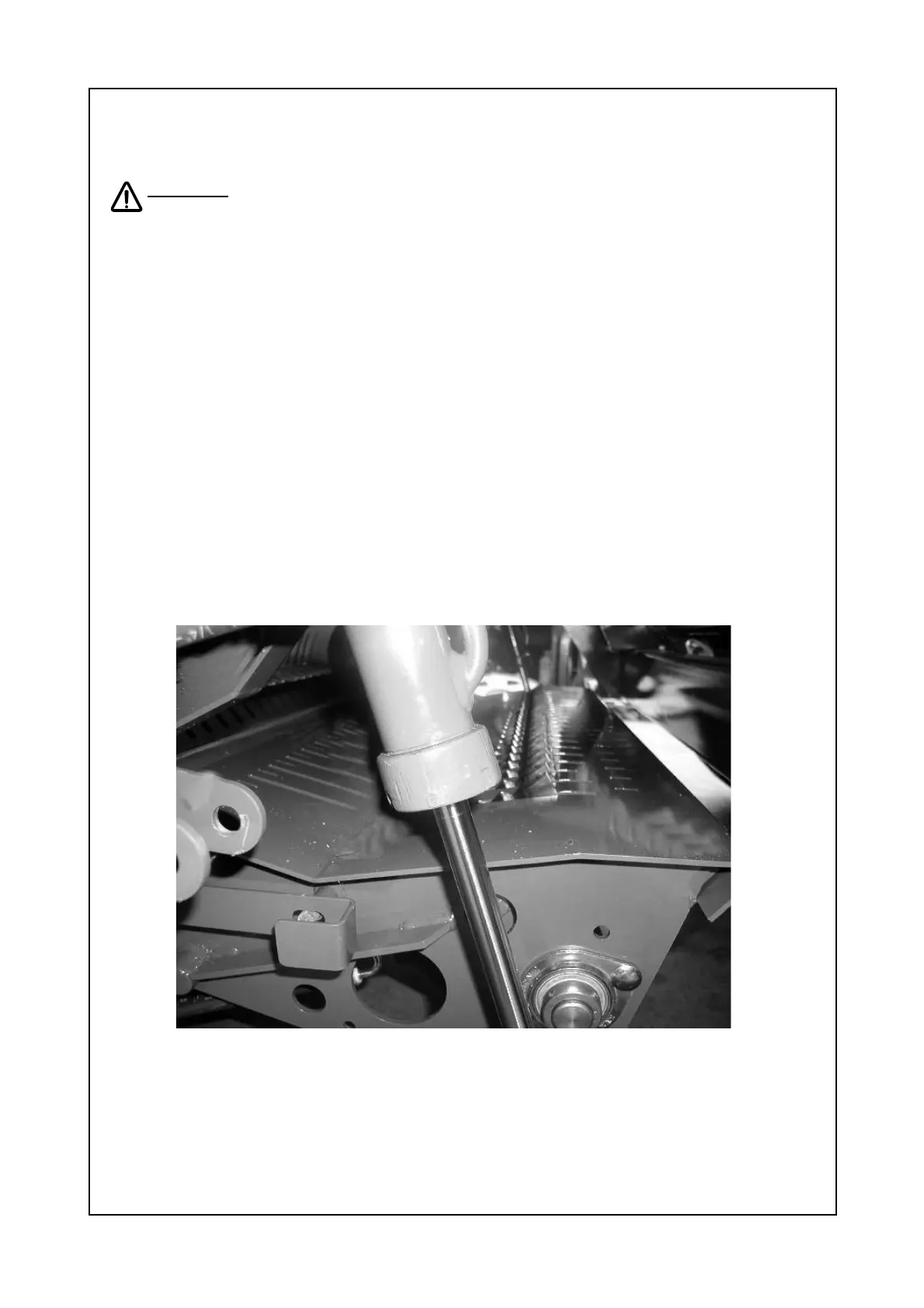
‘Auto’ cycle, the unblock routine will start. The knives, if set to on, (see section 8 for
control box button function) will first retract followed by the lowering of the channel
floor, see figure 9.5.1. Then restart the tractor PTO at a slow speed, increasing
speed slowly up to 540 rpm and not exceeding 610 rpm. Any lumps of material can
now be easily transported into the bale chamber.
After having cleared the blockage a quick push of the “Reset” button will return
the channel floor to the working position followed by the knives if previously set to
on.
Figure 9.5.1 Unblock mode, knives retracted and channel floor lowered.



 To Next Page