McHale Fusion 2 wrapper operation section
08- 4
McHale Fusion 2 round baler wrapper technical service manual
Issue 1: 0208
8.3 Wrapping process
The wrapping process starts automatically as soon as the bale has been transferred
from the bale chamber to the wrapping table (chamber door closed, rear roller in
fully raised position and the access door closed). After the bale is wrapped with the
selected number of film layers two cut & hold units grip and cut the film. The
wrapping cycle is completed and the bale is ready for discharging.
If ‘Auto Tip’ is selected the wrapped bale is discharged when netting of the
next bale starts.
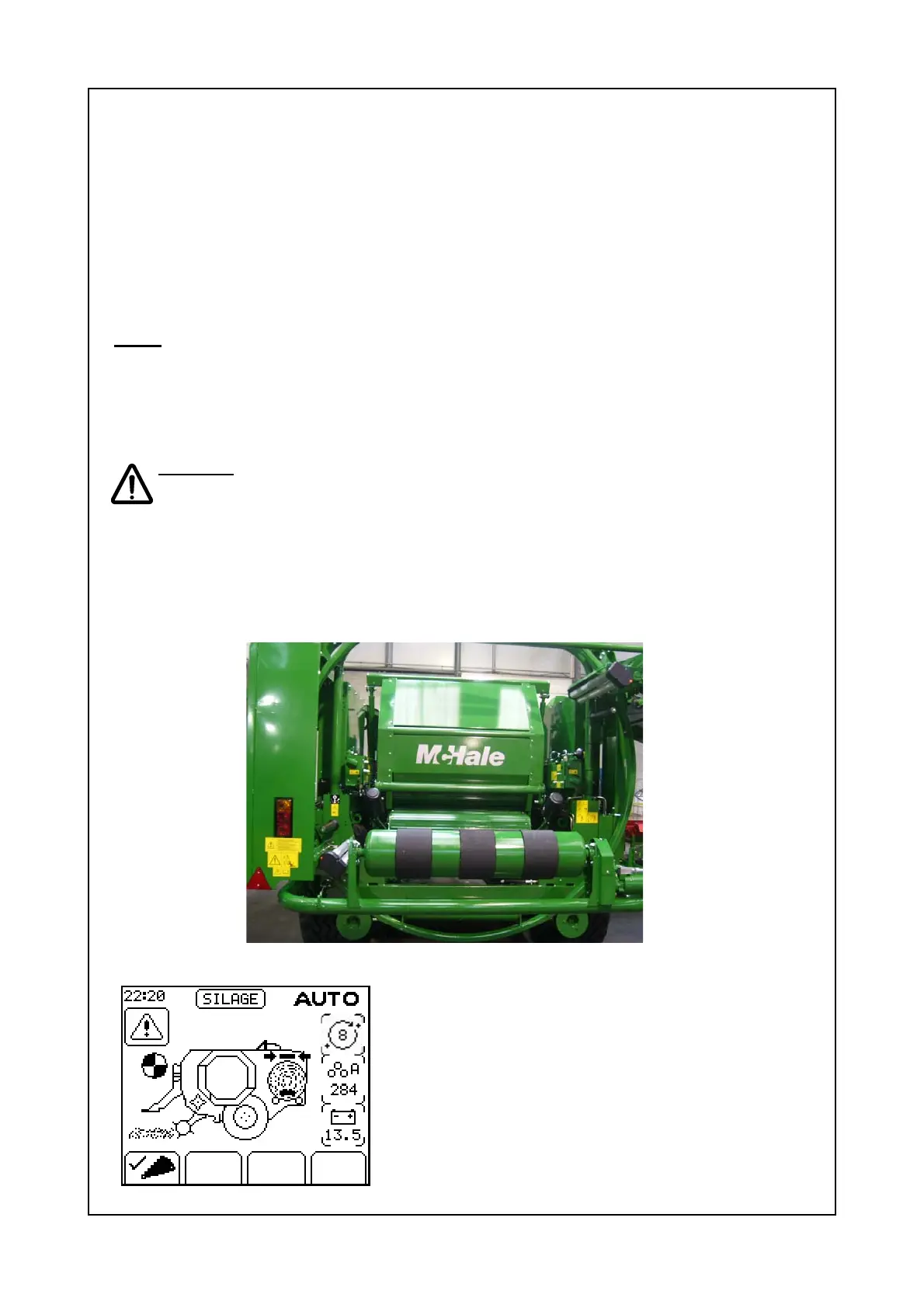
Note: The bale will not transfer from the baler chamber if the dispenser ring is in the
wrong position, this is a safety feature and is normal. In this case an audible alarm
will sound and “Dispenser Position” error symbol will be displayed in the control
box display. The forward and reverse soft key indicators will become active on the
control box. Press appropriate button in order to correct and once corrected the bale
will transfer and wrapping will start.
Caution! The machine should not be moving when the bale is tipped off, as
this greatly increases the risk of plastic film damage.
8.4 Dispenser adjustment
The dispenser rollers are set for a standard film stretch of 70%. Optional sets of
dispenser gears for both 55% and Enduro film streching are available from your
McHale dealer.
Figure 8.4.1 Dispenser in the "home" position.
Figure 8.4.2 Dispenser position error symbol



 To Next Page