Handling of Consumables 35
_______________________________________________________________________________________________
_______________________________________________________________________________________________
MICROPLEX Operator’s Manual logiJET T4-2 /T6-2 /RFID Edition 2.2
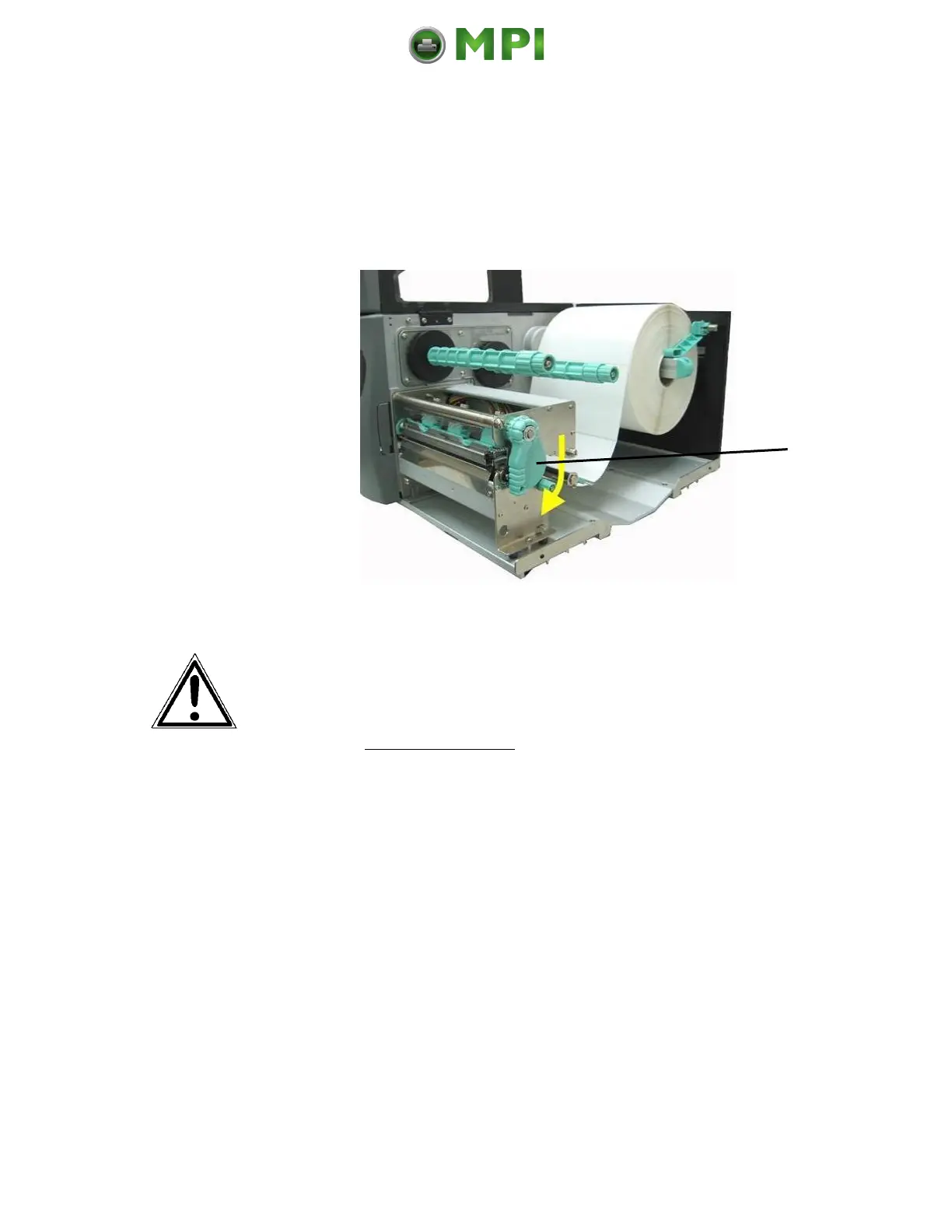
18. If you want to print using the thermal direct process, now
close the pressure lever (Fig. 5.2.1.m).
To print using the thermal transfer process, you still need to
insert ribbon.
Fig. 5.2.1.m Closing the pressure lever
Pay attention to the following safety instructions!
Safety instructions:
- The cutter (optional) can cause injuries if the printer is
operated incorrectly.
- There is a danger of fingers, hair, clothing, jewellery etc.
being drawn into the machine in the vicinity of the ribbon
and media transport unit.
19. Close the hood of the printer.
Mantenimiento Periféricos Informáticos C/Canteras, 15 28860 Paracuellos de Jarama (Madrid) Tel: 00 34 917481604 Web: https://mpi.com.es/



 To Next Page