48 Handling of Consumables
_______________________________________________________________________________________________
_______________________________________________________________________________________________
MICROPLEX Operator’s Manual logiJET T4-2 /T6-2 /RFID Edition 2.2
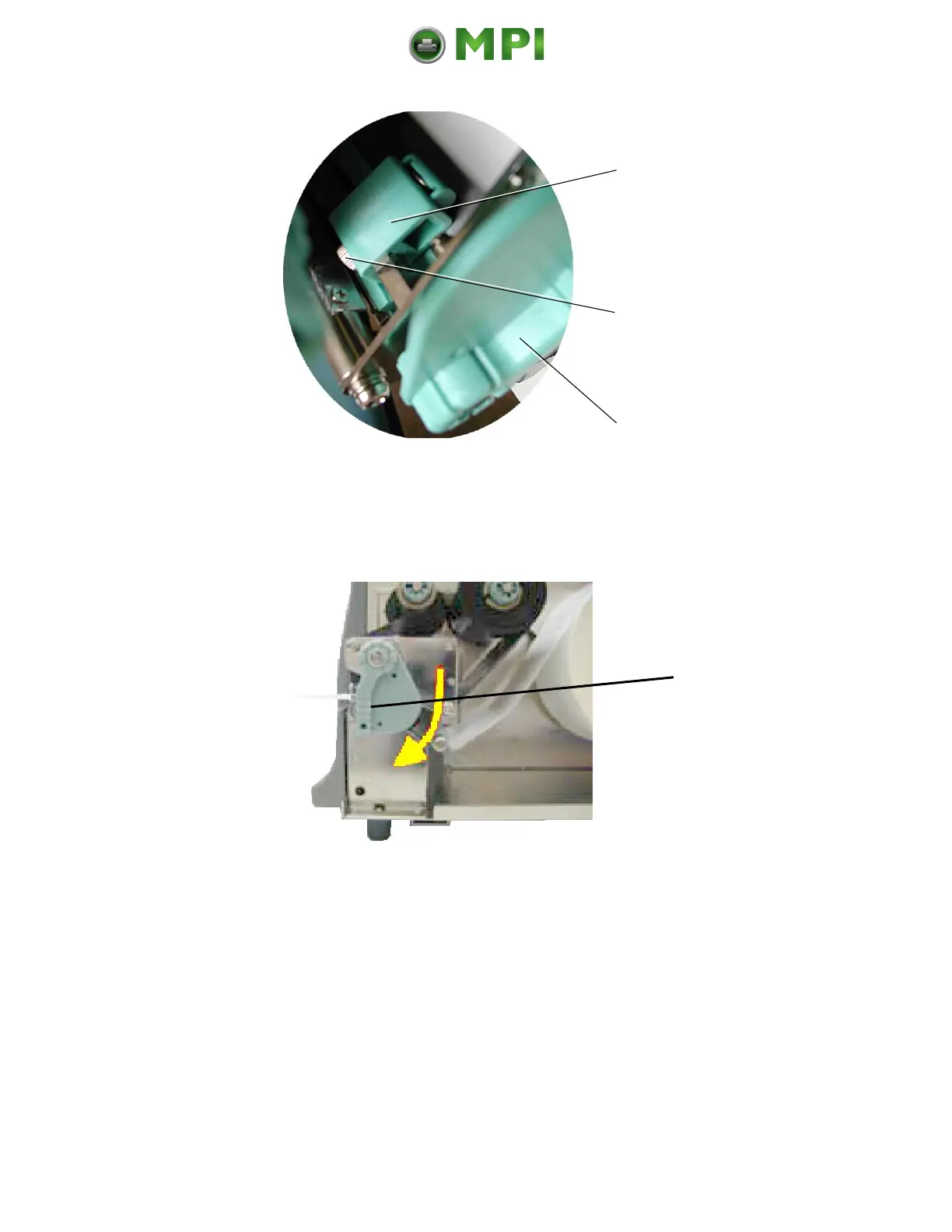
Setting screw
for the printhead
pressure
Fig. 5.4.d Detailed picture of a spring box
4. Swivel the printhead pressure lever clockwise back to its
original position making sure it clicks into place.
Fig. 5.4.e Locking the pressure lever
The following picture helps you to locate the setting screws for
the printhead pressure:
Mantenimiento Periféricos Informáticos C/Canteras, 15 28860 Paracuellos de Jarama (Madrid) Tel: 00 34 917481604 Web: https://mpi.com.es/



 To Next Page