Panel Functions 85
________________________________________________________________________________________________
_______________________________________________________________________________________________
MICROPLEX Operator’s Manual logiJET T4-2 /T6-2 /RFID Edition 2.2
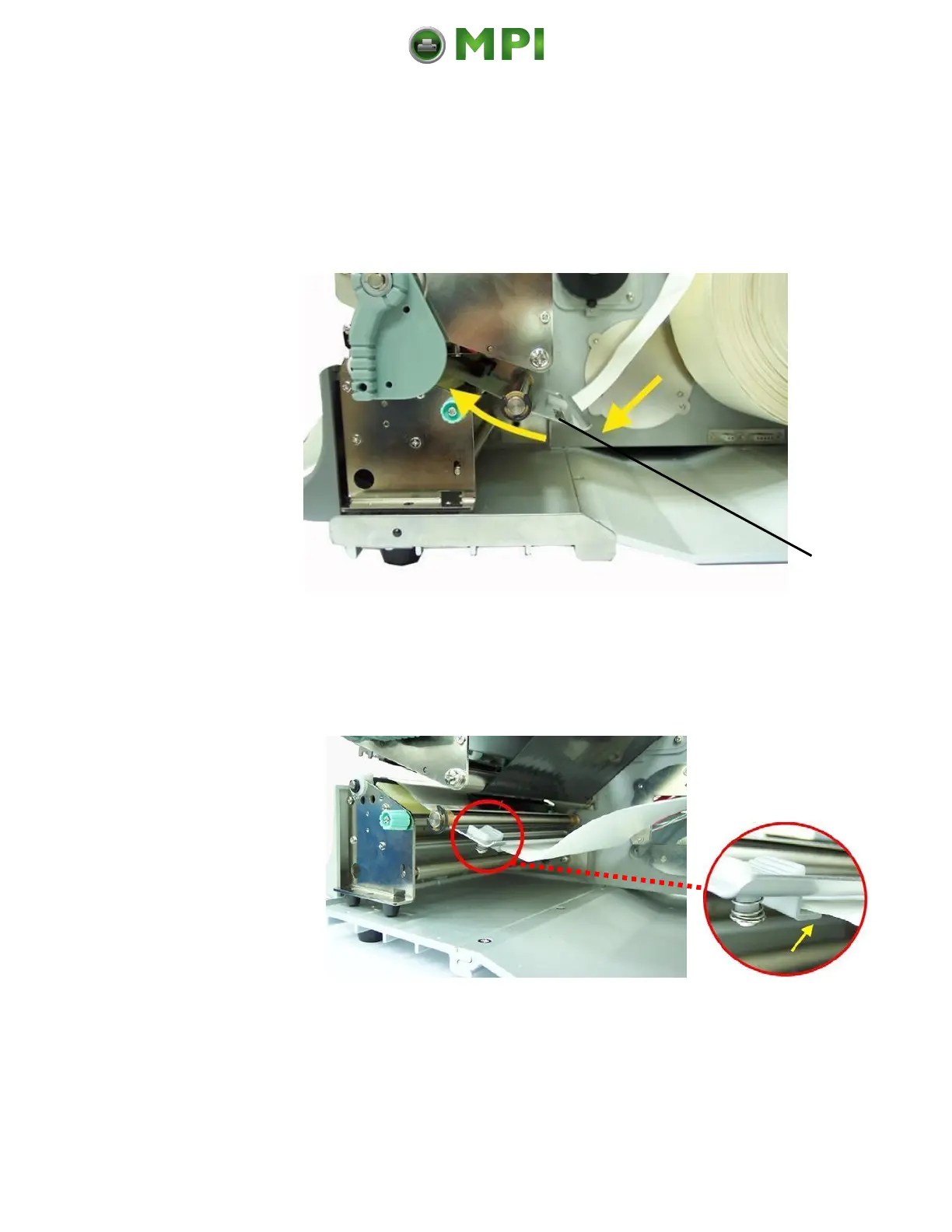
3. Slide the material guide to its outermost position. (Compare figure
9.3.1.c).
4. Insert the consumables (refer to section 5 for details).
Fig. 9.3.1.b Inserting the media
5. Slide the material guide inwards until it contacts the edge of the
media, without deforming the media.
Fig. 9.3.1.c Setting the material guide
6. Find out the position of the gaps/marks of your consumable.
Mantenimiento Periféricos Informáticos C/Canteras, 15 28860 Paracuellos de Jarama (Madrid) Tel: 00 34 917481604 Web: https://mpi.com.es/



 To Next Page