Panel Functions 87
________________________________________________________________________________________________
_______________________________________________________________________________________________
MICROPLEX Operator’s Manual logiJET T4-2 /T6-2 /RFID Edition 2.2
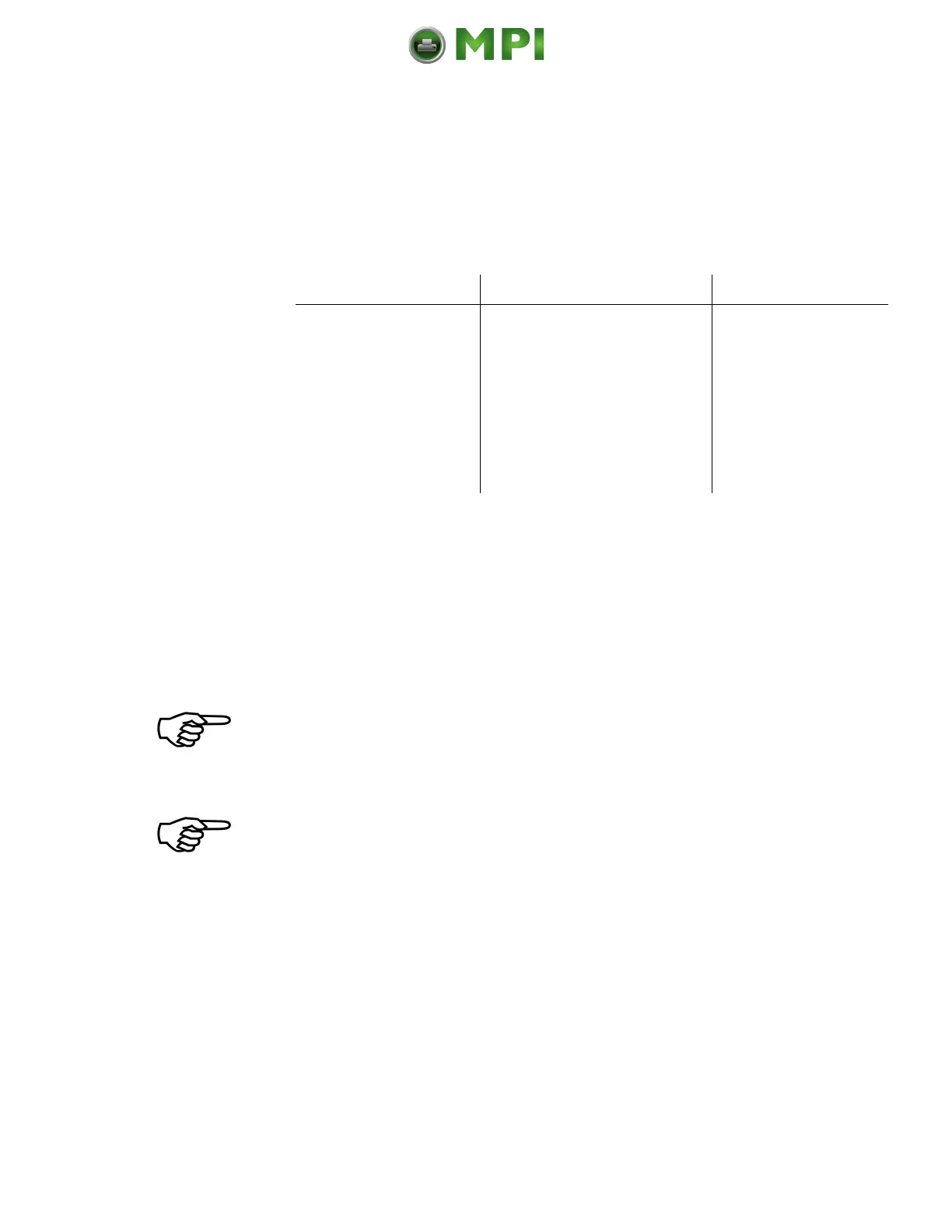
9. The following table gives you an overview of print media and
sensor target positions (upper sensor = transparent sensor, lower
sensor = includes the reflex sensor):
Lower sensor (Black mark)
(+ upper sensor for paper end
detection)
Directly over the black
mark
Lower and upper sensor (Gap)
Lower and upper sensors (Gap)
Lower and upper sensors (Gap)
10. Set the lower sensors to the lateral position of the gaps or marks of
your material. (Compare the yellow arrows in the previous figure.)
The next step is to adjust the currents and the switching thresholds of the
sensors. (Please read the following sections.)
Always adjust both sensors to your current consumables (upper sensor
and lower sensor)!
For applying the through-beam light barrier functionality it is anyway
necessary to use both, the upper Transparent sensor as well as the lower
Reflex sensor.
For using the reflex light barrier functionality only the (lower) Reflex
sensor is needed to detect the markings / Black Marks, but the through-
beam light barrier is needed for paper end detection.
Mantenimiento Periféricos Informáticos C/Canteras, 15 28860 Paracuellos de Jarama (Madrid) Tel: 00 34 917481604 Web: https://mpi.com.es/



 To Next Page