11. Commissioning
MiR1350 User Guide (en) 05/2022 - v.1.2 ©Copyright 2021-2022: Mobile Industrial Robots A/S. 172
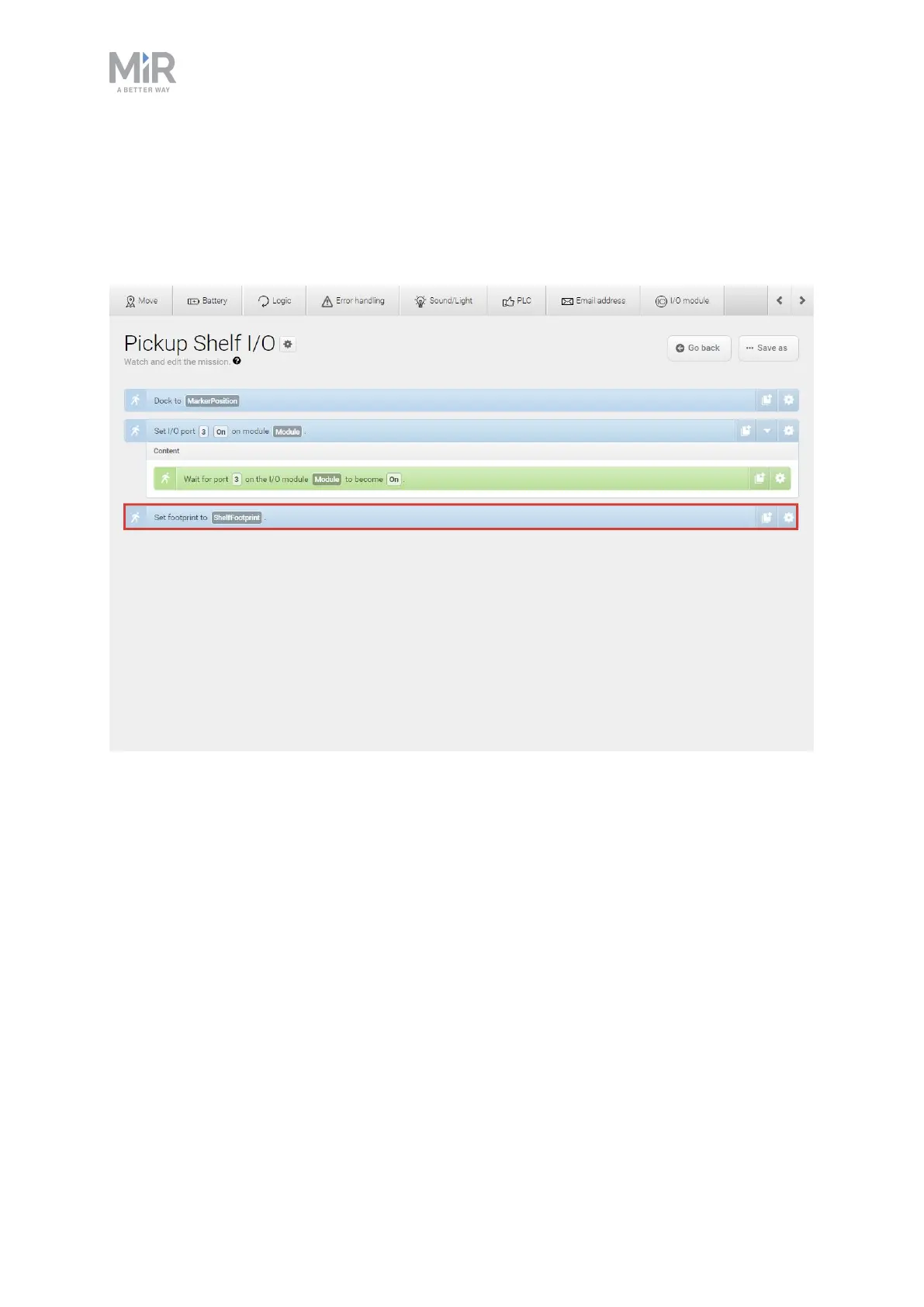
If you want to change the footprint in a mission, use the Set footprint action
found under the Move action group. This is used to change the footprint when
the robot picks up a load that extends the footprint or places a load and the
footprint returns to the default.



 To Next Page