11. Commissioning
MiR1350 User Guide (en) 05/2022 - v.1.2 ©Copyright 2021-2022: Mobile Industrial Robots A/S. 177
It is important to analyze and consider who is:
•
Working directly with MiR1350 as direct users or operators?
•
Responsible for MiR1350 as commissioner?
Furthermore, the following questions should be answered:
•
How many different users are there?
•
What tasks does each user have with MiR1350?
•
What permissions should the different users have?
•
What functions or widgets should be available for the different users?
For more details on users and dashboards, see MiR Robot Reference
Guide on the MiR website.
Create user groups
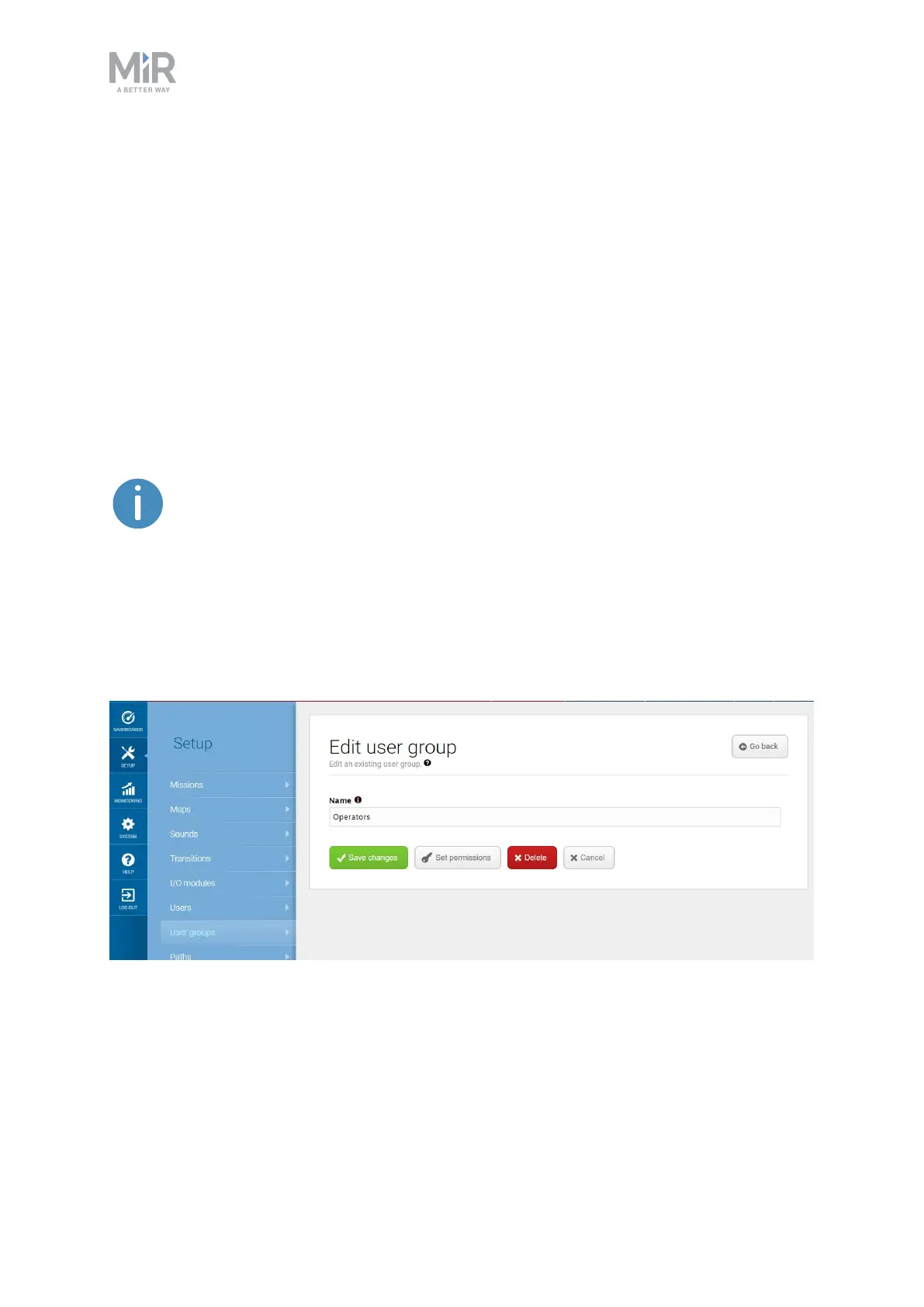
In Setup > User groups, you can create specific user groups with specific access
to different parts of the robot interface.
Figure 11.20. You can create specific user groups.
Under Set permissions, you can select the specific parts of the robot interface
that the user group has access to.



 To Next Page