12. Usage
MiR1350 User Guide (en) 05/2022 - v.1.2 ©Copyright 2021-2022: Mobile Industrial Robots A/S. 207
stopping in the middle of a mission by providing an alternative course of action if
the main mission fails.
Try/Catch is a mission example where the robot runs the mission Prompt user
created in Creating the mission Prompt user on page202, and if the robot for
some reason fails to complete the mission, the robot plays a sound.
To create the mission Try/Catch, it is assumed you have completed the following:
•
Created the mission Prompt user as described in Creating the mission
Prompt user on page202.
To create the Try/Catch mission, follow the steps below:
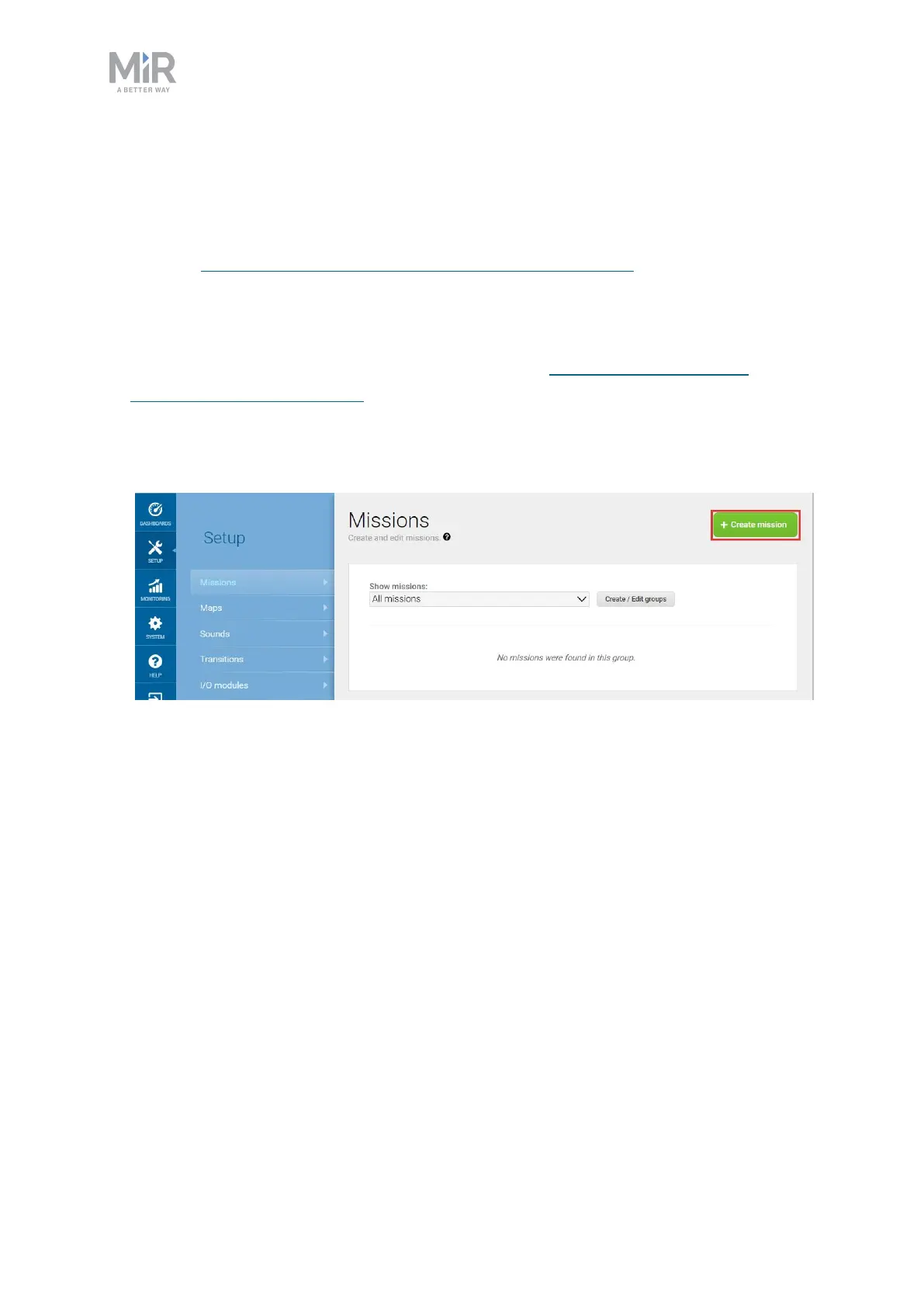
1. Go to Setup > Missions. Select Create Mission.
2. Name the mission Try/Catch. Select the group and site you want it to belong to.
Select Create mission.



 To Next Page