19. Error handling
MiR1350 User Guide (en) 05/2022 - v.1.2 ©Copyright 2021-2022: Mobile Industrial Robots A/S. 268
•
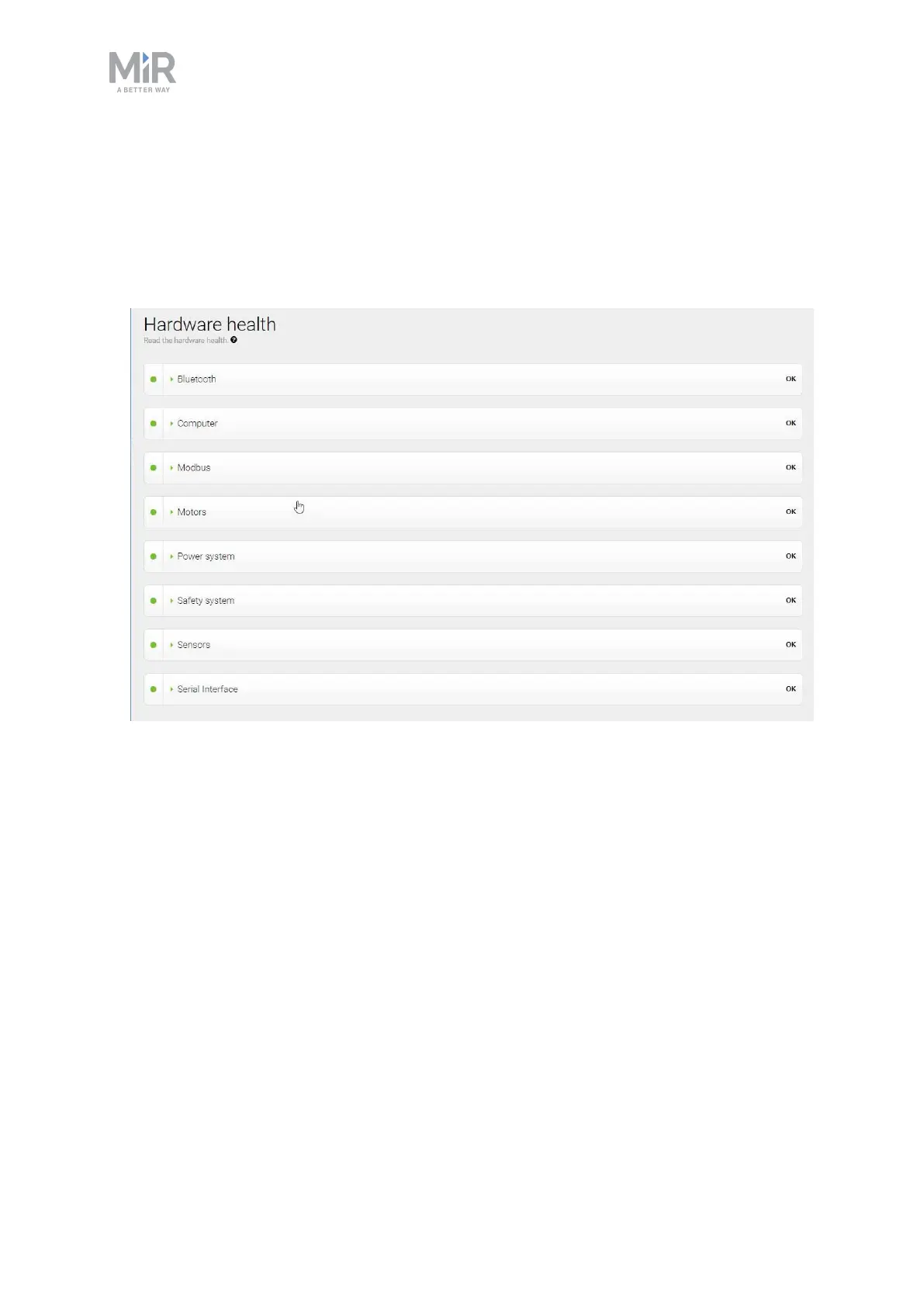
Sign in to the robot interface and go to Monitoring >Hardware health. The
interface displays which component is failing and often for what reason. This
can help identify the source of the error. If an internal component is failing,
turn off the robot, disconnect the battery, and have the commissioner or
operator visually check the internal component for obvious faults.



 To Next Page