6. Getting started
MiR1350 User Guide (en) 05/2022 - v.1.2 ©Copyright 2021-2022: Mobile Industrial Robots A/S. 65
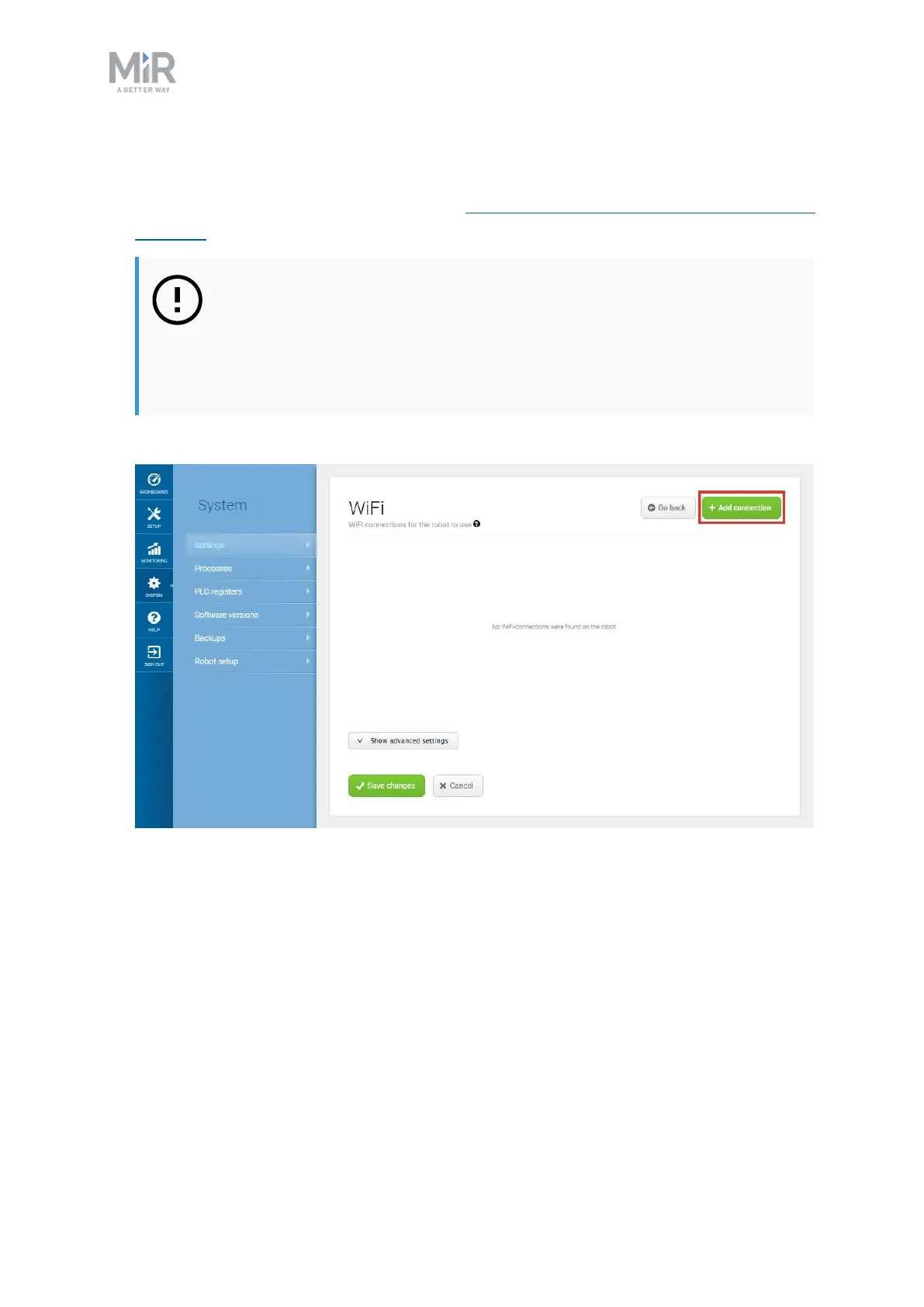
To connect the robot to a WiFi network, follow these steps:
1. Connect to your robot as described in Connecting to the robot interface on
page60.
NOTICE
To comply with the robot's certification, you must use an Ethernet
cable to avoid simultaneously active radio transmitters while
setting up connection to the local WiFi network.
2. Go to System > Settings >WiFi, and select Add connection.



 To Next Page