6. Getting started
MiR1350 User Guide (en) 05/2022 - v.1.2 ©Copyright 2021-2022: Mobile Industrial Robots A/S. 67
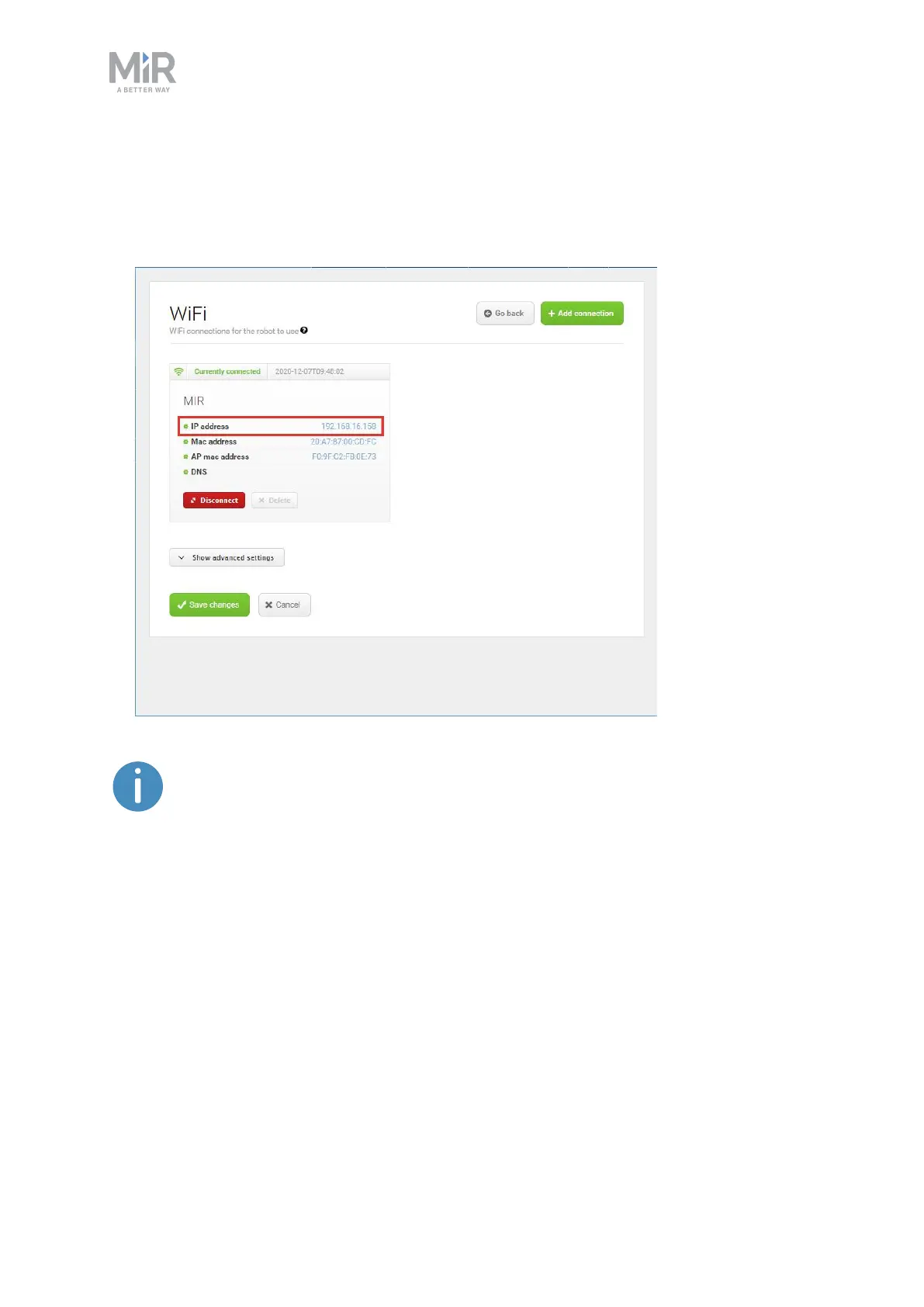
4. Select Add connection when you have finished. The robot is now connected
to the network. When you are connected to the same network, you can access
the robot's interface by entering the IPaddress displayed under the
connection description into your internet browser.
To disconnect the robot from a WiFi network, select Disconnect.



 To Next Page