6. Getting started
MiR1350 User Guide (en) 05/2022 - v.1.2 ©Copyright 2021-2022: Mobile Industrial Robots A/S. 70
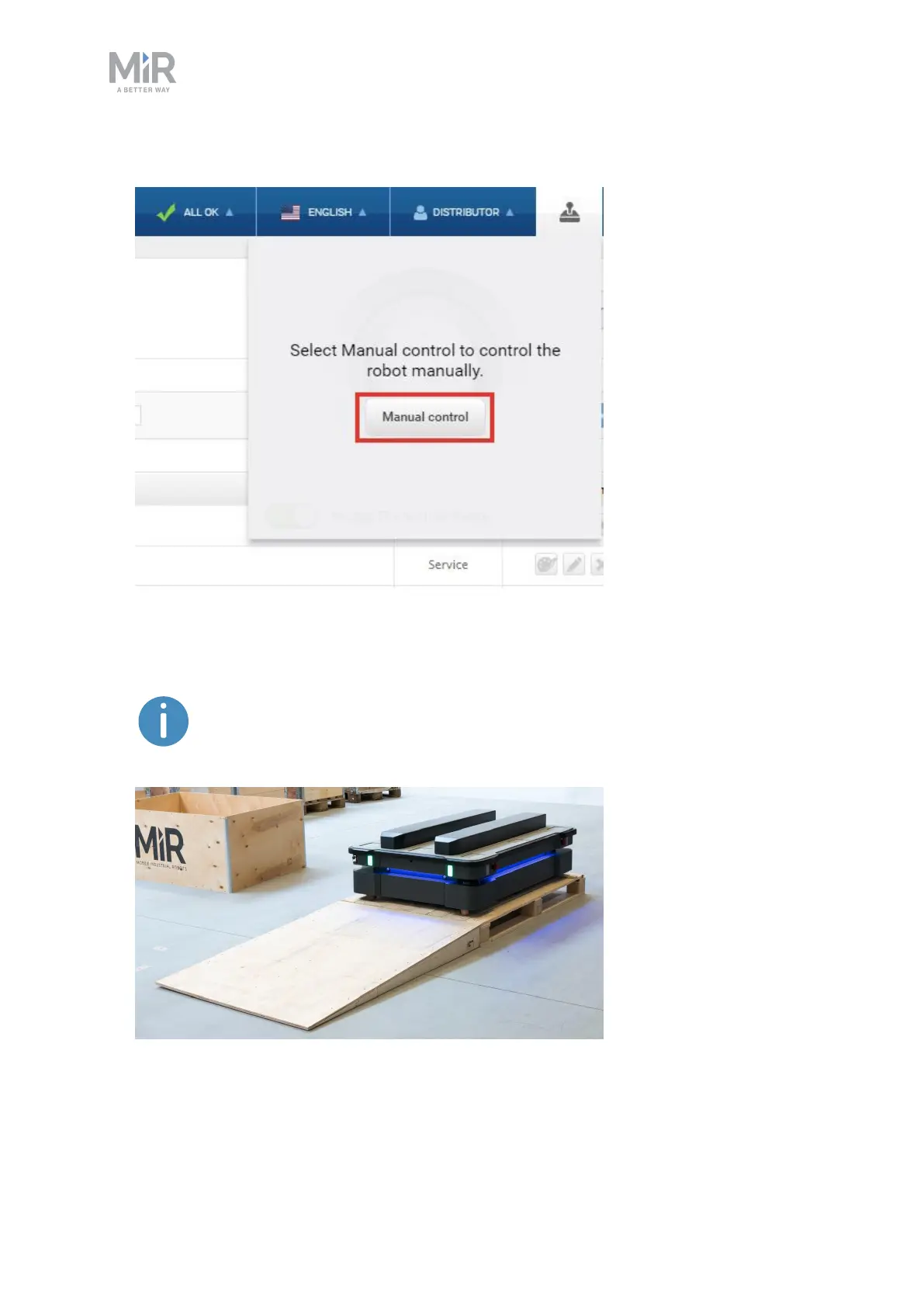
3. Select Manual control. The Resume button on the robot starts blinking.
4. On the robot, press the Resume button. The status lights turn blue, indicating
that the robot is in Manual mode.
The robot is shown with an EU pallet lift.



 To Next Page