MOOR INSTRUMENTS moorLDI2 RESEARCH USER MANUAL
59
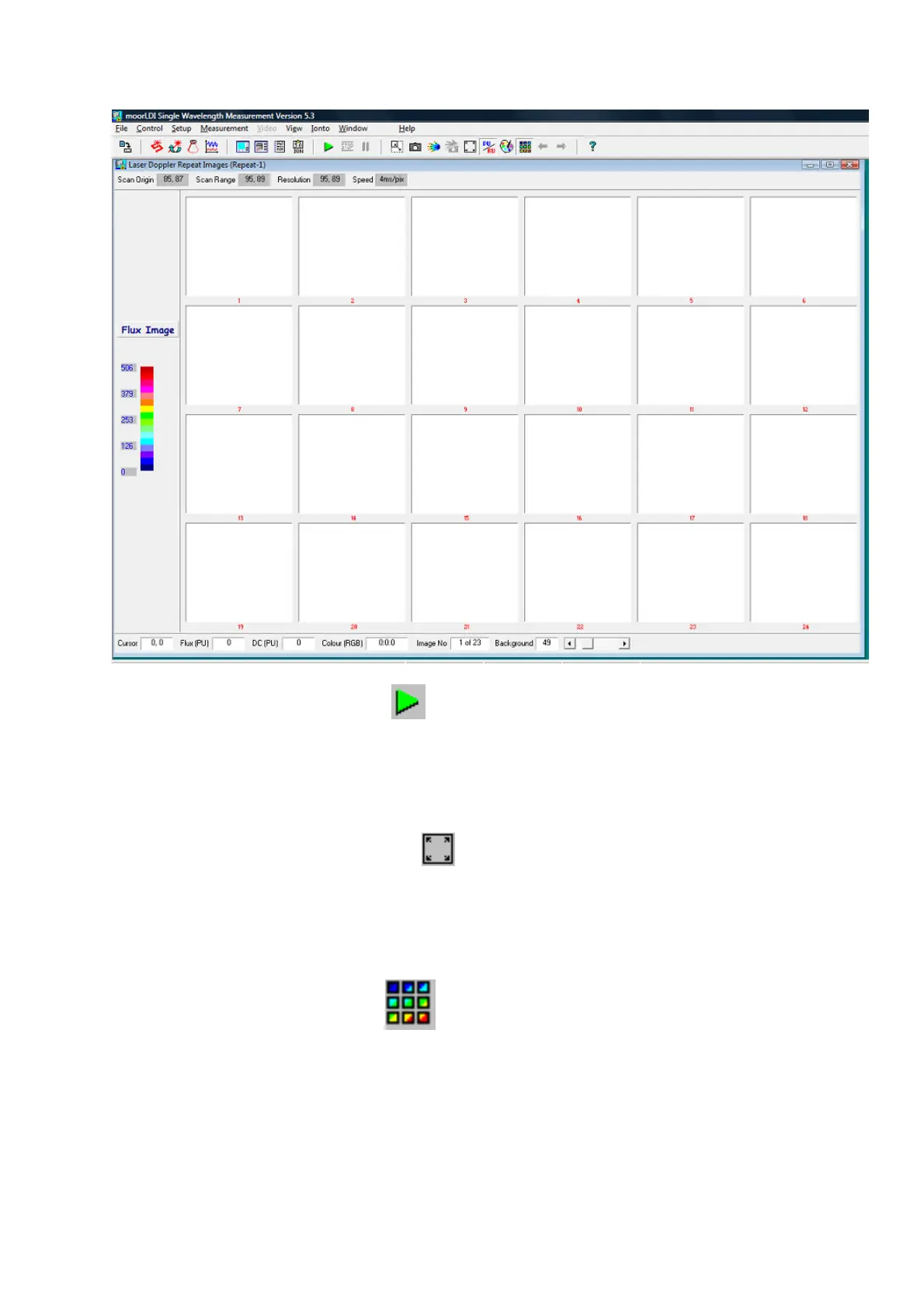
To start click on the green flag.
8.4 REPEAT SCAN DISPLAY DURING MEASUREMENT
If a small area has been selected for a repeat scan it can be displayed either as the small portion it
occupies in the image window or occupying the full scan window: click on the expand icon to toggle
these options (see Section 6.3, icon 1).
The expanded format is better for square images but will distort images with long or tall aspect
ratios.
The screen display during repeat scan can be toggled between single image and multi image display
by clicking on the 9-squares icon .
These options can be selected prior to measurement, during a pause and post-measurement.



 To Next Page