MOOR INSTRUMENTS moorLDI2 RESEARCH USER MANUAL
73
10.4.6 ZOOM IN
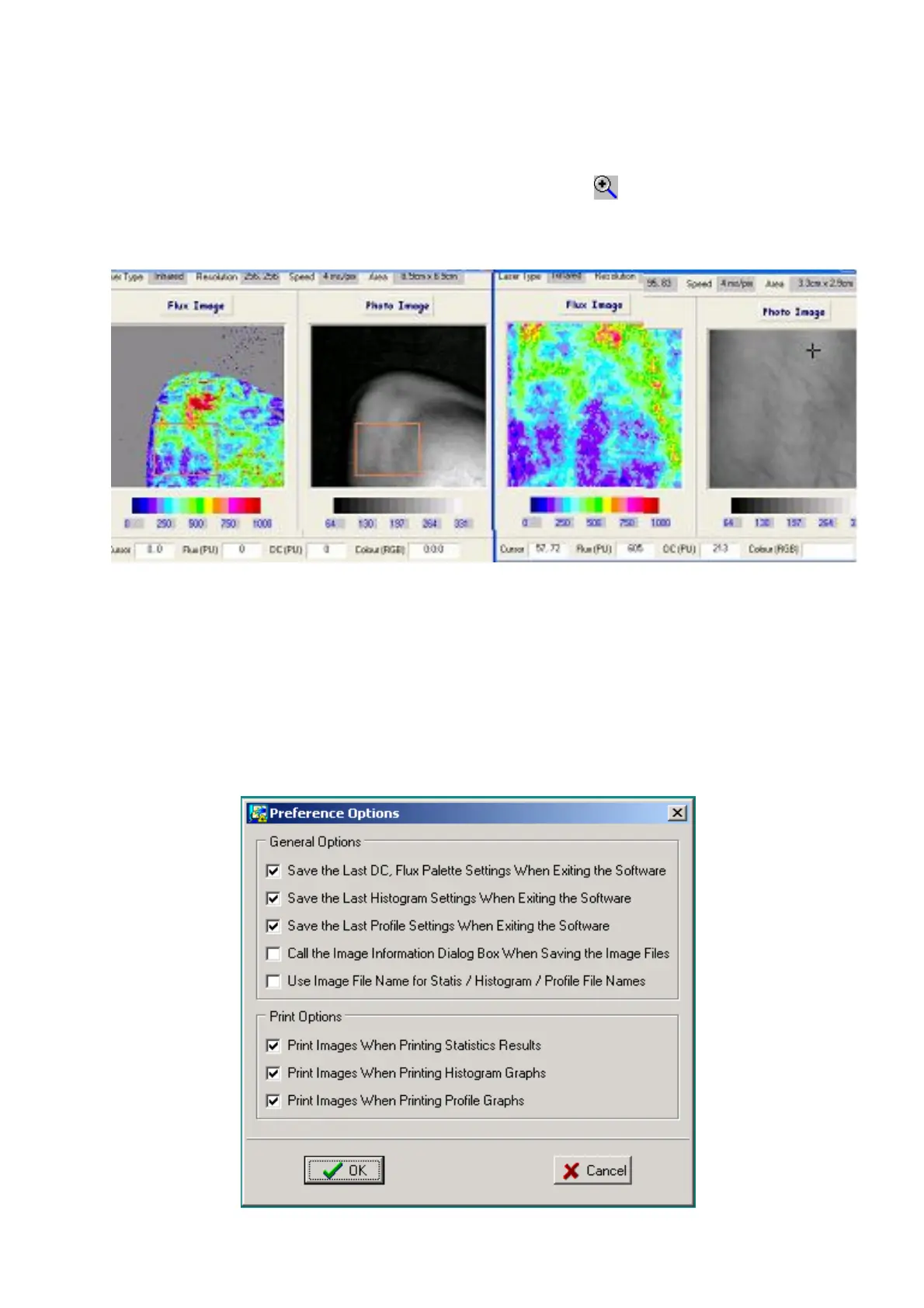
To enlarge a rectangular region of an image it is first necessary to define the rectangular region of
interest. Zoom the ROI by clicking on the magnifying glass icon with the '+' sign. The zoomed
image is opened in a fresh Window automatically.
The zoomed part of an image can be saved as a separate image
10.5 PREFERENCE OPTIONS (For Image Review)
(Note that there is also a different Preference Option menu available in the moorLDI V5
measurement program.)
These image review options are for automatically saving (or not saving) pallette, histogram and
profile settings, and saving,(or not saving), print selections. The print selections determine whether or
not images are included in the printed reports.



 To Next Page